
Hello, explorers! Finding top-quality educational games online for free that actually help children learn can feel like searching for a friendly alien in a vast galaxy. So many websites are full of distracting adverts, hidden costs, or games that aren't very educational at all. But don't worry, we've done the mission for you!
This guide is your map to the best free online resources that make learning fun and effective for children aged 6 to 12. Whether you’re a parent looking for a fun way to help with homework, a teacher searching for brilliant classroom tools, or a homeschooling family building an exciting curriculum, this list has something for everyone.
We've focused on websites that help children build real skills in core subjects like maths, English, and science, while also sparking their creativity and problem-solving abilities. Ready to turn screen time into a powerful and joyful learning adventure? Let's blast off!
1. BBC Bitesize
The BBC offers an incredible, ad-free learning resource called Bitesize, and it's a real star in the world of online learning. It's packed with activities, videos, and quizzes that are perfectly aligned with the UK school curriculum, making it a gold standard for parents and teachers looking for trustworthy educational games online for free. Its clean, simple design and brilliant content make it a fantastic choice for supporting learning at home or in the classroom.
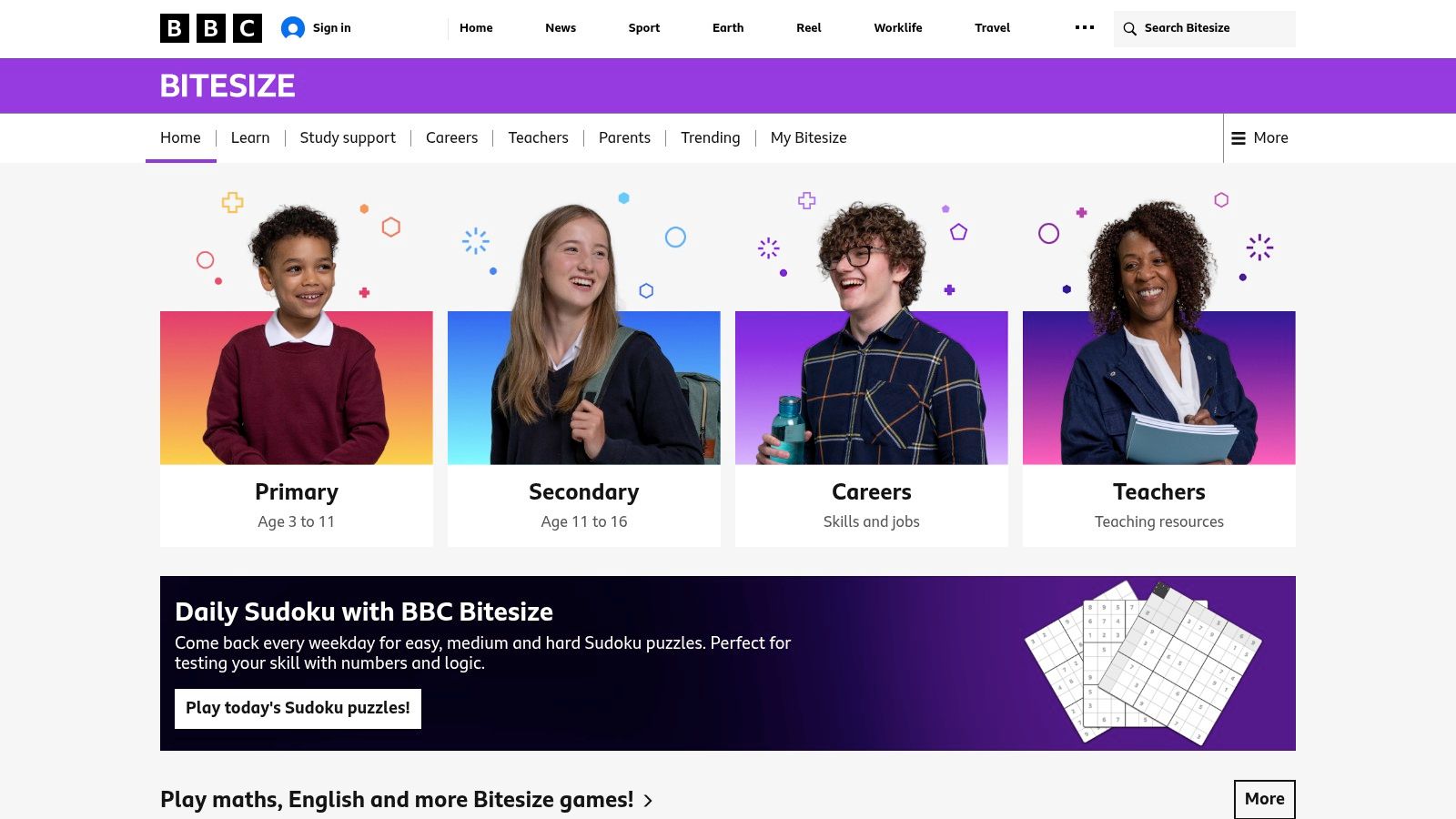
The games on Bitesize are cleverly tucked into specific subject pages. This makes it super easy to find an activity that matches exactly what your child is learning at school, whether it's phonics with the Small Town Superheroes or maths challenges in Guardians of Mathematica. Best of all, you don't need to sign up or pay anything, so you can jump straight into the fun.
Key Features
- Curriculum-Aligned: All games and resources are designed to match the UK national curricula (England, Northern Ireland, Scotland, and Wales).
- Ad-Free & No Sign-Up: Completely free to use without any disruptive ads or the need to create an account.
- Integrated Learning: Games are presented alongside videos, guides, and quizzes to provide a complete learning experience on a given topic.
Pros: Strong curriculum fit, excellent accessibility standards, and high production value.
Cons: Games are embedded within topics rather than in a central arcade, which can make them harder to browse.
Website: https://www.bbc.co.uk/bitesize
2. CBeebies
Also from the brilliant BBC, CBeebies is the perfect online playground for younger children, especially those aged 3-6. It’s a wonderfully safe, colourful, and ad-free space where learning is woven into play with beloved characters. For parents looking for gentle, introductory educational games online for free, it’s a brilliant resource for developing key skills before they start primary school.
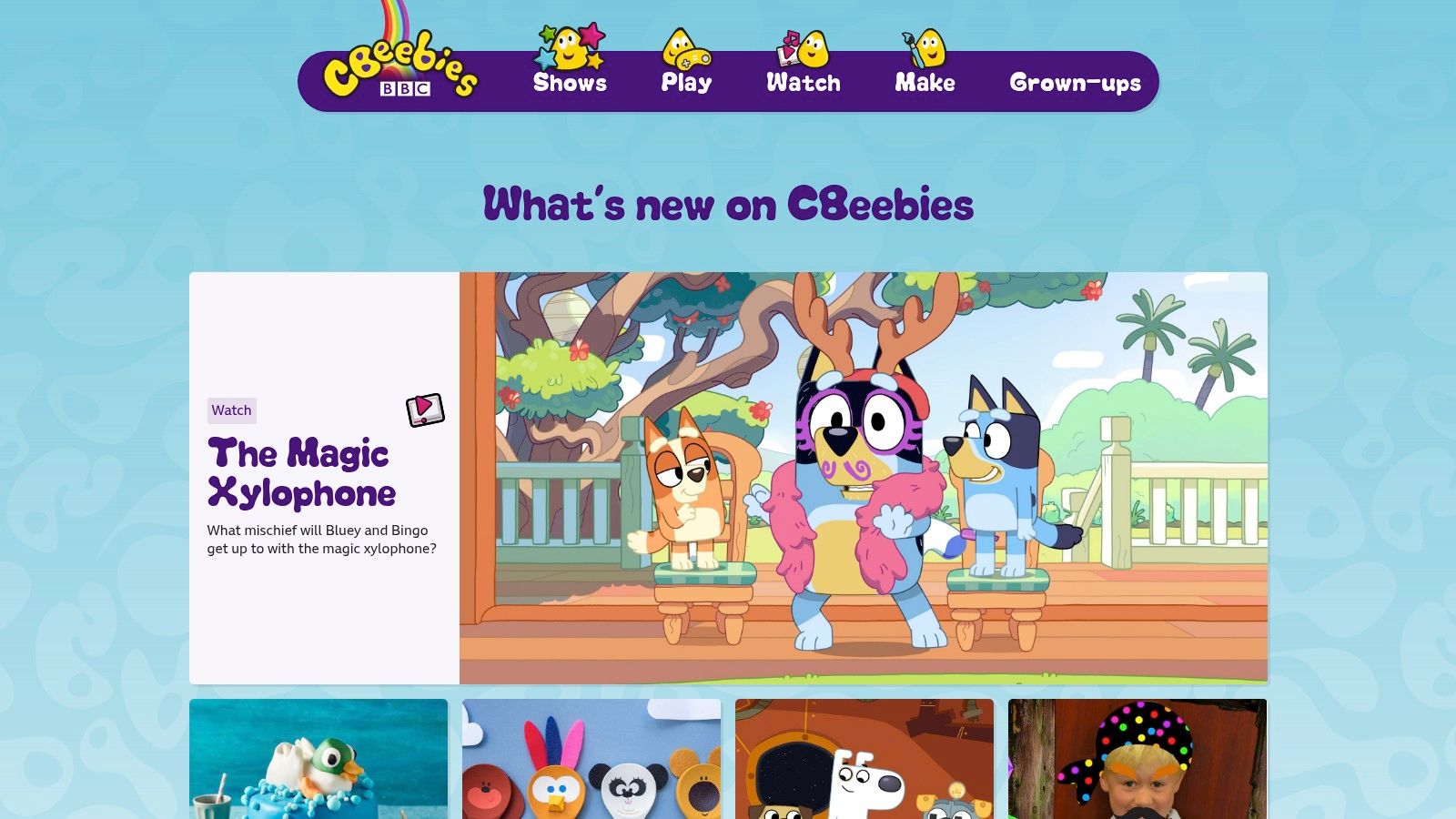
The best thing about CBeebies is its character-led approach. Children can join Bluey, Hey Duggee, or the Numberblocks in games that explore creativity, problem-solving, and basic numbers and letters. The website is very easy for little hands to use, with big, clear pictures and simple instructions. CBeebies also offers fantastic apps, which means the fun can continue even when you’re out and about!
Key Features
- Early-Years Focus: Games are specifically designed for preschool children (ages 3–6) to support early learning goals.
- Character-Driven: Features familiar and trusted characters from popular CBeebies television shows, which makes learning extra engaging.
- Ad-Free & Child-Safe: A completely secure online space with no advertisements, in-app purchases, or external links.
- Companion Apps: Offers free apps for tablets and mobile devices, enabling offline play and learning.
Pros: Excellent for early years development, high safety standards, and features characters children already love.
Cons: Content is aimed at a very young audience and is not suitable for children beyond Key Stage 1.
Website: https://www.bbc.co.uk/cbeebies
3. Topmarks
Topmarks is a huge favourite in UK primary schools. Think of it as a giant, well-organised library of educational games online for free. It finds and links to the best browser-based games from all over the web. Its simple search tool lets you filter by age group and subject, making it a fantastic resource for teachers and parents who need a quick, curriculum-friendly activity without any downloads.
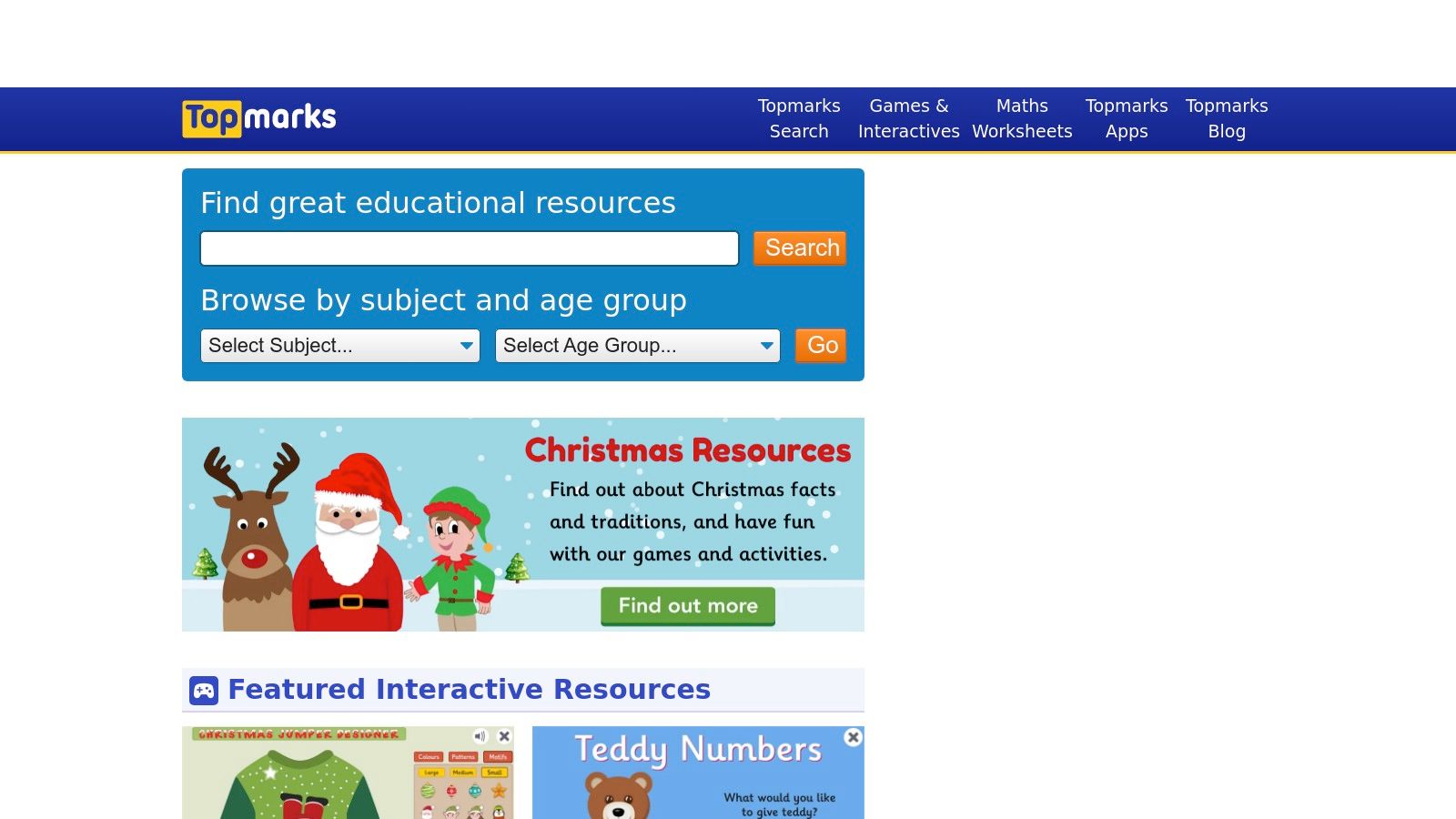
The site is brilliant for its fast, simple games that work perfectly on interactive whiteboards, tablets, and computers. Popular mental maths games like Hit the Button are perfect for daily practice, helping children build speed and confidence. Because Topmarks has been around for years, it has a huge variety of games covering everything from phonics to geography, making it a reliable first stop for learning fun.
Key Features
- Searchable by Age & Subject: Easily find appropriate games for children aged 3 to 14 across all key primary school subjects.
- Fast, Lightweight HTML5 Games: Activities are designed to load quickly and run smoothly on most classroom and home devices.
- Mental-Maths Drills: Features classic, highly effective games like Hit the Button that are ideal for quick-fire practice sessions.
Pros: Excellent for finding age-appropriate UK content, no registration required, and a deep catalogue of games.
Cons: Quality can vary as it links to third-party sites, and some external links may lead to pages with more prominent ads.
Website: https://www.topmarks.co.uk/
4. British Council – LearnEnglish Kids
The British Council is a world expert in teaching English, and their LearnEnglish Kids website is a fantastic, free resource for primary-aged children. It offers a wonderful mix of songs, stories, and activities, all designed by language experts. For parents and teachers supporting children who are learning English as an additional language, it’s a brilliant source of high-quality educational games online for free. The platform is welcoming, easy to use, and organised into clear themes.
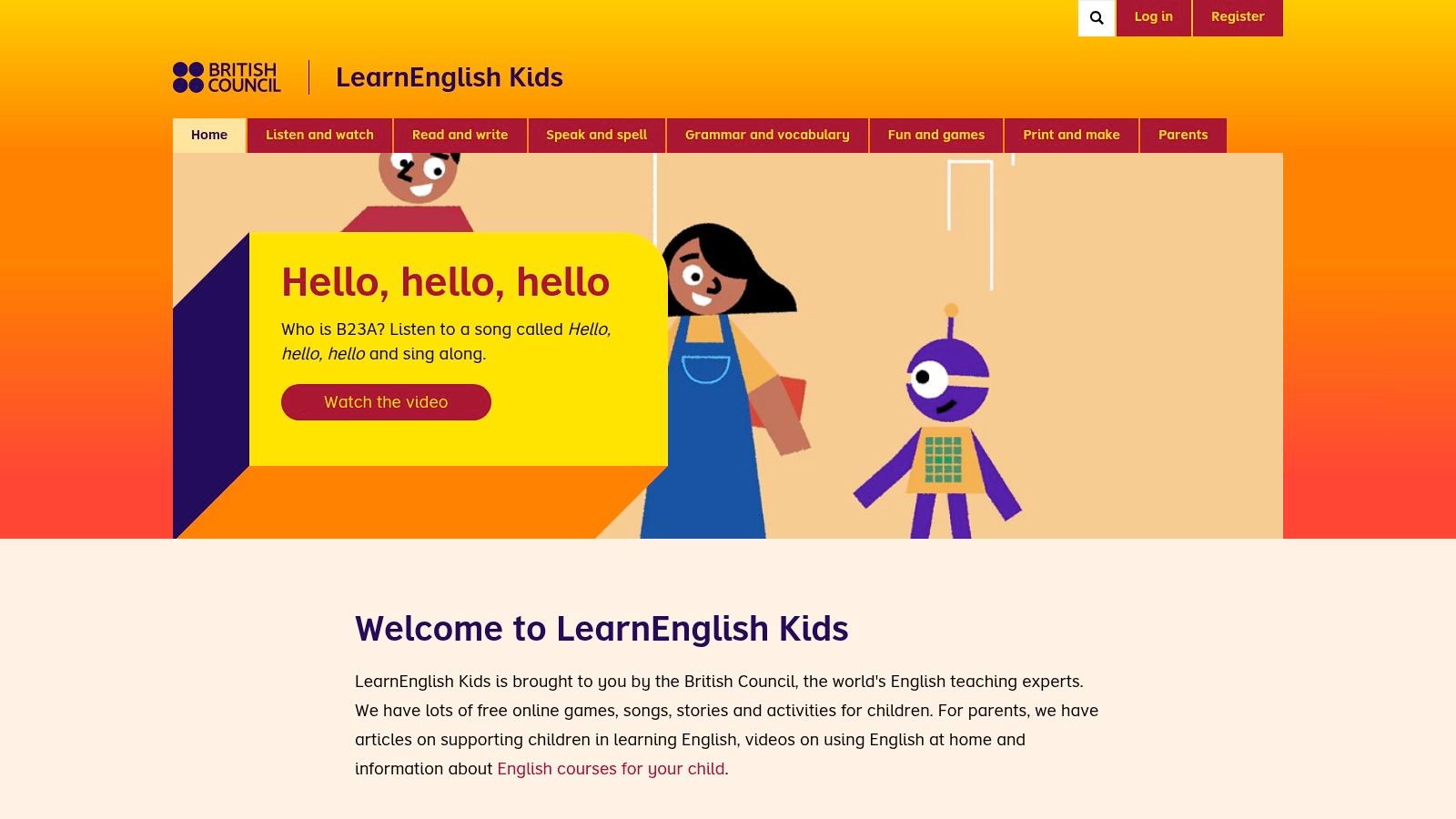
LearnEnglish Kids is all about making literacy fun. Children can listen to classic fairy tales, sing along to vocabulary-building songs, or play games that practise grammar and spelling in a gentle, low-pressure way. The site also includes lots of printable worksheets and guidance for parents and teachers, helping to connect online play with offline practice.
Key Features
- Expert-Designed Content: All games and resources are created by English language teaching specialists for effective learning.
- Comprehensive Resources: Includes games, songs, stories, and printable activities to support a well-rounded approach.
- Parent & Teacher Support: Offers dedicated sections with advice, lesson plans, and guidance for supporting a child's learning journey.
Pros: Pedagogically sound and classroom-tested, culturally diverse content suitable for global learners, and free with minimal ads.
Cons: Specifically focused on English language learning, and graphics are more educational than arcade-style.
Website: https://learnenglishkids.britishcouncil.org/
5. Arcademics
Arcademics blends the thrill of arcade games with school subjects, offering fast-paced, multiplayer races that make practising core skills genuinely exciting. This platform focuses on building speed and accuracy through competition, providing a brilliant collection of educational games online for free. Its simple design means teachers and parents can launch a game in seconds, turning repetitive practice into a lively, fun event.
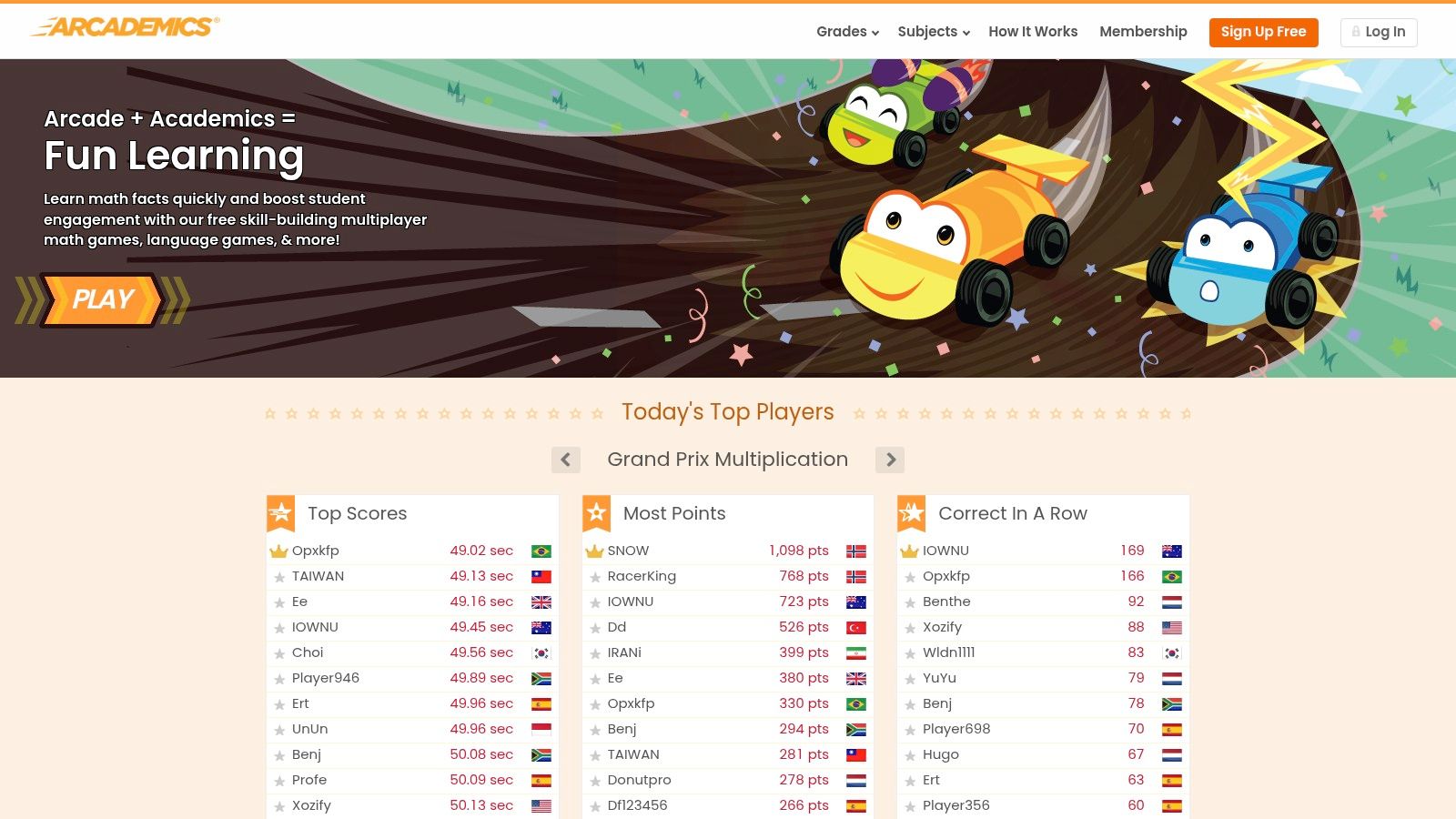
The magic of Arcademics is that children can race against their classmates or other players from around the world! Whether it's the Grand Prix Multiplication car race or the Penguin Jump money-counting game, the focus is on quick thinking. The platform requires no installation and works across all devices, making it an incredibly handy tool for a quick classroom brain break or for homework practice.
Key Features
- Real-time Multiplayer: Games are designed for live competition, allowing children to race against friends or other online players.
- Core Skill Focus: The content is targeted at building fluency in arithmetic, fractions, spelling, and typing.
- Instant Access: No sign-up or installation is needed to play; games launch directly in the browser on any device.
Pros: Highly engaging through friendly competition, simple for teachers to use instantly, and great for building skill fluency.
Cons: The emphasis is on speed and recall rather than deep, conceptual problem-solving, and multiplayer rooms may require light supervision.
Website: https://www.arcademics.com/
6. ABCya
A popular choice in primary classrooms for years, ABCya is a well-organised hub with hundreds of games created by teachers. Its bright, child-friendly design makes it easy for kids from Reception to Year 6 to explore on their own, finding activities that cover subjects like maths, literacy, art, and logic. The desktop version is free with ads and offers a huge catalogue of educational games online for free, making it a fantastic resource for fun practice.
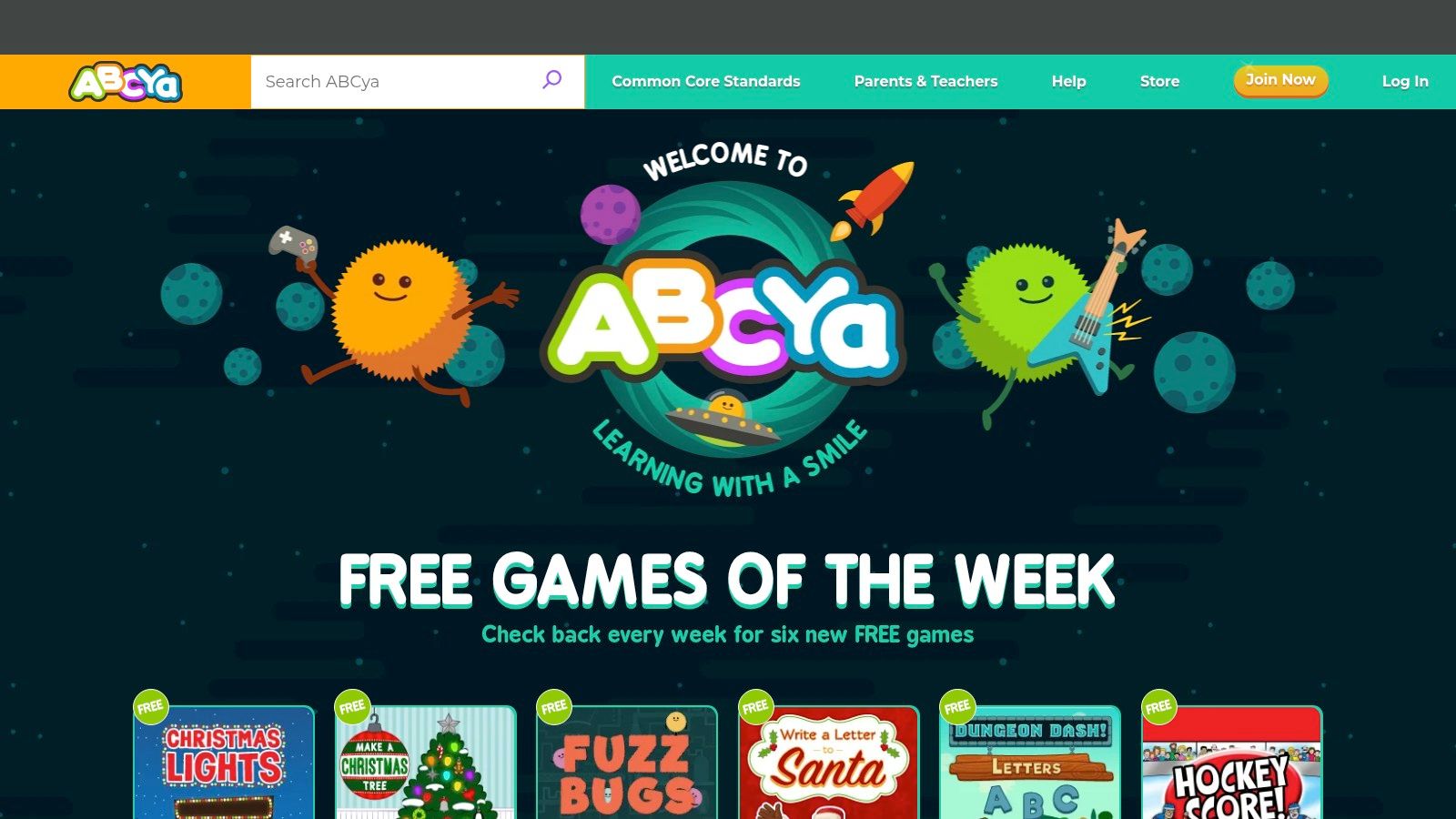
What makes ABCya so popular is its simple menu system, organised by year group. A child can easily select their year and browse games sorted by subject, such as "Numbers," "Letters," or "Strategy." This straightforward design empowers young learners to take charge of their own learning. You can learn more about how to get the most out of ABCya's educational games and similar platforms for supporting what children learn in school.
Key Features
- Grade-Banded Menus: Games are neatly organised by year group from Pre-K to Year 6, simplifying navigation.
- Hundreds of Mini-Games: A massive selection of games covers a broad range of core subjects and skills.
- Browser & App Access: Play is available directly in a browser, with dedicated mobile apps for on-the-go learning.
Pros: Massive variety for younger learners, easy to browse by year and topic, and familiar in classrooms for quick activities.
Cons: Ads on the free desktop version can be distracting, and some content and features are behind a paywall.
Website: https://www.abcya.com/
7. Funbrain
Funbrain is a true veteran of the educational web, offering free games and learning activities for decades. It's a huge portal of browser-based maths, reading, and logic games designed for quick, accessible fun. While its design is more classic than some newer platforms, it remains a reliable source for simple, no-fuss educational games online for free, especially for younger primary school children.
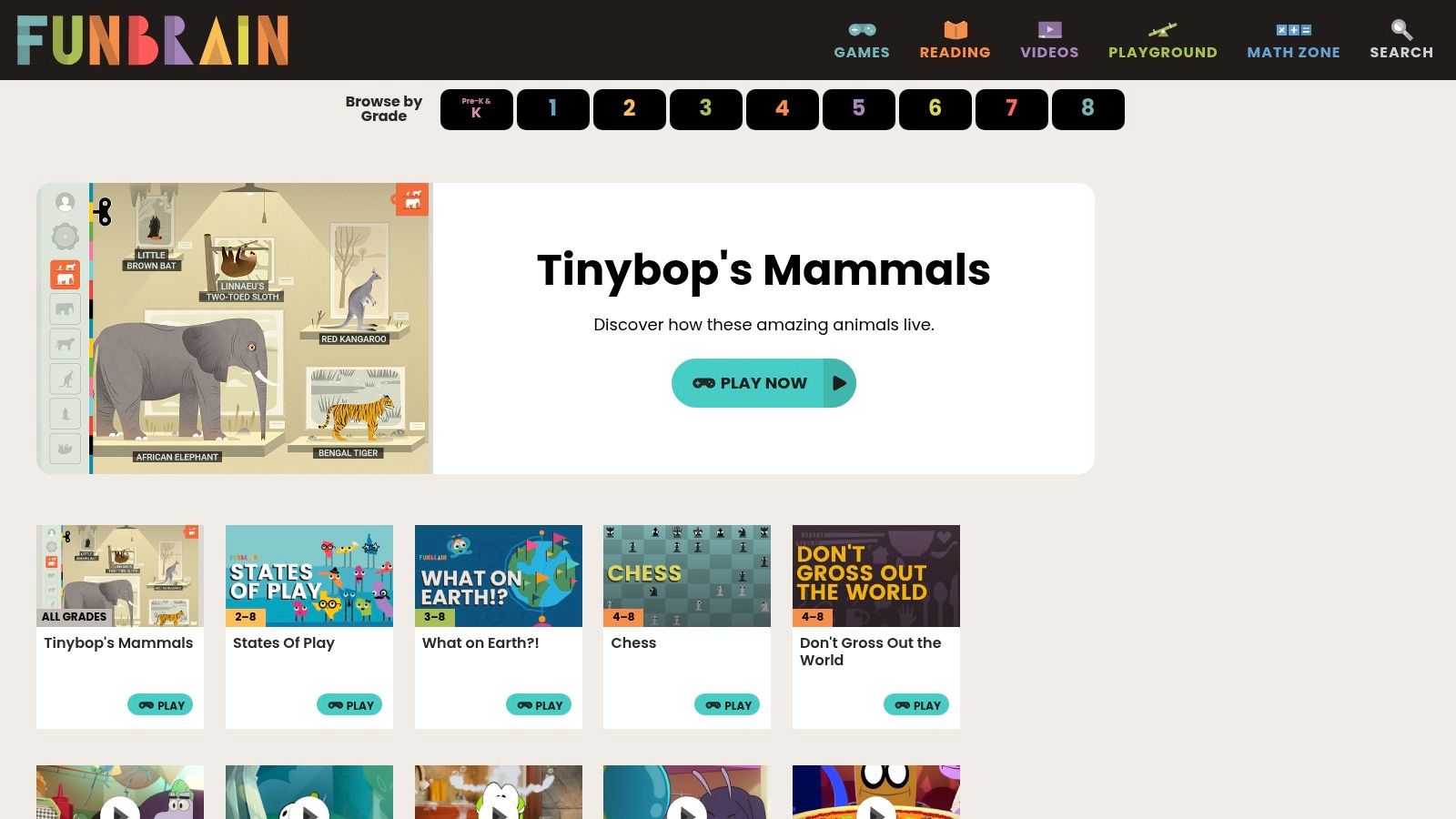
The platform organises its content by grade level, from pre-school to Year 8, making it easy to find age-appropriate activities. Funbrain focuses on playful repetition and engagement through popular games like the Math Baseball series. It also includes a reading section with extracts from popular children's books, offering a nice balance between interactive play and traditional literacy, all without needing any downloads or sign-ups.
Key Features
- Browser-Based: All games run directly in your web browser, requiring no installation or powerful hardware.
- Grade-Level Navigation: Content is clearly organised by year group, simplifying the search for suitable activities.
- Mix of Subjects: Offers a blend of maths drills, logic puzzles, and reading content in one place.
- Large Catalogue: A long-standing site with a huge archive of games to explore.
Pros: Completely free to play, simple low-barrier games perfect for primary years, and a trusted, long-standing reputation.
Cons: The presence of ads can be distracting, and some of the older games may feel visually dated.
Website: https://www.funbrain.com/
8. Coolmath Games
Despite its name, Coolmath Games is much more than just a numbers site; it's a huge playground of logic, strategy, and thinking games that has been a school favourite for years. The platform has a clear mission: to make learning fun by providing educational games online for free that are non-violent and family-safe. It’s brilliant for games that develop critical thinking and problem-solving skills in a way that feels more like play than work.
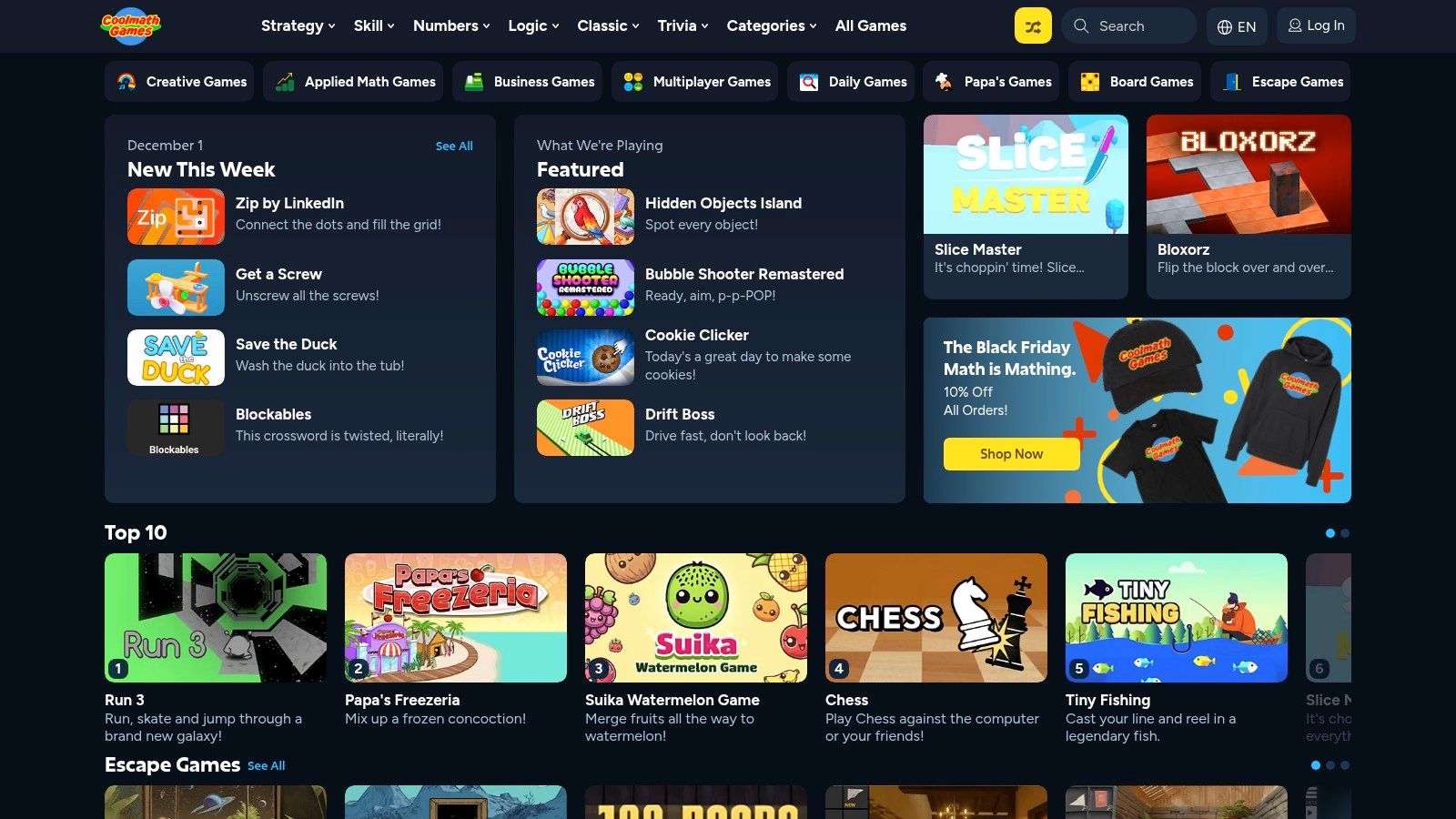
What makes Coolmath Games stand out is its huge, well-chosen library. You'll find everything from classic board games like chess to physics-based puzzles that really make you think. It also offers a dedicated Coolmath4Kids site specifically for younger learners with simpler concepts. While the core experience is free and supported by ads, families and schools can choose a premium subscription to remove them.
Key Features
- Curated & Family-Safe: All games are vetted to ensure they are non-violent and appropriate for children.
- Logic & Strategy Focus: The catalogue is particularly strong in games that build problem-solving and critical thinking skills.
- Mobile & Desktop Support: Games are accessible across various devices, making it easy to play anywhere.
- Coolmath4Kids Site: A separate, tailored experience is available for younger children with age-appropriate content.
Pros: A massive selection of games that promote strategic thinking, with a strong curation policy ensuring safety.
Cons: Ads on the free version can be distracting, and not all games are explicitly mathematical despite the branding.
Website: https://www.coolmathgames.com/
9. Prodigy
Prodigy has transformed maths practice into an epic fantasy adventure game that millions of children love. Children create a wizard avatar and explore a magical world, battling monsters by correctly answering curriculum-aligned maths questions. This gamified approach makes it one of the most engaging platforms offering educational games online for free, especially for children who might find maths a bit tricky.
Prodigy cleverly adjusts the difficulty of the questions based on a child's performance, making sure they are always challenged but never overwhelmed. The main educational content is completely free, while an optional membership unlocks extra in-game decorations. The platform also offers free dashboards for teachers and parents to track progress and see where children might need extra help, making it a powerful tool for both home and school.
Key Features
- Adaptive Learning: The game’s question engine automatically adjusts difficulty to match the player's skill level.
- Teacher & Parent Dashboards: Free tools allow adults to monitor progress, set goals, and view detailed performance reports.
- Curriculum-Aligned: Content is aligned with curricula in the UK, US, Canada, Australia, and other regions.
Pros: Highly motivating for reluctant learners, strong data tools for teachers, and core educational gameplay is free.
Cons: Requires account creation, and the optional paid membership can create a sense of inequality among players.
Website: https://www.prodigygame.com/
10. Scratch
Developed by the clever folks at MIT, Scratch lets children create their own games instead of just playing them. It's a free visual programming language where you can build stories, animations, and games using simple drag-and-drop code blocks. This is a fantastic way to develop problem-solving and logic skills, making it a powerful resource for STEM learning.
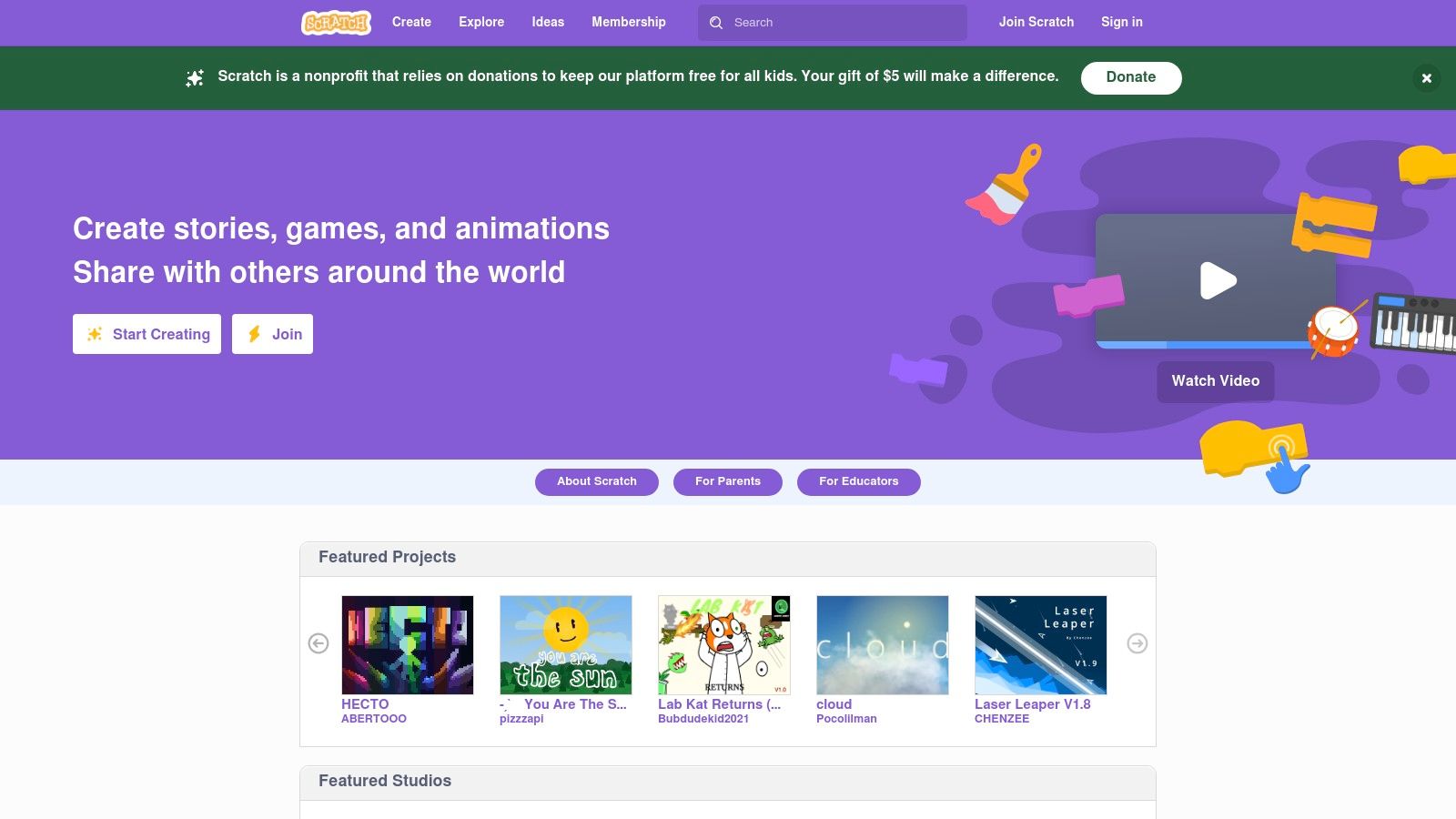
As well as creating, children can play millions of games made by other kids from around the world. They can even look "inside" the games to see how they were coded and "remix" them to add their own creative ideas. This collaborative and open-ended environment makes learning to code feel like play, offering endless fun and educational value at no cost.
Key Features
- Block-Based Coding: An intuitive drag-and-drop interface makes it easy for beginners to learn programming concepts.
- Massive Project Gallery: Millions of free, user-created games and animations are available to play and learn from.
- Safe Community & Remixing: A moderated platform that encourages users to build upon each other’s work in a safe environment.
Pros: Teaches foundational coding skills through game creation, huge variety of content, and is completely free to use.
Cons: The quality of community-made games can vary, and it takes time to find the best educational projects or learn to create them.
Website: https://scratch.mit.edu/
11. PhET Interactive Simulations
From the University of Colorado Boulder, PhET offers a remarkable collection of interactive simulations for science and maths. Instead of traditional games with points and levels, PhET provides virtual labs where children can explore scientific concepts hands-on. These are some of the most powerful educational games online for free for building a real understanding of how things work, from atoms to electrical circuits.
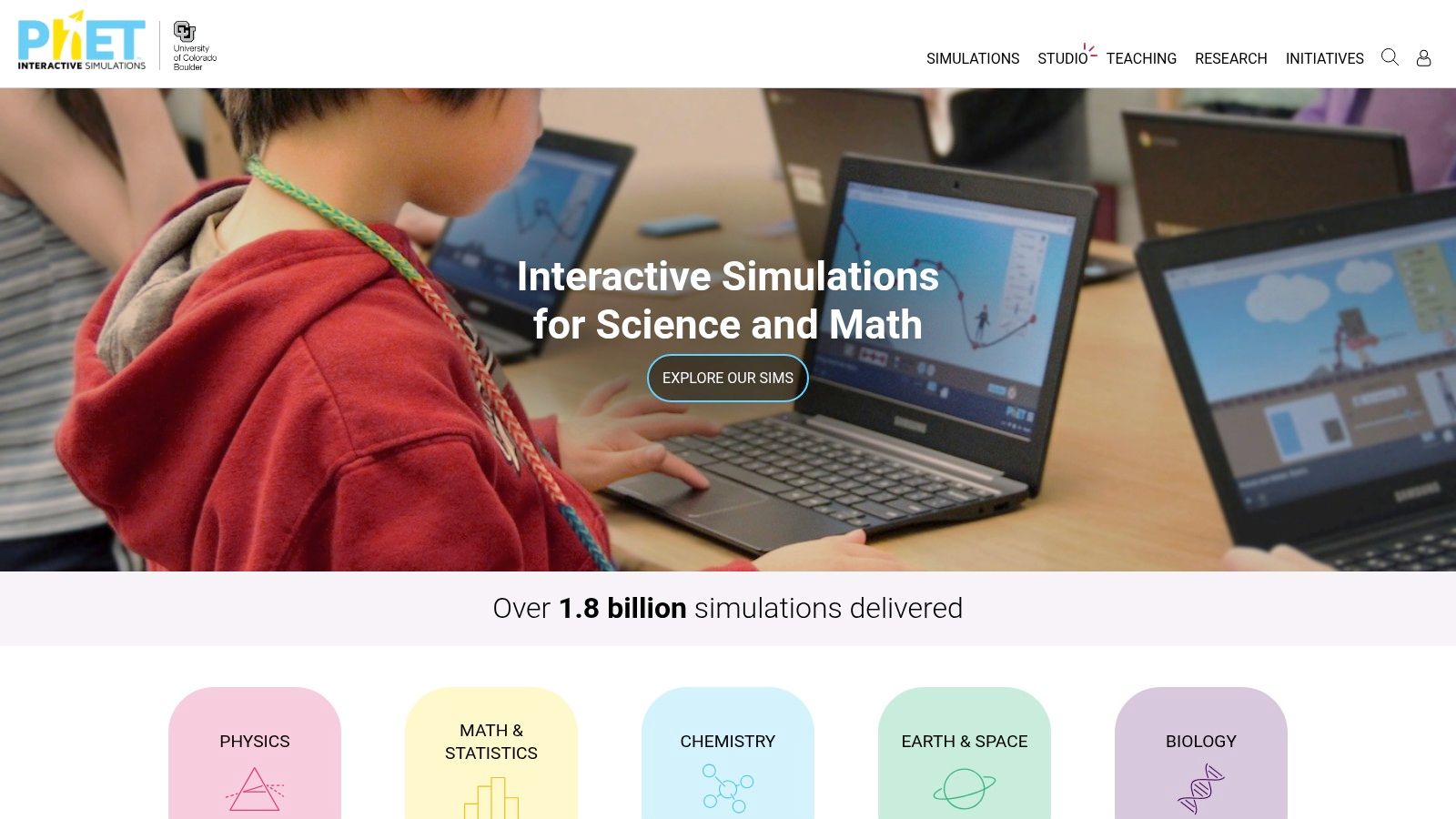
The platform lets children experiment with cause and effect and discover scientific principles for themselves. For example, they can build circuits, balance chemical equations, or explore gravity on different planets. Because these simulations encourage curiosity, they work brilliantly when a parent or teacher is there to help guide the exploration, turning screen time into a genuine scientific investigation. The entire library is free and available in many languages.
Key Features
- 150+ Interactive STEM Simulations: A vast library covering physics, chemistry, biology, earth science, and maths.
- Open, Explorable Tools: Features virtual instruments like rulers, voltmeters, and timers to encourage experimentation.
- Teacher-Contributed Resources: Includes lesson plans and activity guides to help structure learning sessions.
- Accessible & Multilingual: Translated into many languages and designed with accessibility features.
Pros: Strong research pedigree, excellent for conceptual understanding beyond rote learning, and completely free to use.
Cons: Not arcade-style games, so they are best used with guidance for younger learners.
Website: https://phet.colorado.edu/
12. National Geographic Kids
For children who are fascinated by the natural world, National Geographic Kids offers a fun collection of games, quizzes, and activities about science, geography, and animals. The platform uses its world-famous brand to provide high-quality, visually stunning content that sparks curiosity. It's an excellent resource for informal learning, allowing children to explore topics they love while searching for educational games online for free.
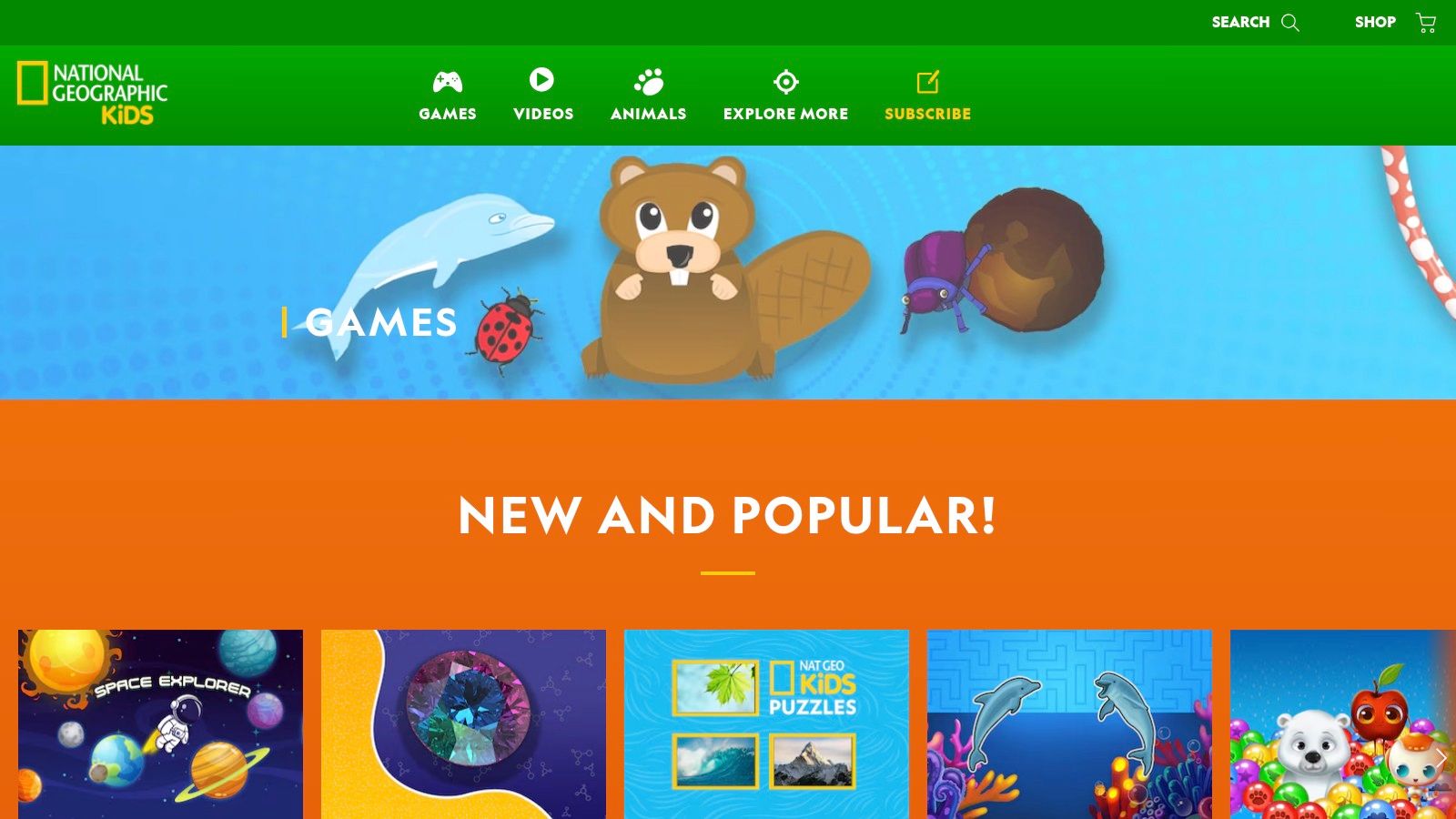
Nat Geo Kids is brilliant at discovery-based learning. The games are browser-based with no installation needed, so they're instantly accessible. Children can dive into a quiz about weird animals, solve a geography puzzle, or watch short videos packed with amazing facts. This makes it a perfect tool for getting children excited about a new school project or satisfying their natural curiosity about our planet.
Key Features
- Topic-Focused Content: Games and quizzes are heavily focused on animals, nature, and geography.
- High-Quality Visuals: Uses National Geographic's stunning photography and illustrations to create an immersive experience.
- Instant Access: All activities are browser-based, requiring no downloads, sign-ups, or subscriptions to play.
Pros: Excellent for informal learning and engaging reluctant readers with factual content. Easy to pair with school projects on nature and geography.
Cons: Games are more for casual knowledge checks than focused skill practice. Some content uses US-centric framing.
Website: https://kids.nationalgeographic.com/games/
12 Free Educational Games Sites Comparison
| Platform | Core features | UX / Quality ★ | Value & Price 💰 | Target audience 👥 | Unique selling points ✨🏆 |
|---|---|---|---|---|---|
| BBC Bitesize | Curriculum-aligned mini-games, lessons, quizzes, videos | ★★★★☆ | 💰 Free, ad-free, no account | 👥 KS1–KS3 (5–14) | ✨ Curriculum fit · 🏆 BBC accessibility & trust |
| CBeebies | Preschool games tied to popular shows; companion apps | ★★★★☆ | 💰 Free, ad-free, offline apps | 👥 Ages 3–6 | ✨ Familiar characters · 🏆 Very child-safe |
| Topmarks | Searchable hub by age/subject; lightweight HTML5 activities | ★★★★☆ | 💰 Free, mostly ad-light | 👥 Primary (3–11) | ✨ Powerful search/filter · 🏆 Classroom-friendly |
| British Council – LearnEnglish Kids | Games, songs, stories, printables with teacher guides | ★★★★☆ | 💰 Free, ad-light | 👥 EAL/ESOL primary & global learners | ✨ Expert-designed lessons · 🏆 Pedagogical depth |
| Arcademics | Fast-paced multiplayer races and skill drills (math, typing) | ★★★★☆ | 💰 Free; apps available | 👥 KS1–KS3 (6–14) | ✨ Real-time multiplayer · 🏆 Highly engaging |
| ABCya | Grade-banded mini-games across subjects; apps & premium | ★★★★☆ | 💰 Free w/ ads; Premium removes ads 💳 | 👥 Pre-K–Year 6 (4–11) | ✨ Massive variety · 🏆 Classroom staple |
| Funbrain | Maths, reading games and large archive of activities | ★★★☆☆ | 💰 Free with ads | 👥 Primary learners (5–11) | ✨ Broad archive · 🏆 Longstanding brand |
| Coolmath Games | Curated logic/strategy & family-safe puzzles; Coolmath4Kids | ★★★★☆ | 💰 Free w/ ads; ad-free membership available | 👥 Kids 6+ (younger section available) | ✨ Strong critical-thinking titles · 🏆 Curated safety |
| Prodigy | Adaptive RPG maths, placement tests, teacher & parent dashboards | ★★★★★ | 💰 Core free; premium extras 💳 | 👥 Ages ~6–13 | ✨ Adaptive engine + data tools · 🏆 Very motivating |
| Scratch | Block-based coding, create & remix community projects | ★★★★☆ | 💰 Free | 👥 Ages 8+ (used 6–12 in clubs) | ✨ Teaches coding by making · 🏆 Massive community |
| PhET Interactive Simulations | 150+ research-based STEM simulations with virtual instruments | ★★★★★ | 💰 Free | 👥 Upper primary & secondary (8+) | ✨ Research-backed conceptual sims · 🏆 Classroom-ready |
| National Geographic Kids | Animal/geography games, quizzes, printable activities | ★★★★☆ | 💰 Free | 👥 Primary nature/geography fans (5–12) | ✨ High-quality visuals & facts · 🏆 Trusted brand |
Final Thoughts
Navigating the vast universe of online learning can feel like plotting a course through an asteroid field. However, with the right map, you can discover incredible destinations that make learning an adventure. We’ve explored a dozen of the best platforms offering educational games online for free, from the curriculum-aligned excellence of BBC Bitesize to the creative coding galaxy of Scratch and the mathematical quests of Prodigy. Each tool offers a unique way to spark curiosity and build skills in a fun, engaging way.
The secret is finding a tool that matches your child's interests and learning style. What works wonders for a child who loves fast-paced action (like Arcademics) might not suit a child who prefers story-driven challenges (like those on Funbrain).
How to Choose the Right Educational Games
Before you launch into a new platform, here are a few tips for a successful educational mission:
- Know Your Goal: Are you hoping to boost multiplication skills, improve reading, or introduce coding? Start with a clear aim. For UK curriculum practice, BBC Bitesize is perfect. For broader skill-building, a site like ABCya offers more variety.
- Follow Your Child's Interests: Learning is most effective when it's fun! If your child is fascinated by animals, the vibrant world of National Geographic Kids will be far more engaging than a plain maths game. Tap into their passions to make learning feel like play.
- Check the User Experience: A confusing website or too many adverts can be frustrating. Spend a few minutes exploring a site yourself. Is it easy to find the games? Are the instructions clear? Platforms like PhET Interactive Simulations are great for deep-diving into STEM topics without distraction.
- Balance Screen Time: While these free online educational games are fantastic, they work best as part of a balanced learning diet. Use them to support schoolwork and hands-on activities. Why not use a game on Scratch to design a space mission after reading one of our Space Ranger Fred adventures?
Ultimately, the power of these platforms is their ability to turn learning into an interactive exploration. By choosing the right tools, you can give your child’s learning journey a powerful boost, helping them build confidence and develop a lifelong love of discovery.
If you're looking for more ways to blend storytelling with STEM, why not explore the universe of Space Ranger Fred? Our books and free activities are designed to make science exciting and accessible, perfectly complementing the skills your child develops through educational games. Discover your next family adventure at Space Ranger Fred today