
Hello, fellow explorers! Finding the right apps for our young adventurers can feel like navigating a dense asteroid field. Which ones genuinely spark curiosity, and which make learning feel like a grand game? As a six-year-old begins their journey through Key Stage 1, their universe is bursting with new ideas in reading, maths, and science. A brilliant app can be the perfect co-pilot, turning screen time into a launchpad for imagination and discovery.
But how do you choose the best educational apps for 6 year olds? We’re looking for more than just digital flashcards. This guide is for parents and teachers who want apps that encourage children to try, to build, to ask questions, and to solve problems creatively. We've gathered our favourite platforms and apps, complete with direct links, to help you make an informed choice.
We'll explore everything from cosmic coding quests to story-powered reading adventures, like those found in the Space Ranger Fred series. This guide will help you find the perfect, safe, and engaging tools to support your child’s learning journey. Let’s get ready for lift-off!
1. Space Ranger Fred
Best for: Story-driven STEM learning that feels like an adventure.
For families looking for an immersive educational world rather than just one app, Space Ranger Fred offers a brilliant, story-first approach. It expertly blends humour, adventure, and science, making it a powerful contender for the best educational resource for 6-year-olds who love a good tale. This isn't just a single app; it's a whole universe designed to turn screen time into active, imaginative learning.
At its heart, the platform uses the adventures of its lovable hero, Fred, to introduce STEM concepts in a fun way. Children can follow Fred’s journey through a growing book series, and then extend that learning through a world of connected activities and games. This multi-platform model is its greatest strength, offering a clear and engaging path from reading a story to trying something out for themselves.
Why It Stands Out
What makes Space Ranger Fred unique is its connected, cross-media world. A child can read a story about Fred solving a galactic problem, then visit the website to try a related printable activity, or play a simple game that reinforces the idea. This structure is ideal for nurturing genuine curiosity and problem-solving skills.
The platform is brilliant at creating a seamless transition from entertainment to education, using storytelling as the vehicle for discovery-based learning. It’s a fantastic way to engage children who might otherwise be put off by formal science topics.
For parents and teachers, the site is a brilliant resource hub. You’ll find classroom-ready materials and at-home activities that are easy to try, encouraging children to experiment and solve problems away from the screen.
Key Features:
- Story-First STEM: Complex topics are made easy to understand through funny, engaging stories.
- Multi-Platform Universe: Includes books, printable activities, videos, and games.
- Teacher & Parent Resources: A dedicated section offers downloadable materials to support learning.
- Active Community: Regular updates and an active blog keep the content fresh and relevant.
Considerations:
While the core universe is brilliant, some of the most ambitious components, like a full-scale video game, are still in development. Pricing is also product-dependent, so you'll need to check individual books or programme listings rather than a single subscription fee.
Find it here: https://spacerangerfred.com
2. Apple App Store (UK) – Ages 6–8
For parents and teachers using Apple devices, the curated “Ages 6–8” section on the App Store is an excellent starting point. Rather than a single app, this is a trusted discovery platform that makes finding high-quality, vetted educational apps for 6-year-olds much simpler. Apple’s editorial team frequently highlights standout apps in stories and collections, saving you the effort of sifting through thousands of options.
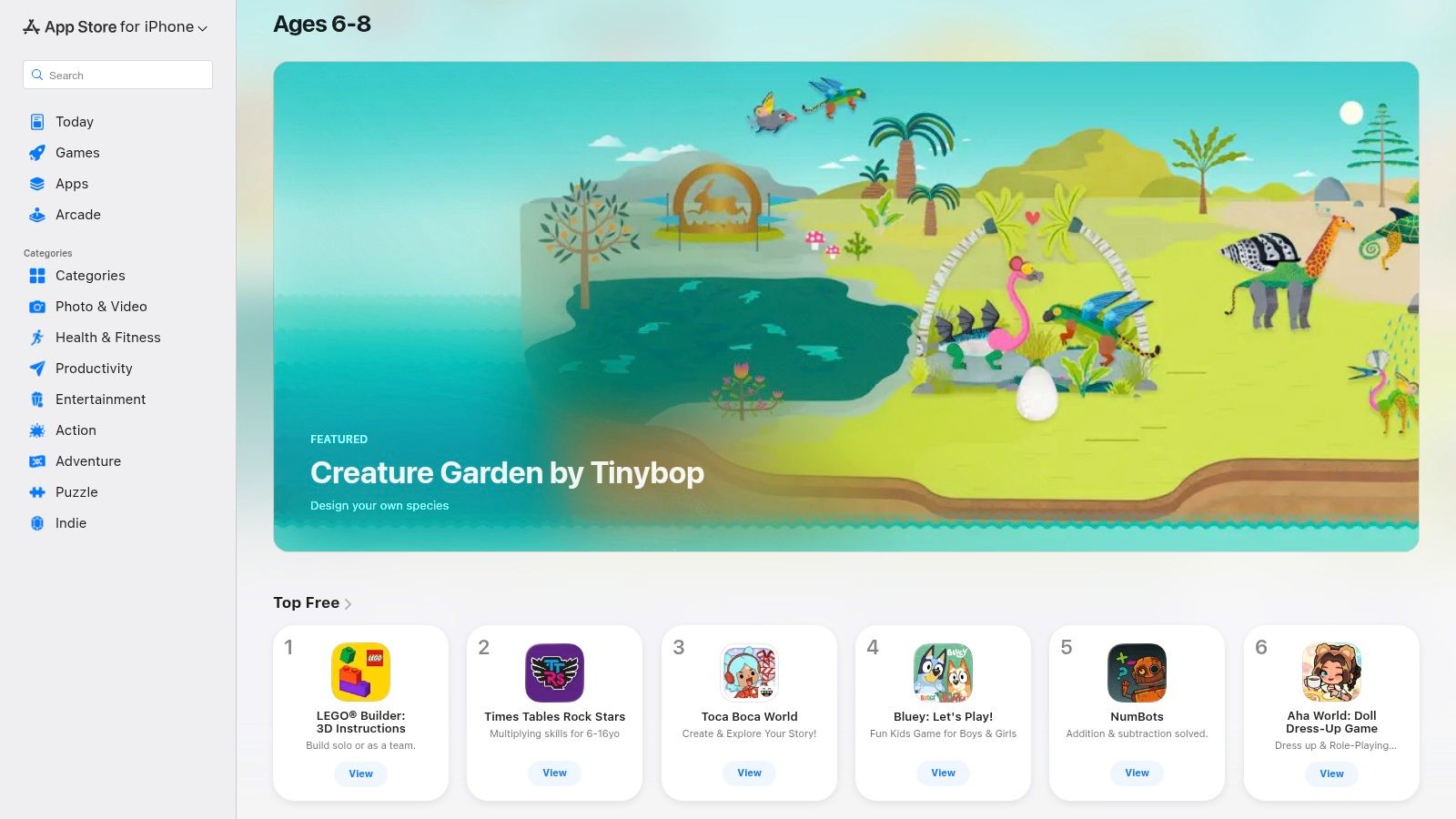
This platform is great for its strong safety controls and clear information. Before downloading, you can easily see age ratings, pricing, and any in-app purchases. To ensure a secure experience, it's a good idea to get familiar with setting up parental controls on iPhones for safe app use.
The main downside is its exclusivity to Apple devices. However, for those using iPhones or iPads, its robust curation and user-friendly interface make it an invaluable resource for discovering the next great learning tool for your child.
- Best For: Parents and teachers using iOS devices who value strong curation and safety.
- Cost: The platform is free to browse; app prices vary from free to paid subscriptions.
- Availability: Accessible on iPhone and iPad via the App Store.
- Website: apps.apple.com/gb/iphone/grouping/136528
3. Google Play – Kids tab (Teacher‑Approved)
For families using Android devices, the “Kids” tab on the Google Play store is the ideal place for discovering high-quality educational content. This curated space features a “Teacher-Approved” programme, where educators and specialists vet apps for their learning value and age-appropriateness. This makes finding trustworthy and genuinely beneficial educational apps for 6-year-olds much more straightforward.
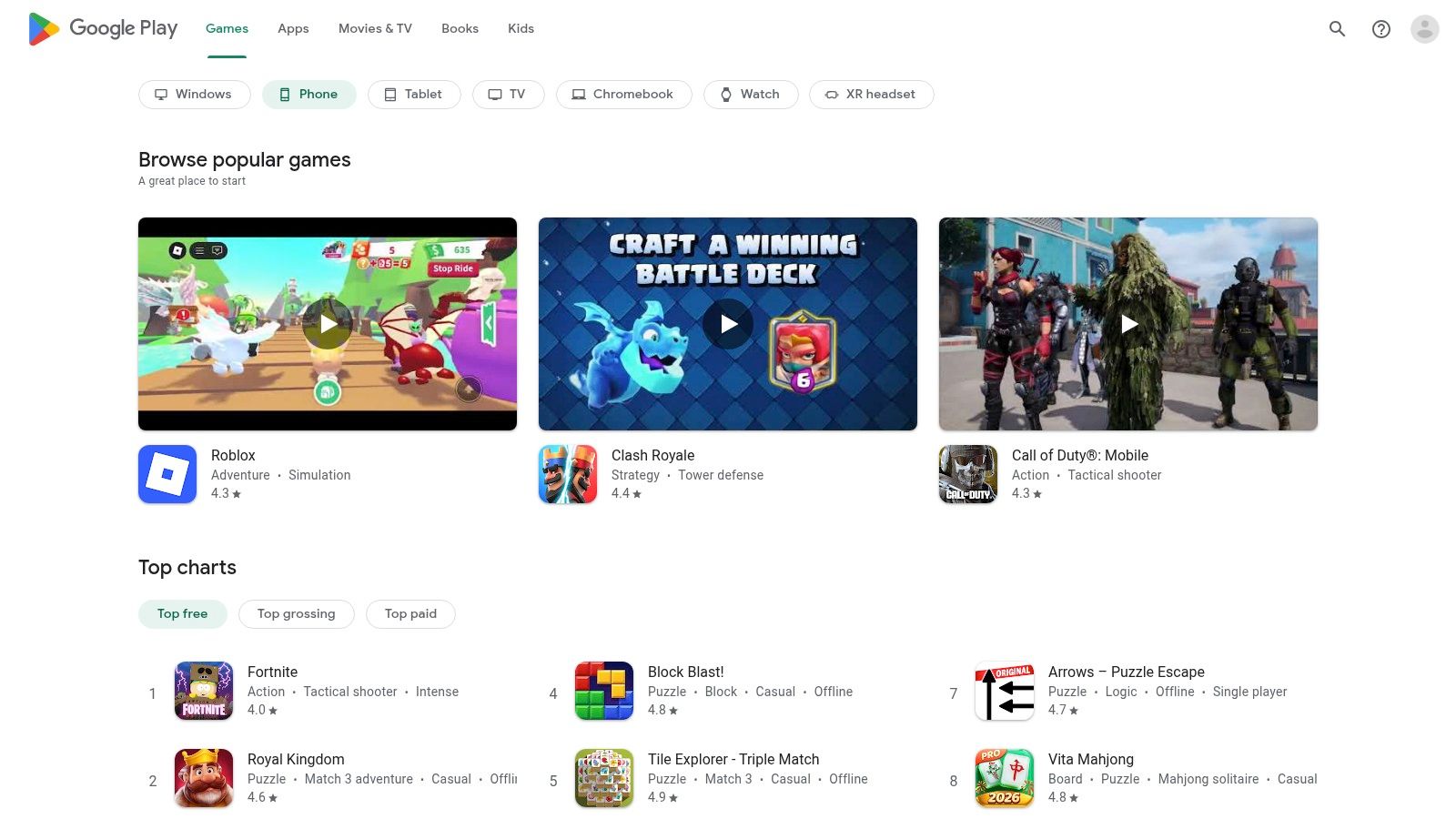
The platform’s strength is its transparency and broad accessibility. Each approved app displays a badge and a brief explanation of why it was recommended, offering a little insight into its educational benefits. You can also browse by age and learning topics, simplifying the search. The main drawback is that app quality can still vary, and setting up parental controls might differ slightly depending on your Android device.
- Best For: Parents and teachers with Android phones, tablets, or Chromebooks who want expert-vetted app suggestions.
- Cost: The platform is free to browse; app prices range from free to paid, with clear labelling for in-app purchases.
- Availability: Accessible on most Android devices via the Google Play Store app.
- Website: play.google.com/store
4. Amazon Kids+ (UK)
Amazon Kids+ is an all-in-one subscription service that offers a huge, curated library of thousands of books, videos, and some of the best educational apps for 6-year-olds. It’s particularly good for families using Amazon Fire Kids tablets, where it provides a safe, walled-garden environment designed just for children. The platform filters all content by age, removing the guesswork for parents.

One of its standout features is the Parent Dashboard. This tool lets parents set daily time limits, create learning goals, and see what their child has been engaging with, offering excellent peace of mind. It helps turn screen time into a more structured and purposeful activity.
While the experience is seamless on Amazon hardware, it can be more limited on other devices like iOS or Android. However, for households already in the Amazon ecosystem, the single subscription fee provides immense value by unlocking a huge, regularly updated library of trusted, ad-free content.
- Best For: Families using Amazon Fire Kids tablets who want one subscription for a wide range of vetted content.
- Cost: Monthly subscription fee (pricing varies for Prime and non-Prime members).
- Availability: Works across Fire, Kindle, iOS, Android, and Alexa devices, but is best on Amazon hardware.
- Website: www.amazon.co.uk/kidsplus
5. CBeebies Playtime Island (BBC)
For families in the UK, CBeebies Playtime Island is a brilliant, entirely free resource packed with games featuring beloved characters. Developed by the BBC, it’s a safe, ad-free environment where children can play and learn with content that aligns with the Early Years and Key Stage 1 curriculum. The app is a collection of over 40 mini-games, each designed to support areas like literacy, numeracy, and imaginative thinking in a playful way.
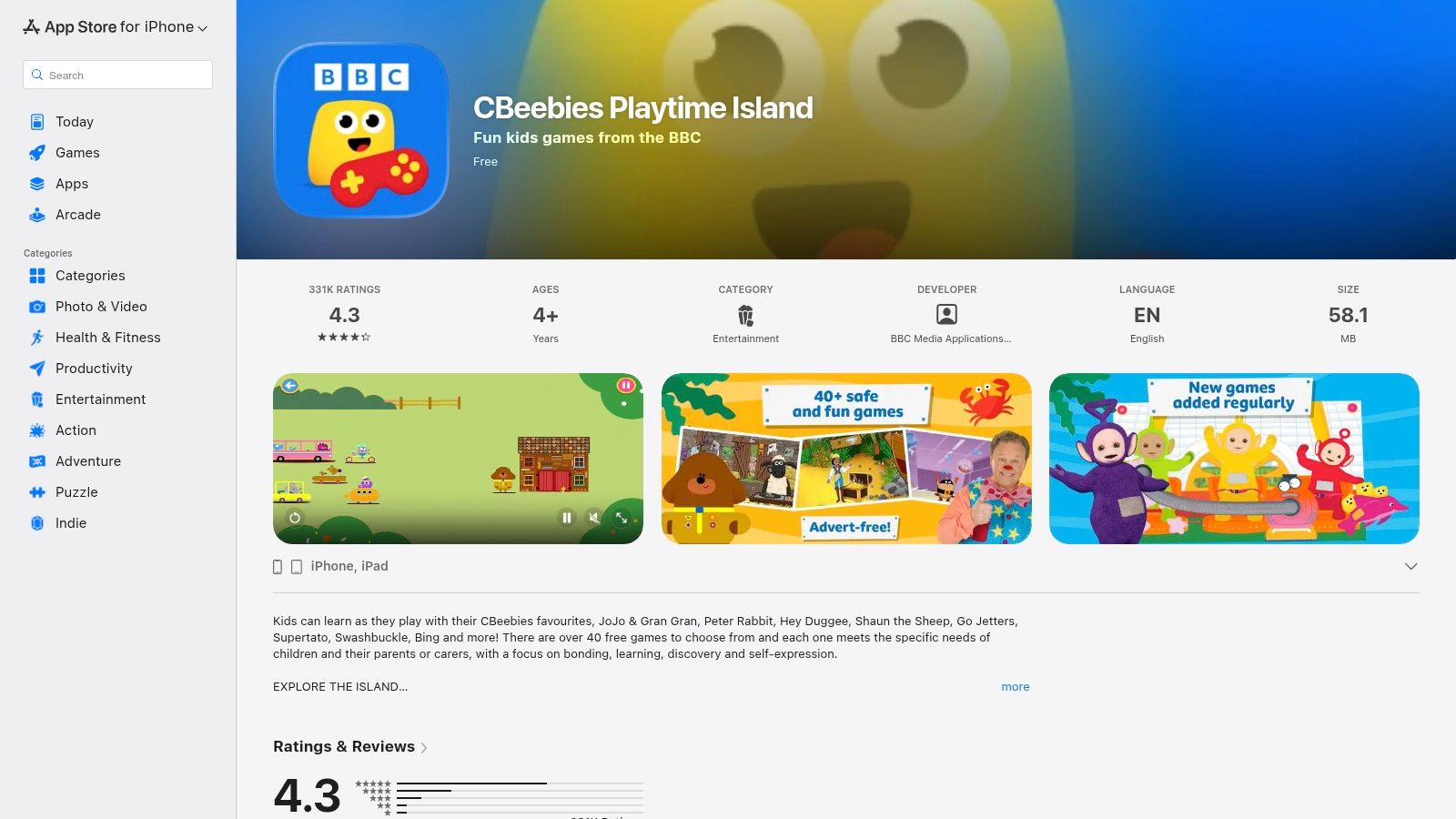
This app stands out because of its high-quality, trusted content and offline functionality. Many of the games can be downloaded, making it perfect for travel. Regular updates mean there’s always something new to explore, and a personalised games chest lets children save their favourites.
The main limitation is that its content is tied exclusively to CBeebies brands, which may not appeal to every child. However, for those who love characters like Hey Duggee or the Numberblocks, it provides a secure and enriching extension of their on-screen learning, all without any hidden costs.
- Best For: Children who are fans of CBeebies characters and parents looking for a trusted, free, and ad-free educational app.
- Cost: Completely free with no in-app purchases.
- Availability: Available on iOS (App Store) and Android (Google Play).
- Website: apps.apple.com/gb/app/cbeebies-playtime-island/id1140156471
6. Topmarks (including Hit the Button app)
A favourite in UK primary schools, Topmarks is a fantastic resource offering hundreds of free, curriculum-linked games and activities. It’s organised by age group and subject, making it incredibly easy for parents and teachers to find content for Maths and English. For 6-year-olds, it's great for practising core skills like number bonds and times tables in a fun, accessible way.
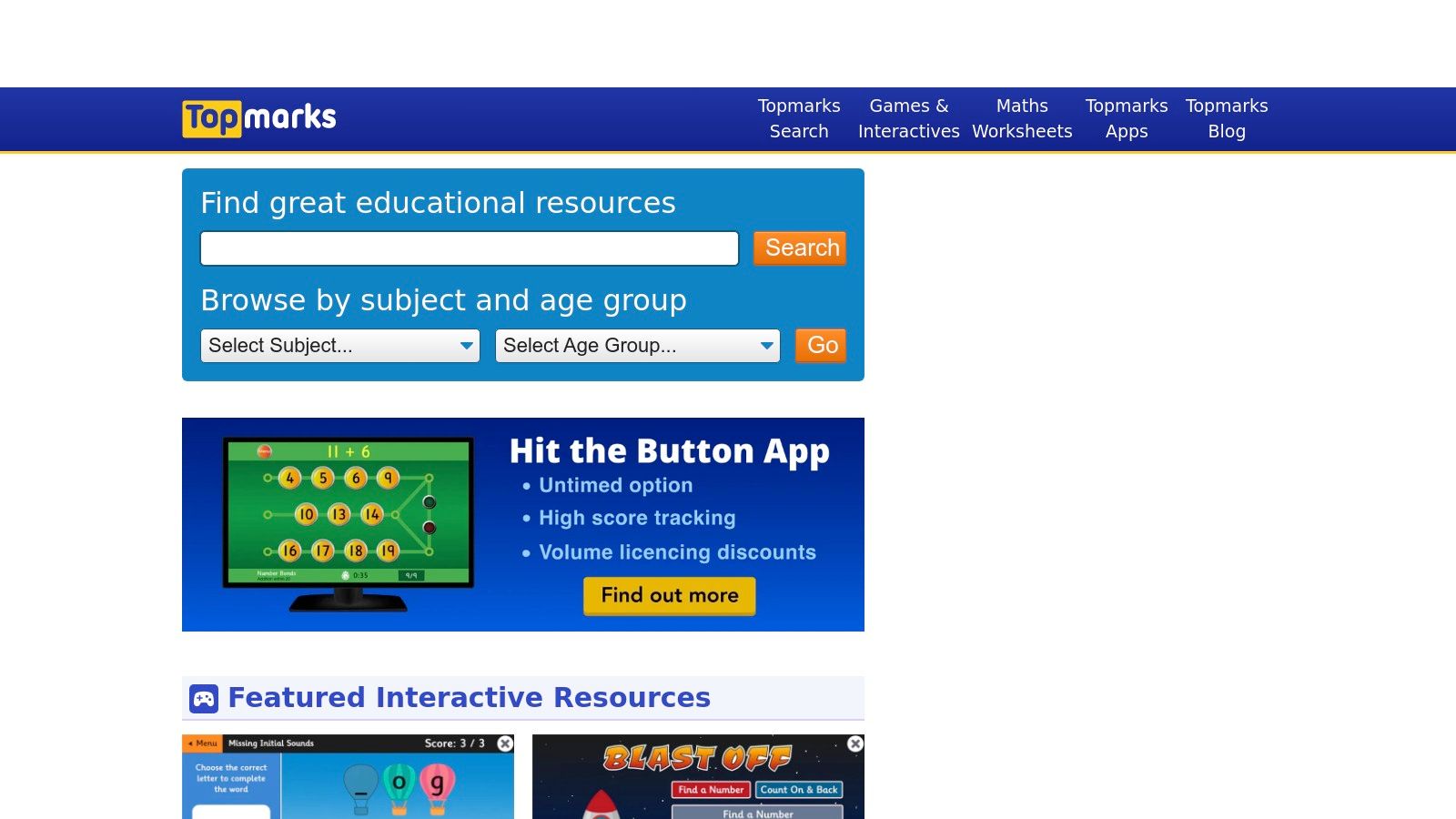
While the website hosts many free games, its most famous tool is the paid Hit the Button app, which provides fast-paced practice for mental maths. The app's focused, repetitive nature is highly effective for building speed and confidence. This combination of free web-based games and a targeted, affordable app makes Topmarks a versatile choice. Discover more great options by exploring our guide to learning games for 6-year-olds.
The main drawback is that some of the free web games look a little dated, though their educational value remains solid. Also, app purchases are tied to the specific app store, so licences don't transfer between different devices like an iPad and an Android tablet.
- Best For: Parents and teachers in the UK looking for curriculum-linked maths and English practice.
- Cost: Website games are free; the Hit the Button app is a one-off purchase (price varies by platform).
- Availability: Website is browser-based; the Hit the Button app is available on iOS, Android, and Amazon devices.
- Website: www.topmarks.co.uk
7. Teach Your Monster (Teach Your Monster to Read & Number Skills)
Developed by a UK-based charity, Teach Your Monster is a beloved series of games that makes learning foundational literacy and numeracy skills feel like a magical adventure. The suite includes the award-winning Teach Your Monster to Read, which cleverly covers everything from letter sounds to reading full sentences, making it one of the best educational apps for 6 year olds focusing on phonics. Its engaging, story-driven approach keeps children motivated as they create a monster and explore a colourful world.
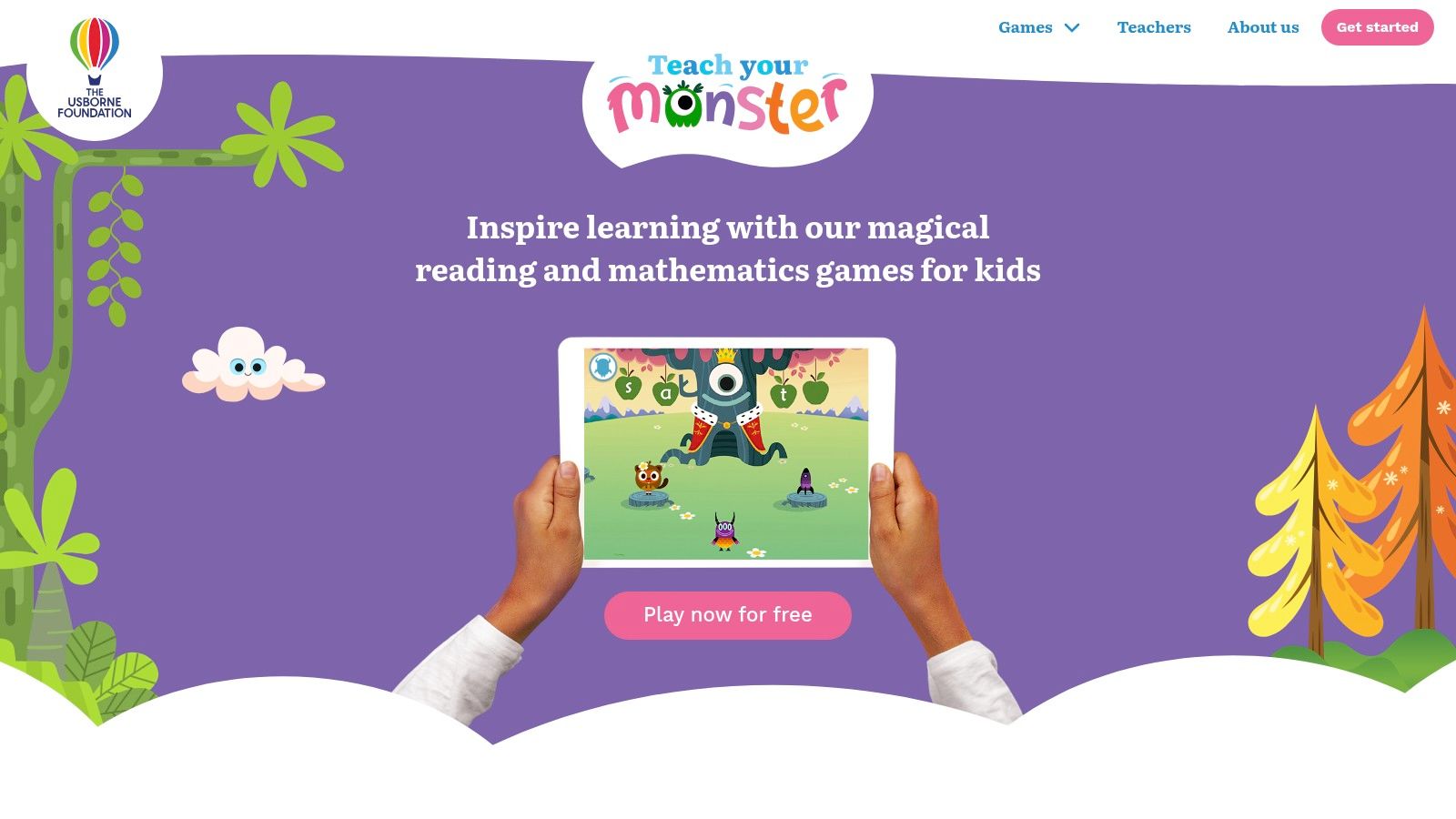
What truly sets this platform apart is how accessible it is. The full games are completely free to play on a computer via any browser, with no ads or subscriptions. This makes it a fantastic, budget-friendly resource for both home and classroom use. The learning is sound, designed with university experts and aligned with the UK's Letters and Sounds phonics programme, ensuring the fun is backed by solid educational principles.
The main drawback is that the mobile apps for phones and tablets require a one-off payment. However, given the ad-free, high-quality experience, many parents find it a worthwhile investment for learning on the go.
- Best For: Children aged 4-6 needing fun, story-based practice with phonics and early maths.
- Cost: Free on the web; mobile apps are a one-time purchase (price varies).
- Availability: Accessible on any web browser; paid apps available on iOS and Android.
- Website: https://teachyourmonster.org/
8. Khan Academy Kids
Khan Academy Kids is a powerhouse of early learning, offering a comprehensive, story-based curriculum completely free of charge. Developed by experts, this non-profit platform provides thousands of activities, books, and games that cover everything from phonics and maths to social-emotional development. This makes it one of the most robust and accessible educational apps for 6-year-olds available.
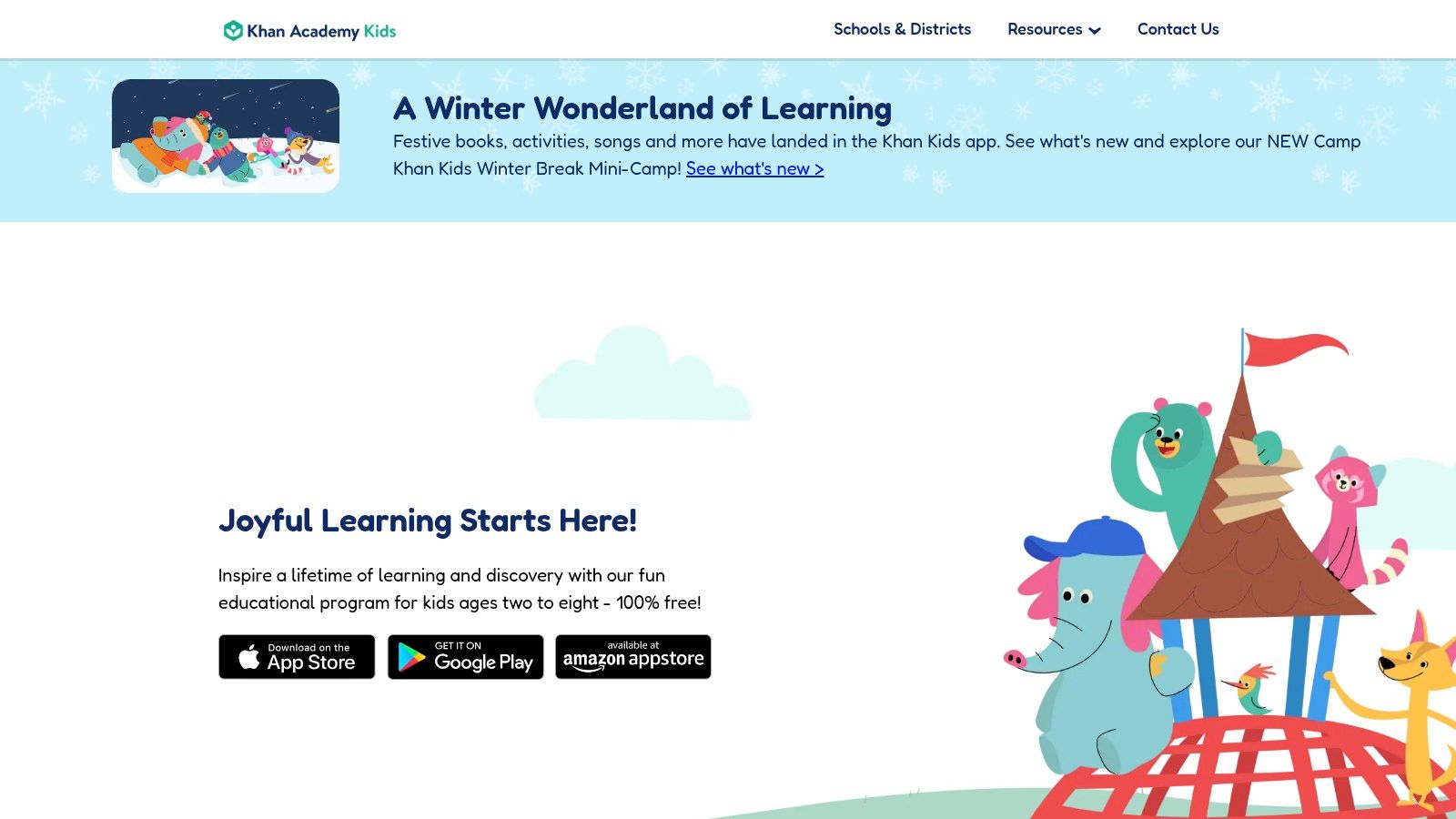
The platform’s standout feature is its commitment to being 100% free, with no ads or in-app purchases ever. This removes any barriers for families and schools, providing high-quality, safe content for everyone. The app uses an adaptive learning path that adjusts to your child’s level, and it masterfully incorporates gamification techniques to keep children motivated and engaged through play.
While it isn't specifically mapped to the UK curriculum, its foundational skills are universally applicable. The need to download content for offline use is a minor point, but the sheer breadth and quality of the ad-free experience make Khan Academy Kids an exceptional resource for any family.
- Best For: Families and teachers looking for a comprehensive, totally free learning platform.
- Cost: Completely free, with no ads or subscriptions.
- Availability: Available on iOS, Android, and Amazon Fire devices.
- Website: www.khanacademy.org/kids
9. Oxford Owl for Home (Oxford University Press)
For parents looking to support their child’s reading journey at home, Oxford Owl is an indispensable resource. This free website from Oxford University Press provides direct access to a digital library of eBooks that align with the reading schemes used in most UK primary schools. It’s designed to perfectly complement what your 6-year-old is learning in the classroom, offering familiar characters and structured reading levels.
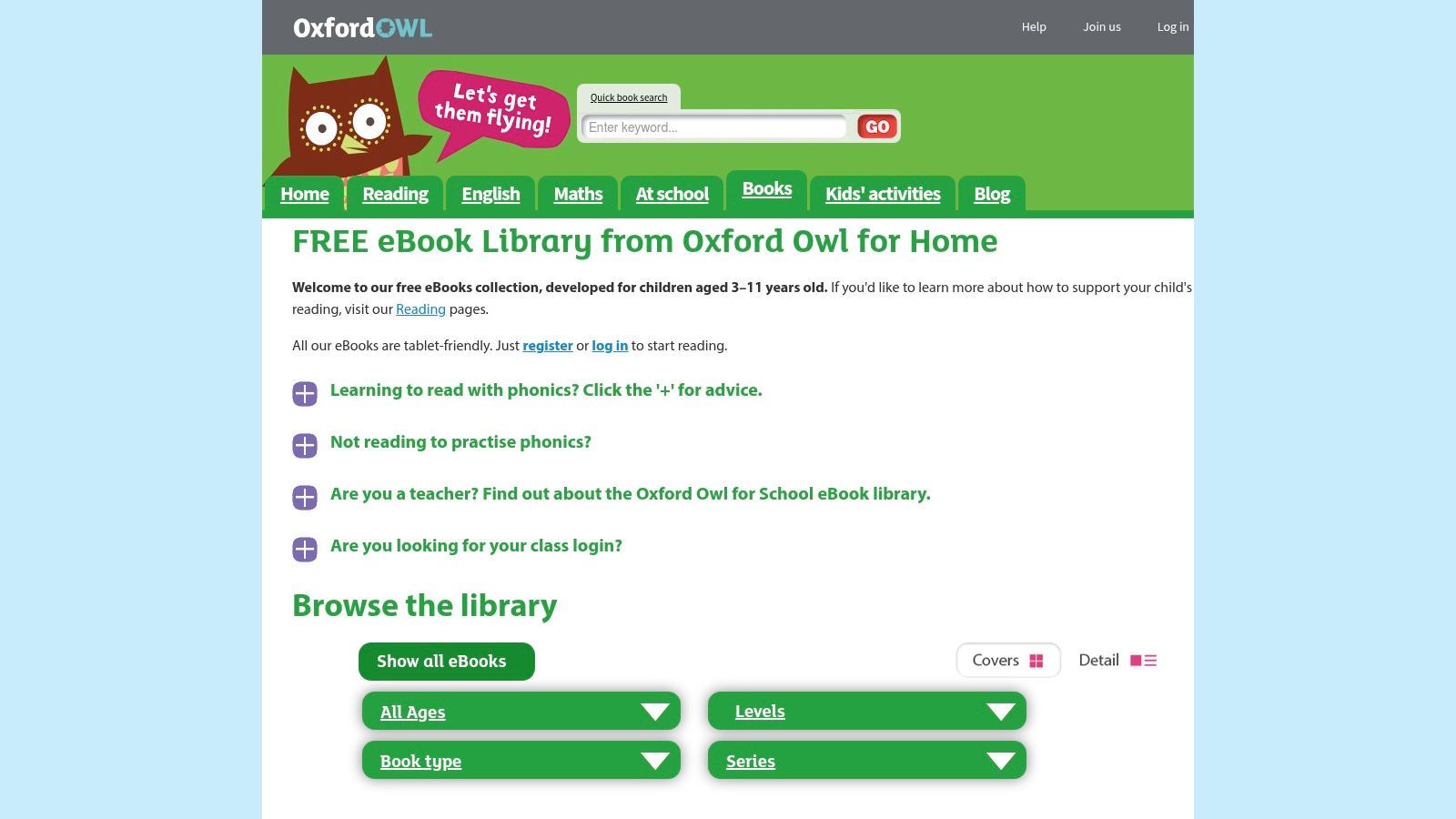
The platform is brilliant at demystifying the reading process for parents, with clear guidance on phonics and book bands. After a simple, free registration, you can unlock over 100 tablet-friendly eBooks, making it one of the best educational resources for 6 year olds focused on literacy. The website helps ensure that the books your child tries at home reinforce their school-based learning, building confidence and fluency.
While not a broad app store, its specialism in reading is its greatest strength. The core library is free, though it can be limited unless your child’s school has a subscription for wider access. For parents in the UK, it’s a trusted, curriculum-aligned tool for fostering a love of reading.
- Best For: UK parents wanting to support school-based reading with curriculum-aligned eBooks.
- Cost: Free to register and access the core eBook library.
- Availability: Accessible on any web browser on computers, tablets, and smartphones.
- Website: www.oxfordowl.co.uk/for-home/find-a-book/library-page/
10. Epic! (Digital Reading Library)
Epic! is essentially a huge digital library in your pocket, offering families and educators access to over 40,000 high-quality books, audiobooks, and learning videos. It’s a fantastic resource for encouraging a daily reading habit, providing an almost limitless supply of age-appropriate content for 6-year-olds. The platform organises its huge catalogue by interests, from adventure to animals, helping children discover new books based on what they already love.
The platform stands out with its 'Read-To-Me' feature, where stories are narrated with highlighted text, which is excellent for building reading confidence and fluency. Parents can create up to four child profiles and track reading progress, seeing what topics their child is most engaged with. This makes it one of the most comprehensive reading-focused educational apps for 6 year olds available.
The main drawback is that family access requires a monthly subscription, although educators can often get free access for their classrooms. While the cost is a consideration, the sheer volume and quality of content offer exceptional value for avid young readers.
- Best For: Encouraging daily reading and providing a huge choice of books and audiobooks.
- Cost: Free for educators. Families can access it via a monthly or annual subscription, with a free trial usually available.
- Availability: Accessible on web browsers, iOS, and Android devices.
- Website: getepic.com
11. Common Sense Media (Apps reviews and age ratings)
Before you even visit an app store, Common Sense Media should be your first stop. This independent, non-profit organisation provides research-backed reviews and age ratings for thousands of apps, games, and other media. For parents and teachers searching for the best educational apps for 6-year-olds, it’s an invaluable tool for checking an app’s learning value, privacy settings, and overall age-appropriateness before you download it.
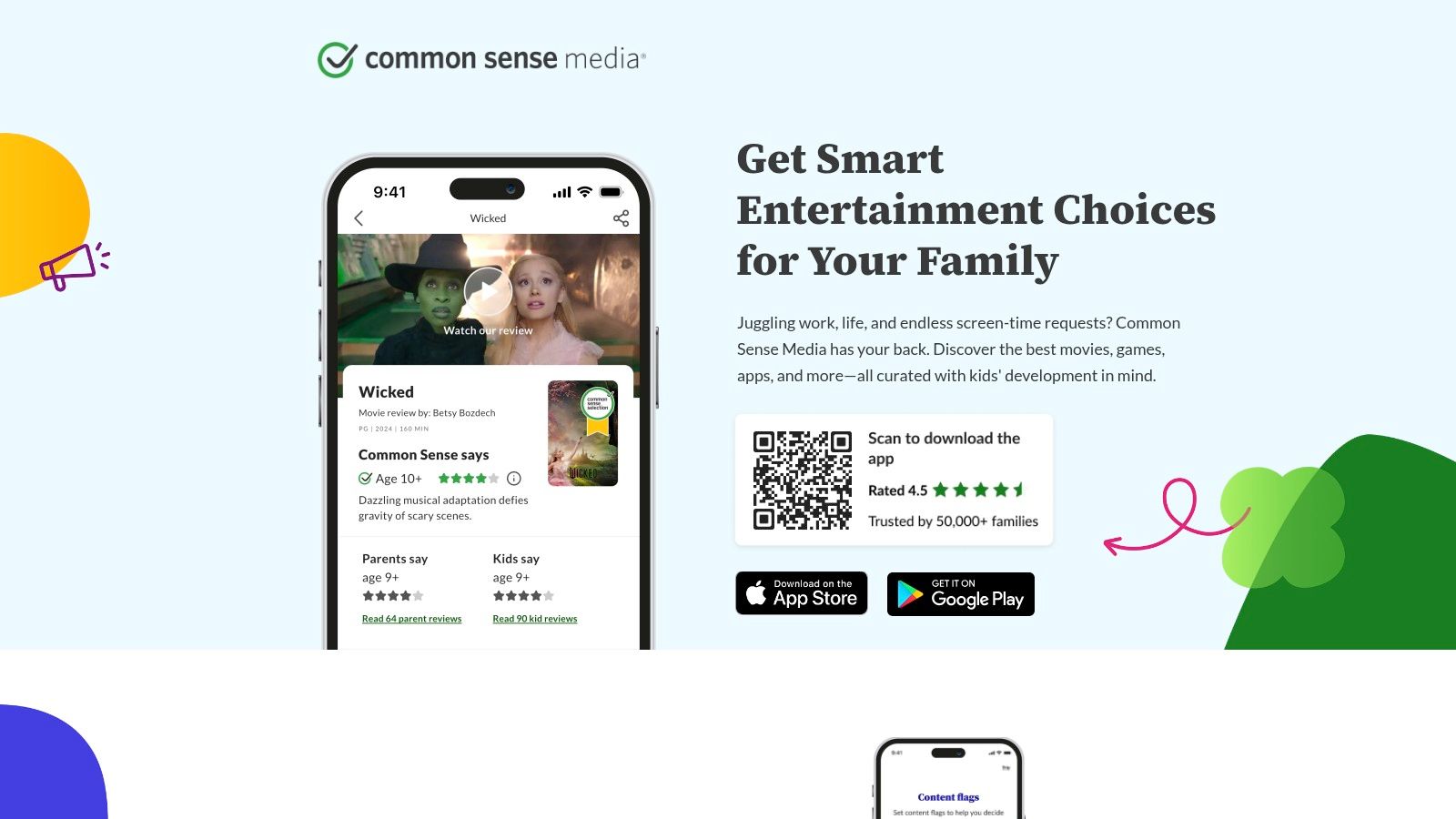
The platform is brilliant because it provides clear, unbiased insights that app stores often lack. Each review includes a detailed breakdown of what your child will experience, highlighting both educational quality and potential concerns like in-app purchases or data collection. Navigating privacy issues is a key part of digital safety, and understanding app privacy policies is crucial for protecting your family’s information.
While Common Sense Media isn't a direct shopfront, it empowers you to make informed choices by directing you to the correct app store once you’ve found a suitable option. Its transparent rating criteria and focus on child development make it a trusted guide in the often-overwhelming world of kids' apps.
- Best For: Parents and educators who want in-depth, unbiased reviews before downloading an app.
- Cost: Free to use.
- Availability: Accessible via their website and mobile app on iOS and Android.
- Website: www.commonsensemedia.org/apps
12. Hit the Button (Topmarks app example)
A firm favourite in UK primary schools, Hit the Button is a highly effective app for building maths fluency. Developed by Topmarks, this tool focuses squarely on improving mental maths skills through fast-paced, timed challenges. Its simple, no-frills interface gets straight to the point, offering quick-fire questions on number bonds, times tables, and division facts, making it one of the best educational apps for 6-year-olds needing to sharpen their recall.
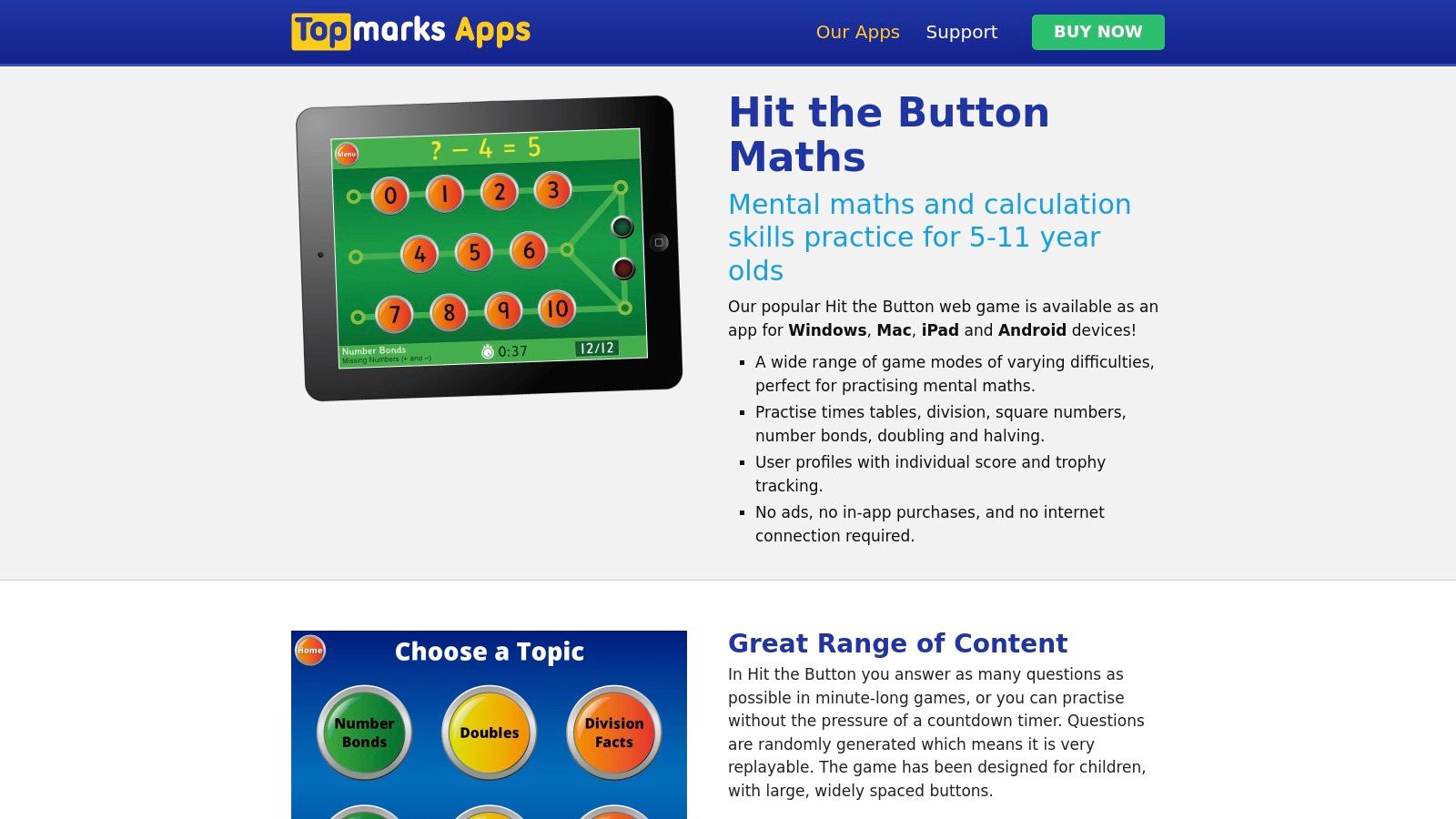
The app's strength is its focused, repetitive practice. With lots of different game modes and the ability to create multiple user profiles, it’s ideal for short, daily drills that build confidence and speed. Because there are no ads or in-app purchases, you can be sure your child’s learning session is completely uninterrupted.
The main limitation is its narrow focus only on maths fluency. Also, be aware that a separate one-time purchase is required for each platform (iOS, Android, etc.), as licenses don't transfer. However, for targeted, effective arithmetic practice that mirrors what many children use in the classroom, it's an excellent and affordable resource.
- Best For: Short, daily maths drills to improve mental maths speed and accuracy.
- Cost: Low-cost one-time purchase (around £2.99), but required separately for each platform.
- Availability: Available on iOS, Android, Windows, and macOS.
- Website: www.topmarks.co.uk/apps/hit-the-button
12 Best Educational Apps for 6-Year-Olds — Quick Comparison
| Product | Core features / format | Learning quality ★ | Price / value 💰 | Target audience 👥 | Unique selling points ✨ |
|---|---|---|---|---|---|
| Space Ranger Fred 🏆 | Books, printables, videos, games; school programmes | ★★★★☆ | 💰 Varied (product-based; shop & programmes) | 👥 Kids 6–12 • parents • teachers | ✨ Story‑first STEM; cross‑media learning pathway; teacher resources |
| Apple App Store (UK) – Ages 6–8 | Curated age pages, editorial picks for iOS/apps | ★★★★☆ | 💰 Free listings & paid apps / clear IAPs | 👥 iOS families & educators | ✨ Apple editorial curation & safety signals |
| Google Play – Kids tab (Teacher‑Approved) | Teacher‑approved badge; age/topic filters | ★★★★ | 💰 Free/paid apps; varies by developer | 👥 Android & Chromebook users • educators | ✨ Teacher‑verified listings; broad device support |
| Amazon Kids+ (UK) | Subscription library: books, videos, apps | ★★★★ | 💰 Subscription (multi‑device) | 👥 Fire tablet households • families | ✨ Parent dashboard, deep Fire/Alexa integration |
| CBeebies Playtime Island (BBC) | Free mini‑games with CBeebies characters | ★★★ | 💰 Free | 👥 Ages ~5–7 • early years parents | ✨ BBC trust & offline play; no sign‑in needed |
| Topmarks (incl. Hit the Button app) | Curriculum‑aligned web games + paid apps | ★★★★ | 💰 Mostly free web; low‑cost apps | 👥 Primary teachers & 5–7 learners | ✨ Strong UK curriculum fit; classroom favourite |
| Teach Your Monster (Read & Number) | Charity‑backed phonics & number web games | ★★★★ | 💰 Free web; paid ad‑free apps | 👥 Early readers 4–6 • schools | ✨ Research‑informed phonics; no ads |
| Khan Academy Kids | Adaptive lessons across early learning areas | ★★★★★ | 💰 Free (no ads, no IAP) | 👥 Ages 2–8 • educators & families | ✨ Research‑grounded, comprehensive & free |
| Oxford Owl for Home | Free eBook library & parent guides (UK) | ★★★★ | 💰 Free (registration) | 👥 Home readers ~6 • UK parents | ✨ Oxford University Press content & scheme mapping |
| Epic! (Digital Reading Library) | 40k+ books, read‑to‑me, educator access | ★★★★ | 💰 Subscription (family / educator tiers) | 👥 Avid readers • classrooms | ✨ Vast catalogue, progress badges & offline |
| Common Sense Media | Independent app/media reviews & ratings | ★★★★★ | 💰 Free guidance (links to stores) | 👥 Parents & teachers researching apps | ✨ Privacy & learning‑value focus; trusted reviews |
| Hit the Button (Topmarks app) | Timed mental‑maths practice; multiple modes | ★★★★ | 💰 One‑time low price per platform | 👥 6–8 • teachers & parents | ✨ Fast daily drills; widely used in UK schools |
Your Next Adventure Awaits!
Navigating the huge universe of digital learning tools can feel like plotting a course through a dense asteroid field. We've journeyed through our favourite picks of the best educational apps for 6 year olds, from all-in-one platforms like Khan Academy Kids to specialised tools like Teach Your Monster for literacy and Hit the Button for maths. Our goal has been to give you a reliable star-chart, helping you find safe, engaging, and genuinely beneficial apps to support your child's learning.
We've seen how different apps are suited for different missions. Some, like CBeebies Playtime Island, are brilliant for weaving learning into playful stories with familiar characters. Others, such as the Epic! digital library, open up an entire galaxy of stories to foster a lifelong love of reading. The key is to remember that these apps are launchpads for curiosity, problem-solving, and creativity.
Charting Your Course: Practical Tips
As you prepare to download your chosen apps, keep these mission-critical points in mind:
- Balance is Your Co-Pilot: The best approach blends digital learning with hands-on, offline activities. Use an app to talk about a concept, like planetary orbits, and then head outside to draw the solar system in chalk. This helps learning stick and prevents screen time from becoming passive.
- Your Child is the Captain: The "best" app is the one that sparks your child's unique interests. A coding app might captivate one six-year-old, while another might prefer a creative storytelling tool. See what sparks their enthusiasm and tailor your choices from there.
- Prioritise Safety and Quality: Always use trusted sources like the teacher-approved section on Google Play or reviews from Common Sense Media. Check privacy policies and in-app purchase settings before handing over a device. Your child's digital safety is paramount.
Choosing the right educational app isn't about finding a single, perfect solution. It's about building a toolkit of different resources that you can use. Think of it as assembling your own space exploration crew: you need a scientist (Khan Academy Kids), an engineer (codeSpark Academy), a storyteller (Epic!), and a mission commander (you!) to guide the adventure.
Your role is to guide their exploration, ask questions about what they're learning, and celebrate their digital achievements in the real world. By doing so, you're not just supervising screen time; you're co-piloting an incredible learning journey.
Ready for another adventure? The Space Ranger Fred universe is packed with stories and activities designed to make STEM feel like the greatest mission of all. Continue the journey beyond the screen by exploring Fred's adventure-packed books, downloading a creative mission from our free activities page, or finding more playful learning ideas on our blog. Join the crew at Space Ranger Fred and let the exploration begin