
Finding truly brilliant learning games for 6 year olds can feel like navigating an asteroid field. You want something that captivates their imagination but also genuinely builds their skills, especially in exciting STEM areas like science, technology, engineering, and maths. It’s a crucial age where their curiosity is boundless, and the right game can ignite a lifelong passion for discovery. Six-year-olds are natural explorers, constantly asking 'why?' and figuring out how things work.
Games that tap into this innate drive are more than just entertainment; they are powerful tools for developing problem-solving abilities, critical thinking, and resilience. This curated round-up is designed to help you find the perfect educational adventure. We will move beyond simple drill-and-practice apps to discover games that foster genuine creativity and a deep understanding of core concepts, much like the problem-solving journey in Space Ranger Fred and the Shoelace Adventure.
This guide provides a clear look at top-tier digital platforms that adapt to your child’s pace and hands-on apps that encourage real-world creativity. Our goal is to ensure you find the perfect fit for your budding genius. Let's dive into the best options that make learning an exciting mission, not a chore.
1. ABCmouse Early Learning Academy
For parents seeking a comprehensive digital curriculum, ABCmouse Early Learning Academy offers a well-structured, all-in-one platform. This award-winning programme provides over 10,000 engaging learning games for 6 year olds, covering reading, maths, science, art, and music. Its step-by-step learning path guides children through a personalised journey, ensuring they build foundational skills at their own pace.
How It Works
The platform is organised like a virtual classroom and world. Children create their own avatar and explore various locations, completing lessons and activities to earn tickets. These tickets can be used to "purchase" virtual items for their avatar or room, providing a powerful motivation loop. This gamified approach makes learning feel like play, keeping young minds focused and eager to progress. The curriculum is extensive, with activities ranging from interactive phonics lessons to complex problem-solving puzzles.
The following infographic provides a quick reference to the platform's impressive scale and proven effectiveness.
These key takeaways highlight its widespread adoption in educational settings and its significant impact on literacy skills.
Actionable Tips for Parents
To get the most out of ABCmouse, it's wise to start with the placement test. This ensures the activities are perfectly matched to your child's current abilities.
- Customise the Path: Use the parent dashboard to adjust the learning path, focusing on areas where your child needs more support.
- Set Clear Boundaries: Establish daily time limits to balance screen time with other essential activities.
- Review Progress Together: Make it a weekly habit to look at the progress reports with your child. Celebrate their achievements and discuss any challenges.
2. Prodigy Math Game
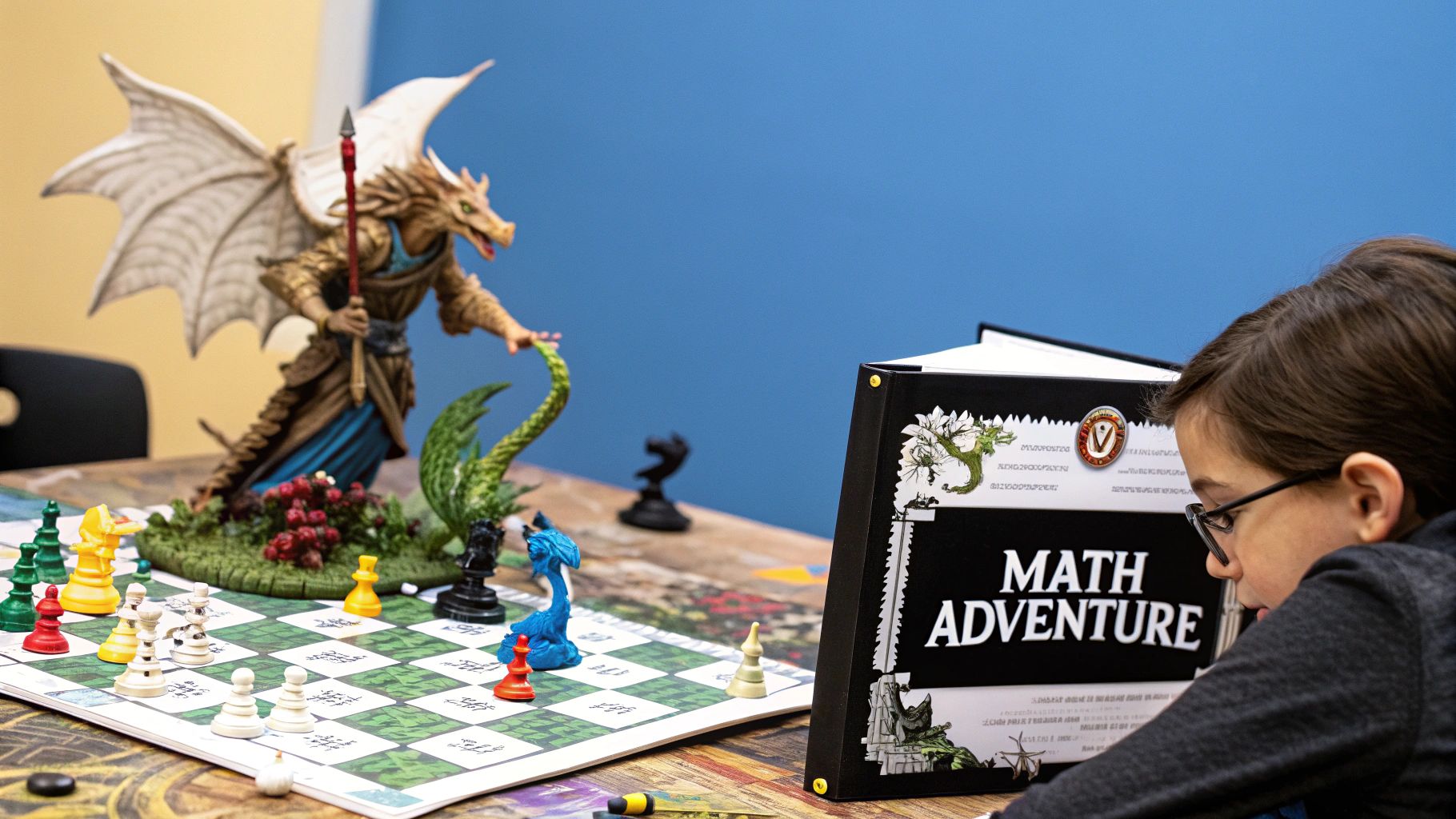
For young learners who thrive on adventure, Prodigy Math Game transforms mathematics practice into an epic fantasy quest. This engaging role-playing game is designed for children in years 1-8, cleverly embedding curriculum-aligned maths problems into its core gameplay. Children create their own wizard avatars, explore a vibrant world, battle monsters, and complete quests, all while solving maths challenges tailored to their skill level.
How It Works
The game’s magic lies in its seamless integration of learning and play. To cast spells during battles or progress in quests, players must correctly answer maths questions. The adaptive algorithm adjusts the difficulty in real-time, ensuring each child is challenged but not overwhelmed. This method keeps them motivated and builds confidence, much like how Fred learns to tackle new challenges step-by-step in Space Ranger Fred and the Umbrella Rescue.
The platform's success is well-documented, with over 50 million students worldwide using it. It is one of the most popular children's online maths games available, and entire school districts have adopted it due to its proven effectiveness in boosting mathematical skills.
Actionable Tips for Parents
To maximise the educational benefits of Prodigy, engage with the platform's parent features and connect the game to real-world learning.
- Set Specific Goals: Use the parent account to set goals that align with what your child is learning at school, focusing on specific maths domains.
- Play Alongside Them: Join in for the first few sessions to understand the gameplay and show your enthusiasm, which can significantly boost their engagement.
- Discuss Strategies: Use the outcomes of in-game battles as a chance to talk about problem-solving. Ask questions like, "What strategy helped you solve that tricky problem?"
- Balance On and Offline: Ensure a healthy mix of game time and hands-on maths activities to reinforce concepts in different ways.
3. Khan Academy Kids
For parents looking for a completely free, high-quality educational resource, Khan Academy Kids is an exceptional choice. Developed by the renowned non-profit Khan Academy, this app provides thousands of interactive activities, books, and games for 6 year olds. Its holistic curriculum covers early literacy, reading, writing, language, maths, and social-emotional development, all within a delightful, character-driven environment.
How It Works
The app features a cast of charming animal characters who guide children through a personalised learning path. Activities adapt to each child's level, ensuring they are always challenged but never overwhelmed. The open-ended design encourages exploration and creativity alongside structured lessons. Children can learn about counting and logic through playful stories, and this blend of guided learning and creative freedom makes it a powerful tool for building foundational skills.
The platform is celebrated for its commitment to accessibility and quality, having been recognised multiple times by Apple and praised by organisations like Common Sense Media. Its focus on social-emotional learning, with activities about kindness and empathy, sets it apart as a well-rounded educational experience.
Actionable Tips for Parents
To maximise the benefits of this free resource, actively engage with its diverse features beyond the main learning path.
- Explore Creative Tools: Dedicate time to the creative tools section, where your child can draw, colour, and tell stories, fostering open-ended learning.
- Use the Library: The app's library is filled with books. Encourage your child to use the recording feature to read books aloud, which is excellent for building reading confidence.
- Balance Activities: Mix the structured, path-based lessons with periods of free play and creative time within the app to keep learning fun and self-directed.
- Check Parent Reports: Use the parent dashboard to see what your child is learning and identify areas where they might need a little extra encouragement.
4. Scratch Jr
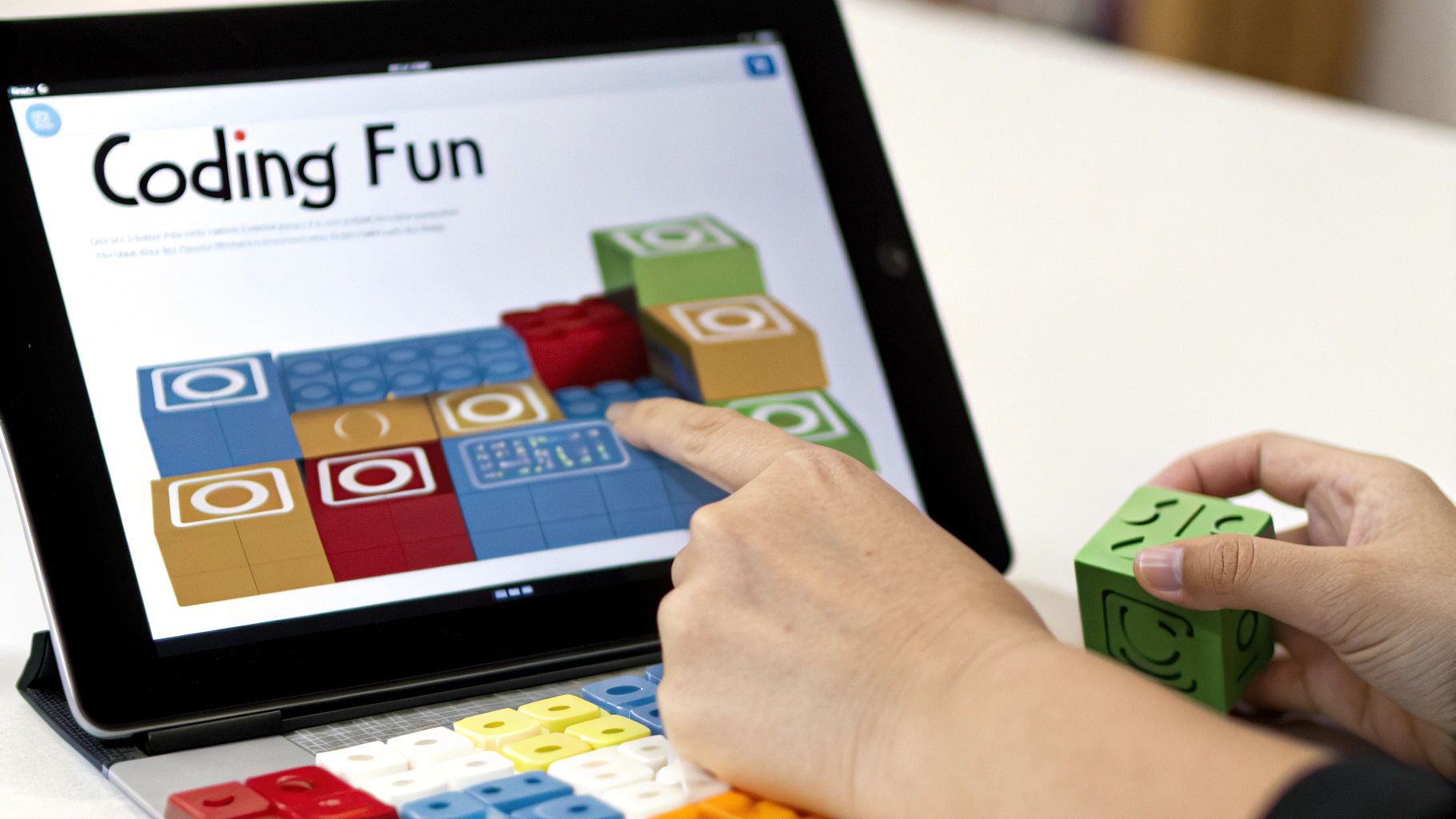
For parents wanting to introduce their children to the world of coding, Scratch Jr is an exceptional starting point. Developed by researchers at MIT, this visual programming language is specifically designed for children aged 5-7. It allows them to create their own interactive stories and games by snapping together colourful graphical blocks, making it one of the most creative learning games for 6 year olds. This approach removes the need for reading, letting children focus on logic and creativity.
How It Works
Children bring characters to life by connecting programming blocks that control movement, appearance, sounds, and interactions. They can make characters dance, jump, and talk, learning sequencing and basic programming logic in an intuitive, hands-on way. This process empowers them to become creators, not just consumers, of digital media. The platform's success is evident in its global adoption, from being used in computer science curricula worldwide to its implementation in Singapore's national coding initiative.
The following infographic illustrates how Scratch Jr introduces foundational coding concepts in a child-friendly manner.
This visual approach simplifies complex ideas, making computational thinking accessible to young learners.
Actionable Tips for Parents
To get started, explore the sample projects with your child to see what’s possible.
- Start Simple: Begin with basic projects, like making a character move across the screen and say hello.
- Problem-Solve Together: When a project doesn't work as expected, work alongside your child to debug it, modelling crucial problem-solving skills.
- Encourage Storytelling: Use the platform to create narratives. Encourage your child to build scenes and dialogues for their characters.
- Teach Cause and Effect: Show how changing a block alters the outcome, directly teaching cause-and-effect relationships and helping to develop critical thinking.
5. DragonBox Math Apps Series
For parents looking to demystify mathematics, the DragonBox Math Apps Series offers a revolutionary approach. These award-winning learning games for 6 year olds transform abstract concepts like algebra, geometry, and number sense into intuitive, hands-on puzzles. Instead of rote memorisation, children learn by doing, discovering mathematical rules through engaging gameplay that feels more like a magical adventure than a lesson.
How It Works
Each app in the series is carefully designed to teach a specific mathematical area without using traditional numbers or symbols initially. In DragonBox Algebra, for instance, children learn to balance equations by manipulating on-screen characters and objects, gradually transitioning to conventional algebraic notation. This 'no-words' approach removes the intimidation factor, allowing children to build a deep, conceptual understanding of complex topics from a young age.
The series' effectiveness is widely recognised; it has not only won numerous educational app awards but has also been integrated into the Norwegian school curriculum, demonstrating its proven impact on maths education. The gamified journey ensures children remain motivated as they solve progressively challenging puzzles.
Actionable Tips for Parents
To successfully introduce these innovative maths games, start by choosing the app that best aligns with your child's current learning stage.
- Start with Foundations: Begin with DragonBox Numbers to build a solid understanding of what numbers are and how they work.
- Connect to Real Maths: After a play session, discuss how the game’s puzzles relate to real-world maths problems. For example, ask, "How is balancing the box in the game like sharing sweets equally?"
- Use as a Supplement: Treat the apps as a powerful tool to complement, not replace, traditional maths learning.
- Encourage Repetition: Allow your child to replay levels. This reinforces their understanding and helps them master the underlying mathematical principles at their own pace.
6. Toca Boca Games Collection
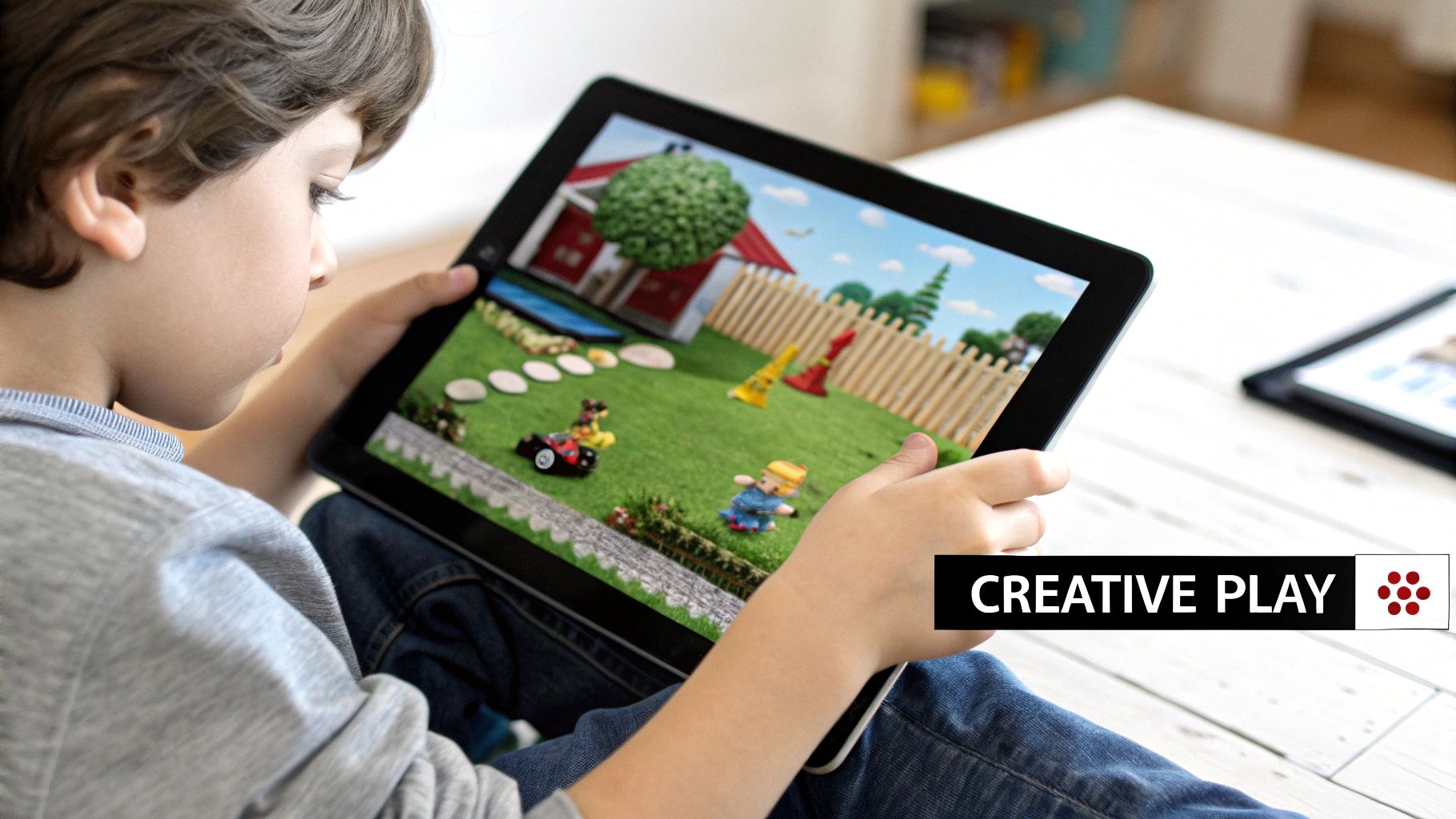
For parents who prioritise creativity and open-ended play, the Toca Boca Games Collection offers a universe of digital toys designed to spark imagination. This series of award-winning apps provides a sandbox environment where children are free to explore, experiment, and create their own stories. With no high scores, rules, or external pressure, these games for 6 year olds focus purely on the joy of discovery and self-expression, covering themes from cooking and hairstyling to city building.
How It Works
Toca Boca's philosophy is centred on "digital toys" rather than traditional games. Children are given a set of tools and a colourful, interactive environment, then left to their own devices. They can mix ingredients in a virtual kitchen, build a bustling metropolis, or give characters wild makeovers. This unstructured format encourages problem-solving and narrative creation. The platform's global success, with over 200 million downloads and consistent features in app stores, highlights its appeal to children and parents in over 215 countries.
This approach fosters a sense of autonomy and creative confidence, as there is no "wrong" way to play. The emphasis is on the process, not the outcome, making it a refreshing alternative to goal-oriented learning platforms.
Actionable Tips for Parents
To maximise the developmental benefits of Toca Boca, engage with your child's creative process and connect their digital play to the real world.
- Start with Toca Life World: This app combines many of the other Toca Life apps into one massive world, offering the most comprehensive play experience from the start.
- Encourage Storytelling: Ask open-ended questions about what their characters are doing. "What is she cooking for dinner?" or "Where are they going on holiday?" This builds narrative skills.
- Play Together: Join in the fun to model creative thinking and collaboration. Co-creating stories can strengthen your bond and provide insights into your child’s imagination.
- Use as Conversation Starters: Use the scenarios in the game, like visiting a hospital or a shop, to spark conversations about real-world roles and community helpers.
7. PBS Kids Games
For parents seeking trustworthy, free, and curriculum-aligned digital content, PBS Kids Games offers an exceptional collection of learning games for 6 year olds. This platform leverages the power of beloved characters like Daniel Tiger, the Wild Kratts, and Curious George to create an engaging educational experience. The games span a wide range of subjects, including maths, science, literacy, and social-emotional skills, all developed with the high-quality standards PBS is renowned for.
How It Works
The platform is an easily accessible website and app, featuring over 100 different games. Children can choose games based on their favourite characters or shows, which immediately creates a sense of familiarity and excitement. Each game is designed to teach a specific concept in a fun, interactive way. For instance, a Wild Kratts game might focus on animal science and ecosystems, while a Daniel Tiger game teaches important social skills.
The variety ensures that children can explore diverse subjects, from STEM challenges to creative arts, all within a safe, ad-free environment. This makes it an invaluable resource for supplementing classroom learning and encouraging curiosity at home. For more ideas on integrating educational play, you can explore fun learning games for kids.
Actionable Tips for Parents
To make the most of the PBS Kids Games platform, integrate it thoughtfully into your child’s routine. It's a fantastic tool for reinforcing topics they are learning about in school or on television.
- Connect to Shows: Watch an episode of a PBS Kids show and then play the corresponding game to deepen your child’s understanding of the concepts presented.
- Use Characters as a Gateway: If your child loves a particular character, use their games to introduce new subjects you want them to explore.
- Explore Broadly: Encourage your child to try games from different shows to ensure they are exposed to a well-rounded mix of subjects.
- Discuss the Lessons: After playing, talk about what they learned. For example, after a science game, you could ask, "How did the Kratt brothers use technology to learn about that animal?"
8. Minecraft Education Edition
Transforming a global gaming phenomenon into a powerful educational tool, Minecraft Education Edition offers an immersive platform for project-based learning. This version of the popular block-building game provides a creative, collaborative environment where children can explore subjects like maths, science, coding, and history through hands-on creation. It’s one of the most versatile learning games for 6 year olds, encouraging problem-solving and critical thinking.
How It Works
Children enter vast, open worlds made of blocks, where they can build anything they can imagine. The Education Edition adds specific features like a chemistry resource pack, coding tutorials with a friendly "Agent" robot, and hundreds of pre-made lesson plans aligned with curriculum standards. Players might be tasked with recreating historical monuments, modelling ecosystems, or even solving complex physics puzzles, similar to the engineering challenges Fred tackles in Space Ranger Fred and the Tick Tock Tale. This approach turns abstract concepts into tangible, interactive experiences.
Its widespread adoption is a testament to its effectiveness. The platform is used in over 35,000 schools globally and is a cornerstone of many STEM education initiatives. By blending creative freedom with structured learning, it keeps children engaged while developing crucial 21st-century skills.
Actionable Tips for Parents
To harness its full educational potential, it’s best to approach play sessions with a clear goal in mind. This helps focus your child’s creative energy.
- Use the Tutorials: Start with the guided tutorial worlds. These introduce the basic mechanics and special educational features in an easy-to-understand way.
- Set Learning Objectives: Before starting, decide on a learning goal. For example, "Today, let's build a house with a perimeter of 20 blocks" to practise maths.
- Explore Lesson Plans: Browse the built-in library of lesson plans. They offer structured activities on everything from pixel art to basic coding.
- Encourage Documentation: Ask your child to take screenshots of their projects and explain what they built. This reinforces their learning and develops communication skills.
9. Duolingo Kids (Duolingo ABC)
For families looking to build a strong foundation in literacy, Duolingo Kids (also known as Duolingo ABC) provides a focused and fun experience. From the creators of the world's most popular language-learning app, this programme uses engaging, bite-sized lessons to teach young children how to read and write. It’s an ideal choice for parents seeking a structured yet playful approach to early literacy skills, making it one of the most effective learning games for 6 year olds.
How It Works
The app guides children through a sequential path of more than 700 hands-on lessons covering the alphabet, phonics, sight words, and reading comprehension. Activities are gamified, featuring interactive stories and challenges that feel like play rather than study. Children trace letters, identify sounds, and spell words with friendly monster characters, earning stars for their progress. This simple, rewarding system keeps them motivated to continue their learning journey.
The app has been featured as Apple's App of the Day and is highly recommended by literacy education specialists for its evidence-based approach. Its growing adoption within homeschool communities further speaks to its effectiveness and user-friendly design.
Actionable Tips for Parents
To maximise the benefits of Duolingo Kids, integrate its lessons into your child's broader reading activities. Consistency is key to building lasting literacy skills.
- Follow the Routine: Stick to the suggested daily lesson routine to build momentum and reinforce learning without overwhelming your child.
- Bridge Digital and Physical: Use the app's concepts to connect with physical books. When you read together, point out sight words or letter sounds they’ve just practised.
- Practice Sounds Daily: Casually incorporate letter sounds into everyday conversations. For example, ask, "What sound does 'banana' start with?"
- Celebrate Milestones: Acknowledge their progress when they complete a level or read a story independently. Positive reinforcement builds confidence.
Top 9 Learning Games for 6-Year-Olds: Feature Comparison
| Item | Implementation Complexity 🔄 | Resource Requirements ⚡ | Expected Outcomes 📊 | Ideal Use Cases 💡 | Key Advantages ⭐ |
|---|---|---|---|---|---|
| ABCmouse Early Learning Academy | Moderate – structured curriculum, multisubject | Requires subscription, multiple devices | Improved literacy, math, science skills (43% reading score boost in schools) | Early childhood multi-subject learning (ages 2-8) | Comprehensive curriculum, engaging, progress tracking |
| Prodigy Math Game | Moderate – game-based adaptive learning | Free basic with premium subscription | Strong math skill improvement, motivated learners | Math practice with RPG engagement (grades 1-8) | Adaptive pacing, engaging fantasy theme, teacher tools |
| Khan Academy Kids | Low – user-friendly app with personalized dashboard | Completely free, internet needed mostly | Foundational literacy and math, creativity boosting | Free educational resource for preschool and early primary (ages 2-7) | Free, expert content, strong creativity focus |
| Scratch Jr | Low to Moderate – visual programming setup | Free, offline-capable, requires initial guidance | Introduction to coding and logical thinking | Coding fundamentals for early learners (ages 5-7) | Free, creative coding, no reading required |
| DragonBox Math Apps Series | Moderate – multiple apps with focused skills | Paid per app, works offline | Conceptual math understanding with visual learning | Concept-based math learning (ages 4-12 varying by app) | Award-winning, visual and intuitive, adaptive difficulty |
| Toca Boca Games Collection | Low – open-ended apps, no structured curriculum | Paid apps individually, no ads | Enhanced creativity and imaginative play | Creative explorative play without objectives (ages 3-9) | Encourages creativity, safe, inclusive, high quality |
| PBS Kids Games | Low – collection of curriculum-aligned games | Free, mostly online | Basic literacy, math, and social skills support | Free educational games with trusted characters (ages 2-8) | Free, ad-free, familiar characters, social-emotional focus |
| Minecraft Education Edition | High – immersive environment with lesson plans | Subscription required, needs supervision | Spatial reasoning, collaboration, cross-curricular knowledge | Project-based learning and teamwork (ages 6+) | Highly engaging, coding integration, collaborative |
| Duolingo Kids (Duolingo ABC) | Low – simple phonics and reading app | Free with offline use | Early literacy skill development | Foundational English literacy (ages 3-6) | Free, research-based, systematic progression |
Your Mission: Launching a Lifelong Love for Learning
Navigating the vast universe of educational tools can feel like a grand expedition, but you are now equipped with a stellar map. We have explored a range of fantastic learning games for 6 year olds, from the comprehensive curriculum of ABCmouse to the creative coding universe of Scratch Jr and the mathematical quests in Prodigy Math. Each of these digital playgrounds offers a unique way to ignite your child's passion for discovery, transforming screen time into a powerful engine for growth.
The central theme connecting these diverse applications is their ability to make learning an interactive adventure rather than a passive chore. Whether your child is designing worlds in Minecraft, exploring new languages with Duolingo Kids, or solving complex problems with the DragonBox series, they are actively building critical thinking skills, resilience, and a deep-seated curiosity that will serve them for a lifetime. The key is not simply occupying their time, but engaging their minds in meaningful play.
From Digital Playgrounds to Tangible Adventures
To amplify the benefits of these games, consider creating a learning ecosystem that bridges the gap between the digital and physical worlds. The concepts they engage with on-screen can be powerfully reinforced through hands-on activities and storytelling. For instance, after a session building intricate structures in Minecraft Education Edition, you could challenge your child to construct a similar model using building blocks, testing their understanding of physics and design in a tangible way.
This blended approach is where storytelling truly shines. A captivating narrative can cement abstract ideas and inspire further exploration. Reading a book like Space Ranger Fred and the Tick Tock Tale after your child has been sequencing commands in Scratch Jr can create a wonderful "aha!" moment. They will see how the same principles of logic and order that they used to make a character move are used by Fred to solve a cosmic conundrum. This connection makes learning feel cohesive, relevant, and far more exciting.
Your Next Steps in the Learning Journey
Your role as a guide is paramount. The most effective approach involves active participation and genuine interest in what your child is accomplishing.
- Play Together: Spend some time co-piloting their game. Ask questions like, "How did you solve that puzzle?" or "What are you planning to build next?" This shows them you value their digital world.
- Connect to Real Life: Link game concepts to everyday activities. If they are learning about patterns in Khan Academy Kids, point out patterns on a walk, in music, or in architecture.
- Encourage Creation, Not Just Consumption: Many of these games, especially Toca Boca and Minecraft, are sandboxes for creativity. Celebrate what your child creates and encourage them to share their unique projects with you.
Ultimately, the goal is to cultivate an environment where curiosity is the compass. By thoughtfully selecting high-quality learning games for 6 year olds and integrating them with offline experiences, you are not just teaching subjects like maths or reading. You are launching your child on a mission to become an adaptable, inquisitive, and confident lifelong learner, ready for any adventure the universe throws their way.
Ready to take your child's learning journey beyond the screen? The adventures of Space Ranger Fred are designed to complement the problem-solving and STEM skills your child develops in their favourite games. Discover how stories can ignite a passion for science and exploration at Space Ranger Fred.