
Welcome, fellow explorers! Looking for ways to make screen time more meaningful and genuinely fun? You’ve navigated to the right corner of the cosmos. Here at Space Ranger Fred's mission control, we believe the best learning happens when children are actively playing, exploring, and solving problems. That's why we’ve charted a course through the internet to find the very best educational free games for kids online.
These aren't just digital distractions; they are brilliantly designed tools that can build curiosity, boost confidence, and strengthen those all-important STEM skills, all while your young adventurer has a blast. The smart use of game mechanics like points, badges, and story-based quests can transform learning from a chore into a captivating mission. To understand more about how this works, explore some powerful gamification examples in education.
This guide is designed for busy parents, teachers, and home-schooling families who want to quickly find safe, engaging, and genuinely useful games that support learning goals. We’ve done the research for you, creating a one-stop resource to save you time and help you choose the perfect game for your child to try.
Each entry in our list provides a mission briefing, including:
- A short, scannable description of what it offers.
- The key learning focus and what age it’s best for.
- Practical ideas for how to use it at home or in the classroom.
- Pros, cons, and essential things to bear in mind.
- Direct links and screenshots to get you started straight away.
Let's power up our imaginations and prepare for launch!
1. Topmarks
A favourite in UK primary schools for good reason, Topmarks is a curated directory of hundreds of educational free games for kids online. It's less a single platform and more a highly organised, teacher-vetted library that links out to brilliant games hosted on other sites. Parents and teachers can quickly find curriculum-aligned activities without needing to create an account.
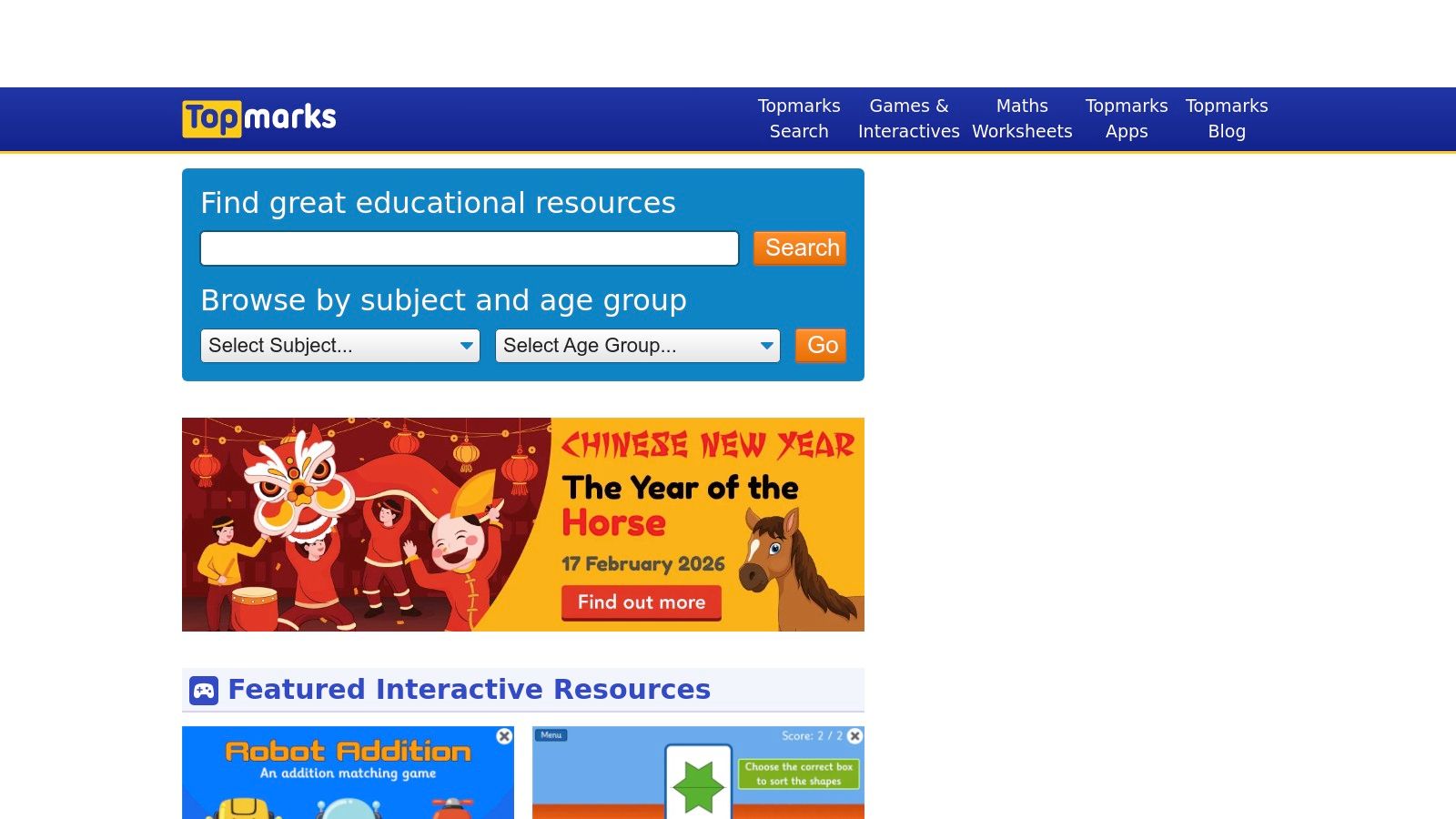
The site’s strength lies in its simplicity and direct links to the UK National Curriculum. You can filter by subject and age group (e.g., Key Stage 2, for ages 7-11), making it incredibly efficient to find a game for a specific learning goal, such as times tables practice with Hit the Button or mental maths drills with Daily 10.
Practical Details & How to Use It
- Learning Focus: Primarily Maths and Literacy, with some Science and Art.
- Best For: Quick, targeted practice of specific skills.
- Try This at Home: Perfect for homework support. If your child needs to practise telling the time, you can find an interactive teaching clock in seconds.
- Try This in the Classroom: Many games are designed for interactive whiteboards, providing excellent whole-class warm-up activities. The straightforward interface helps children work independently.
Our Take: Topmarks is the ultimate time-saver for finding quality, curriculum-focused games. Its no-login policy is a huge plus for privacy and ease of use.
Things to Keep in Mind
While Topmarks itself is ad-free, it links to external websites, some of which may contain adverts. The mobile experience can also vary depending on the specific game developer. However, its brilliant organisation and classroom pedigree make it a go-to resource.
Website: https://www.topmarks.co.uk/
2. Mathsframe
Created by a UK Key Stage 2 teacher, Mathsframe offers over 200 interactive educational free games for kids online designed specifically for mastering primary maths concepts. Its strength lies in its direct alignment with the UK National Curriculum, providing targeted practice for pupils in Years 3 to 6. The site clearly organises games by mathematical topics like fractions, geometry, and number, making it easy to find relevant activities.
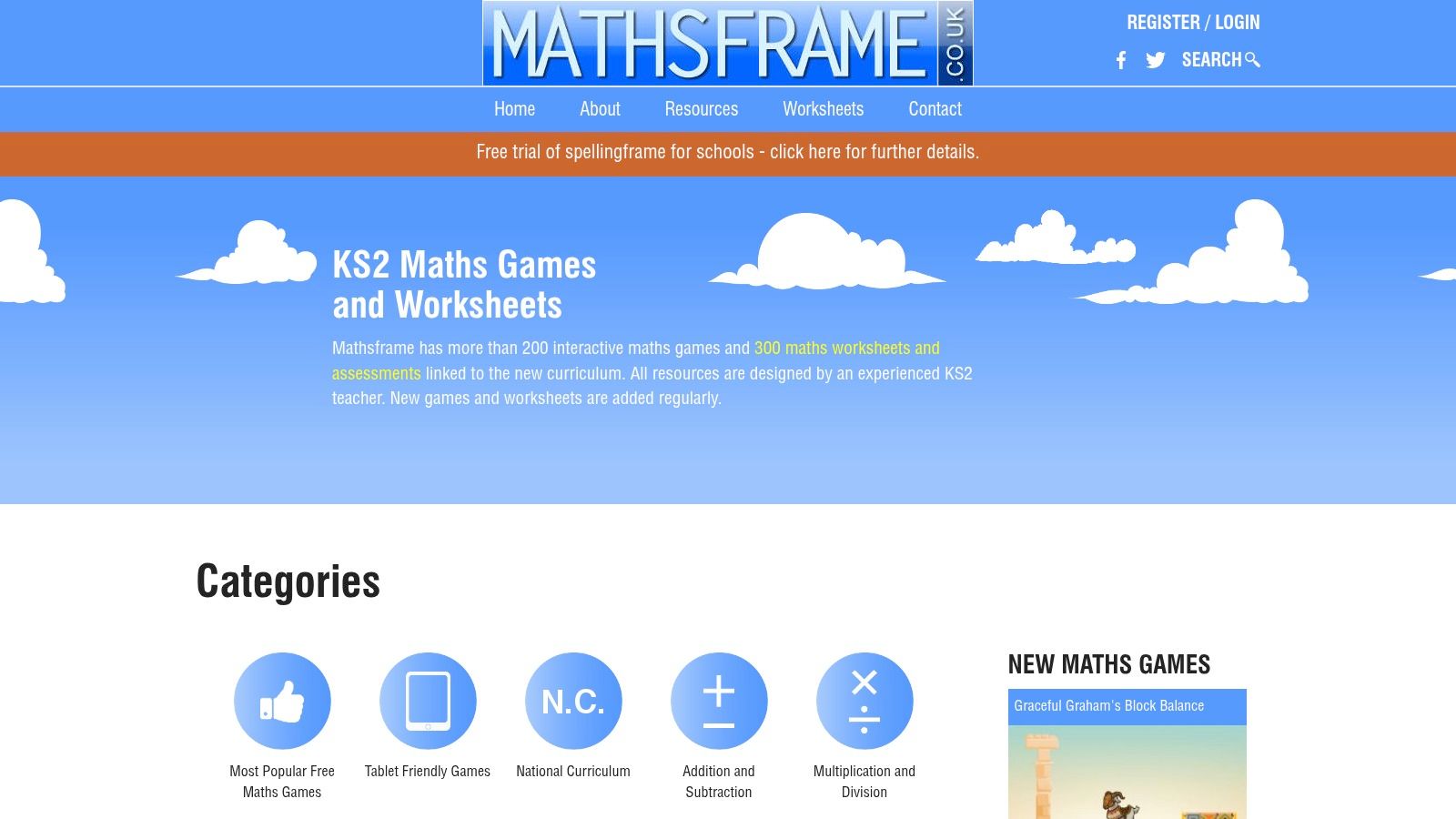
Unlike broader directories, Mathsframe’s content is purpose-built, blending procedural fluency with reasoning challenges. Games like Snowboard Slalom (ordering negative numbers) or Stone Age Stu (addition and subtraction) provide instant feedback in a fun, tablet-friendly format. This focused approach makes it a superb resource for reinforcing specific classroom learning or tackling tricky homework topics.
Practical Details & How to Use It
- Learning Focus: Purely KS2 Maths (Years 3-6), covering all National Curriculum objectives.
- Best For: In-depth practice and mastery of a single maths skill.
- Try This at Home: Excellent for supporting a child who is finding a particular concept tricky, like telling the time or understanding fractions.
- Try This in the Classroom: The HTML5 games work perfectly on interactive whiteboards for whole-class modelling or as independent tasks on tablets.
Our Take: Mathsframe is an indispensable tool for targeted KS2 maths practice. Its teacher-led design ensures every game has a clear learning purpose.
Things to Keep in Mind
While a large selection of games is free, unlocking all 200+ games and 300+ worksheets requires a paid subscription. The site is also exclusively focused on maths, so you won't find literacy or science activities here. However, for developing deep mathematical understanding, its focused, high-quality resources are hard to beat.
Website: https://mathsframe.co.uk/
3. NRICH (University of Cambridge) – Primary Games
Developed by the University of Cambridge, NRICH offers a collection of educational free games for kids online that prioritise deep mathematical thinking over simple speed drills. It's a fantastic resource for nurturing problem-solving skills and encouraging children to explore mathematical ideas, moving beyond basic arithmetic to focus on logic, strategy, and reasoning. The platform is organised into key maths areas, making it easy to find a challenge.
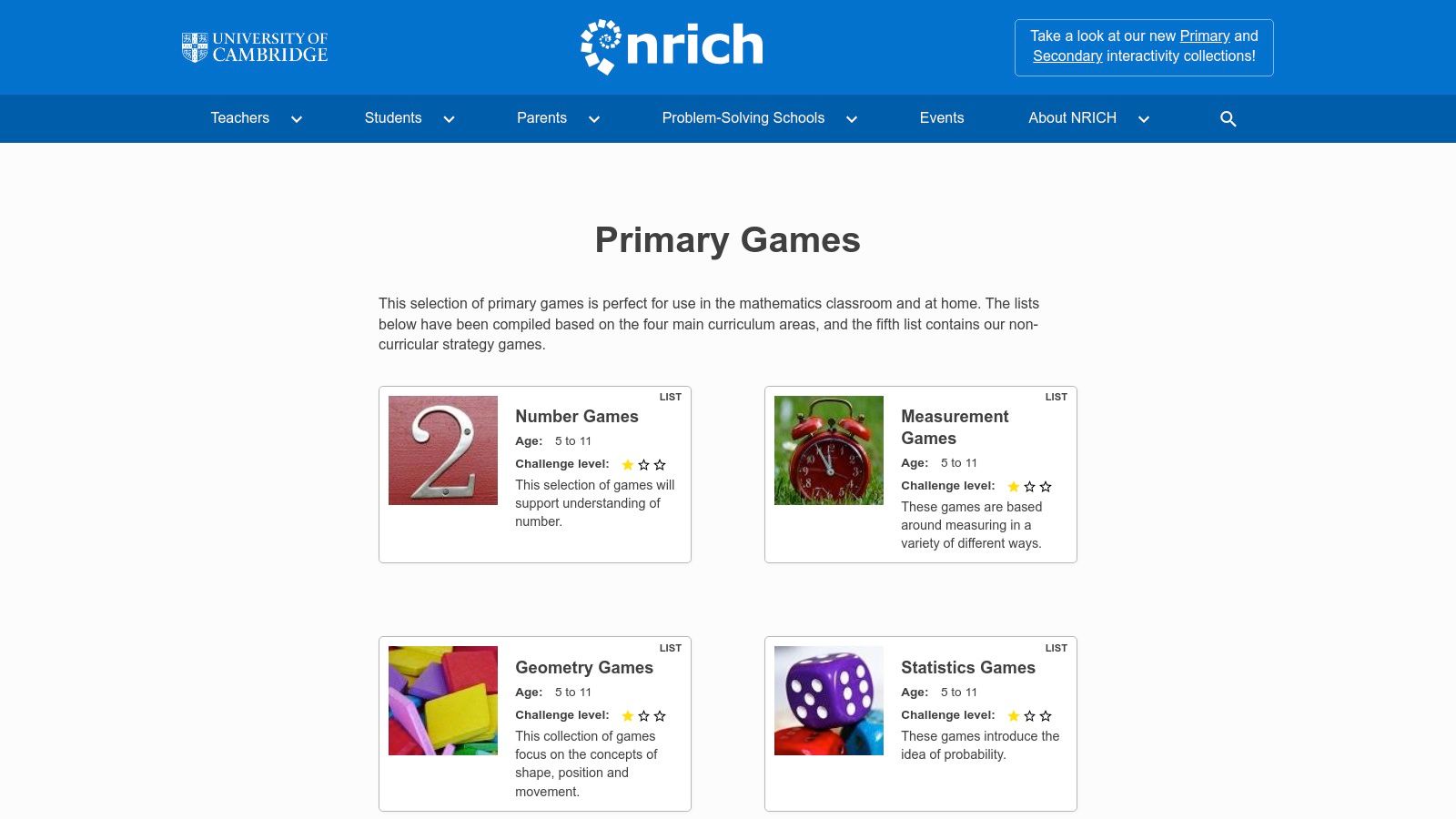
The site’s strength is its academic rigour, presented in an accessible, interactive format. Each game is designed to make children think strategically, not just recall facts. With clear age bands and accompanying notes for teachers and parents, NRICH provides the tools to have meaningful conversations about the 'why' behind the maths, fostering curiosity and confidence.
Practical Details & How to Use It
- Learning Focus: Problem-solving, logic, strategy, and core mathematical concepts.
- Best For: Children who enjoy a puzzle and parents wanting to develop deeper thinking skills.
- Try This at Home: Perfect for a shared challenge. Work together on a game like Getting to 20 to talk about different strategies and learn through trial and error.
- Try This in the Classroom: The interactives are excellent for starter activities or for pupils who need a greater challenge, encouraging them to explain their reasoning to their peers.
Our Take: NRICH is the best choice for moving beyond routine practice. It builds true mathematical fluency and confidence by treating children as capable thinkers.
Things to Keep in Mind
The games are less "arcade-style" than on other portals, which may not appeal to all children initially. The interface is clean but requires a moment to explore and find the right challenge. However, its focus on genuine problem-solving, backed by a world-class university, makes it an invaluable, high-quality resource for any family wanting to build lasting maths skills.
Website: https://nrich.maths.org/games-and-interactives
4. ICT Games
Created by a UK primary school teacher, ICT Games is a treasure trove of educational free games for kids online specifically designed for Key Stage 1 and 2 learners. The platform’s philosophy is clear: provide simple, effective, and fun tools to practise foundational maths and English skills without unnecessary distractions. Its no-nonsense approach makes it a firm favourite in classrooms and homes.
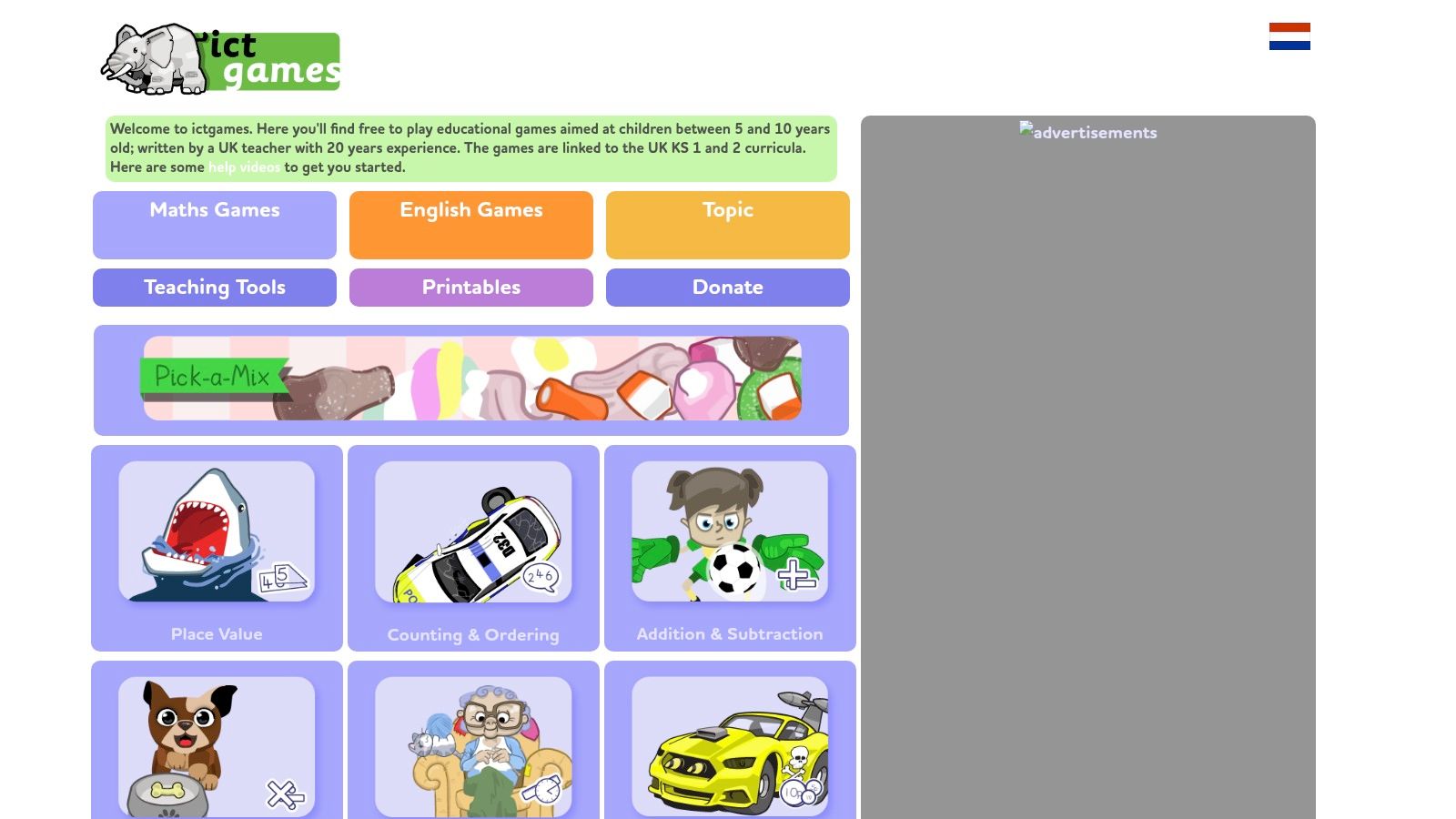
What sets ICT Games apart is its classroom-first design. Every game has a clear learning objective, often explained in a guide for teachers or parents. The clean, tablet-friendly HTML5 games cover core skills like place value, phonics, and spelling, making them perfect for targeted practice on interactive whiteboards or individual devices without needing to log in.
Practical Details & How to Use It
- Learning Focus: Core Maths and English skills (phonics, spelling, number bonds, times tables).
- Best For: Young learners (KS1) needing focused, curriculum-aligned practice.
- Try This at Home: Excellent for reinforcing school learning. If your child is working on CVC words (consonant-vowel-consonant), you'll find a dedicated game in seconds.
- Try This in the Classroom: The games are brilliant for whole-class starter activities or for children to use independently at learning stations, as the instructions are simple and visual.
Our Take: ICT Games is a fantastic resource built from genuine classroom experience. It prioritises learning over flashy graphics, providing purposeful, ad-light games you can trust.
Things to Keep in Mind
The catalogue is smaller and more focused than larger portals, and the games prioritise skill drills over open-ended, creative play. However, its direct curriculum links and teacher-led design make it an incredibly reliable and effective tool for mastering essential literacy and numeracy concepts.
Website: https://ictgames.com/
5. National Geographic Kids – Games
Leveraging a world-renowned brand, National Geographic Kids offers a vibrant collection of educational free games for kids online that ignite curiosity about the natural world. This platform is a fantastic resource for children fascinated by animals, science, and geography, providing bite-sized, browser-based activities that support STEM learning through engaging, interactive content.
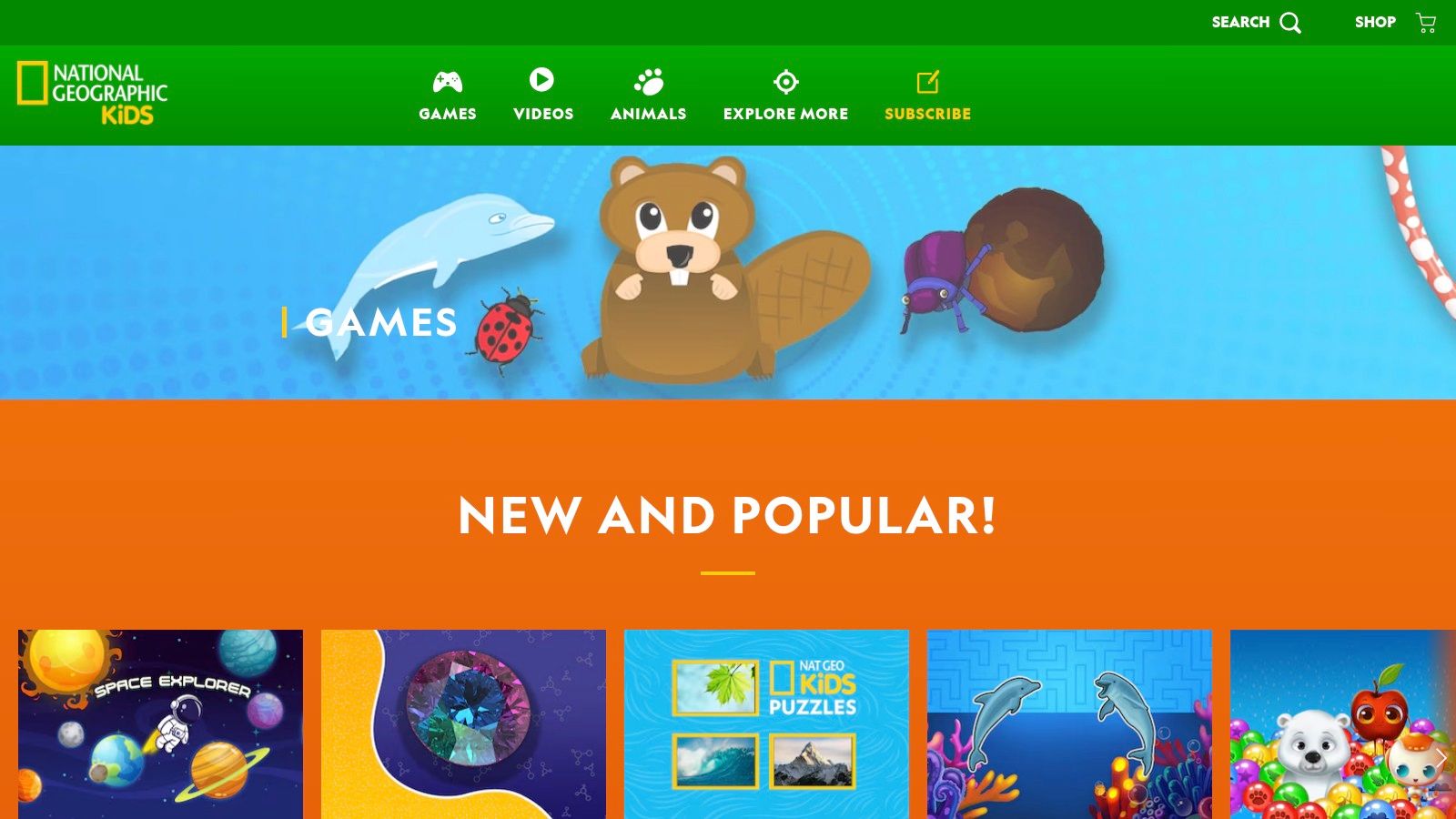
The site’s strength is its ability to make learning about complex topics like ecosystems and conservation feel like an adventure. With a mix of action games, tricky puzzles, and fun quizzes, children can explore habitats, learn bizarre animal facts, or test their geography knowledge. The content is regularly updated and often ties into the Nat Geo Kids magazine and real-world conservation topics.
Practical Details & How to Use It
- Learning Focus: Science (Biology, Ecology), Geography, and Reading Comprehension.
- Best For: Sparking interest in STEM and the natural world.
- Try This at Home: A perfect screen-time choice for a rainy day. Parents can use the games to start conversations about animals, different countries, or environmental issues.
- Try This in the Classroom: The games and quizzes are excellent for supplementing a science or geography lesson, providing a fun way to consolidate knowledge on topics like animal classifications or world continents.
Our Take: National Geographic Kids is a safe, high-quality destination for fun, fact-based gaming. It brilliantly nurtures a child’s natural curiosity about the planet.
Things to Keep in Mind
The games are more supplementary and less of a structured learning pathway. They are designed to be short, engaging experiences rather than deep-dive educational courses. While the site is safe, users may encounter occasional sponsored content or promotions for the magazine. Nevertheless, its trusted brand and high-quality, engaging content make it an invaluable resource for curious young explorers.
Website: https://kids.nationalgeographic.com/games
6. British Council – LearnEnglish Kids (Games)
For families looking to build English language skills, the British Council’s LearnEnglish Kids platform offers a fantastic, safe, and expertly designed collection of educational free games for kids online. Developed by global English-teaching experts, the site provides a structured yet playful environment for children aged 6 to 12 to practise vocabulary, spelling, grammar, and listening through interactive games, songs, and stories.
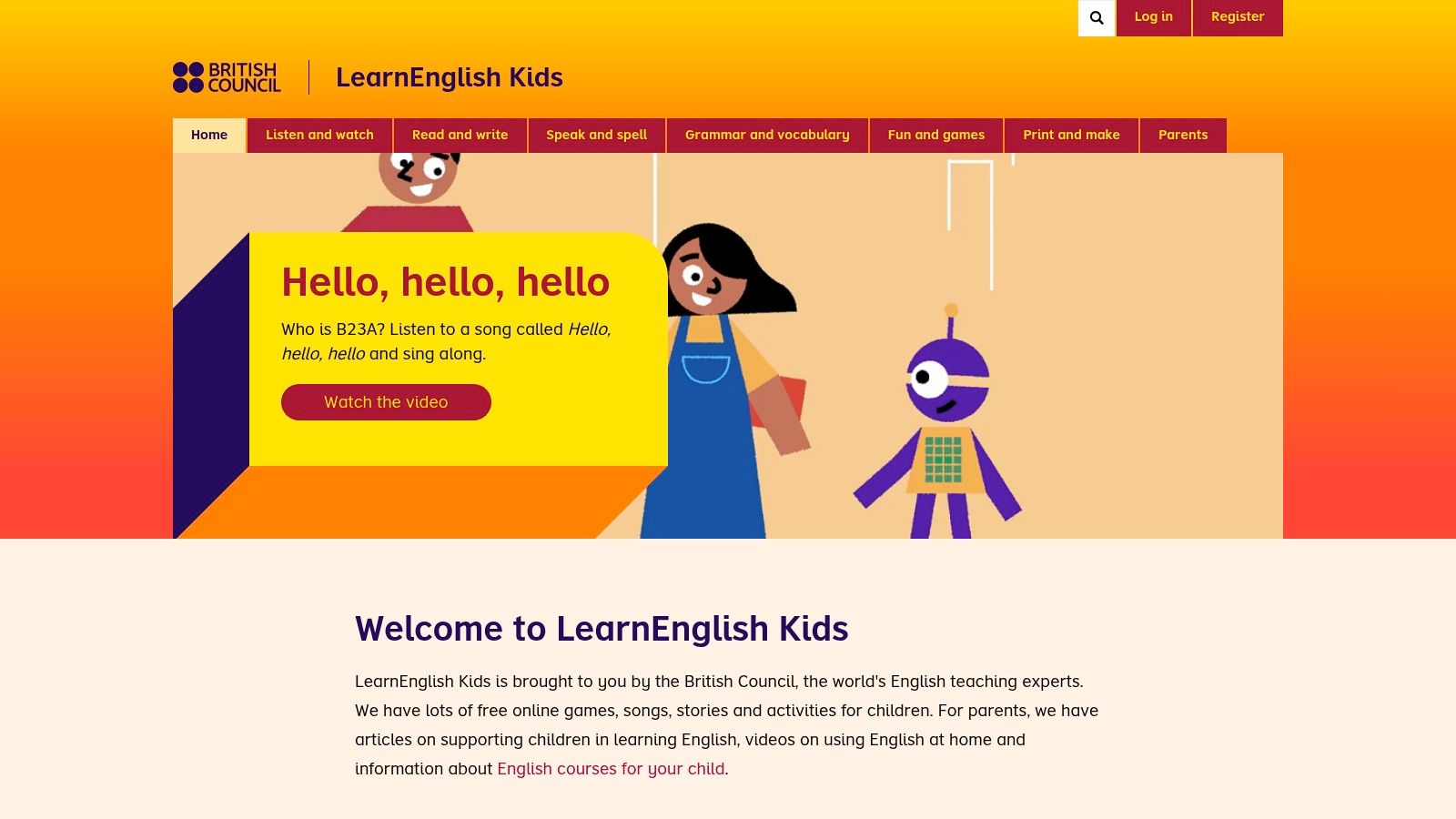
What makes this resource stand out is its holistic approach. Each game is part of a wider topic that includes stories, videos, and printable worksheets, allowing children to immerse themselves in a subject. This method helps reinforce learning by encountering new language in multiple fun contexts, from a game about animals to a song about the weather.
Practical Details & How to Use It
- Learning Focus: English Language Arts (Vocabulary, Spelling, Grammar, Listening, Speaking).
- Best For: Children learning English as a first or second language.
- Try This at Home: Parents can use the clear categories and printable resources to support language homework or to gently introduce new vocabulary in a low-pressure way.
- Try This in the Classroom: The site is a treasure trove for teachers, offering ready-made, high-quality activities and worksheets that align with core English language learning goals.
Our Take: A world-class, education-first resource. The British Council's expertise shines through in its safe, ad-light design and the clear progression of skills, making it a trusted choice for language development.
Things to Keep in Mind
The platform is almost exclusively focused on English language and literacy, so you won't find much in the way of STEM subjects. While the website is free, some content within the companion 'Playtime' app may require a subscription or in-app purchases to unlock fully. Nevertheless, its rich, free web content makes it an invaluable resource for young language learners.
Website: https://learnenglishkids.britishcouncil.org/
7. Scratch (MIT)
More than just a place to play, Scratch is a global creative community where children can program their own interactive stories, animations, and educational free games for kids online. Developed by the MIT Media Lab, it uses a visual, block-based coding language that makes programming feel like building with digital LEGO bricks, empowering children to go from being consumers to creators.
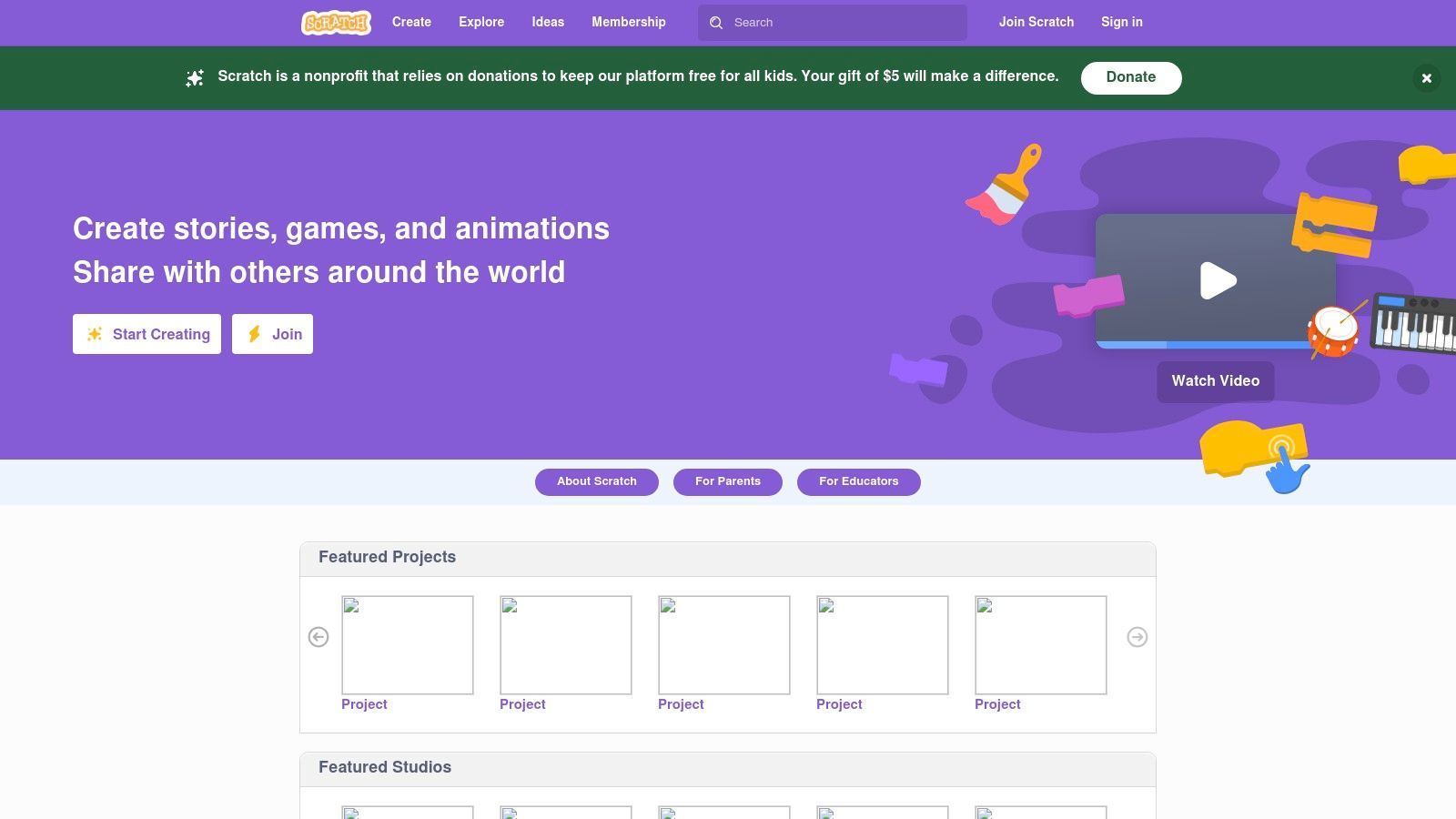
Its core strength is the “Remix” culture, where children can look inside any project to see how it was made, make a copy, and adapt it with their own ideas. This collaborative approach lowers the barrier to entry for coding and encourages experimentation, logic, and computational thinking in a deeply engaging way.
Practical Details & How to Use It
- Learning Focus: STEM, Computer Science, Logic, Creative Arts, Storytelling.
- Best For: Children aged 8+ who want to create, not just consume.
- Try This at Home: A fantastic project-based learning tool. Challenge your child to make a game based on their favourite book or create an animated birthday card for a family member. It’s a brilliant way to see their imagination come to life.
- Try This in the Classroom: Widely used in STEM clubs and computing lessons to introduce foundational programming concepts and problem-solving skills.
Our Take: Scratch is the ultimate free launchpad into the world of coding. It brilliantly bridges the gap between playing games and understanding how they are built, fostering essential 21st-century skills.
Things to Keep in Mind
Scratch is a vast, open community, so it’s wise to guide children on good digital citizenship practices. While it doesn't offer a formal curriculum, its project-based nature encourages self-directed learning and boundless creativity. The platform is entirely free and ad-free, supported by donations.
Website: https://scratch.mit.edu/
8. Code.org – Hour of Code Activities and Game Lab
Code.org introduces children to the fundamentals of computer science through its brilliant Hour of Code activities. These aren't dry lessons; they are vibrant, game-like experiences featuring familiar characters from Minecraft or creative tools like Dance Party. As one of the best sources for educational free games for kids online, it transforms coding from an intimidating subject into a creative and accessible one, allowing kids to build their own simple games and animations.
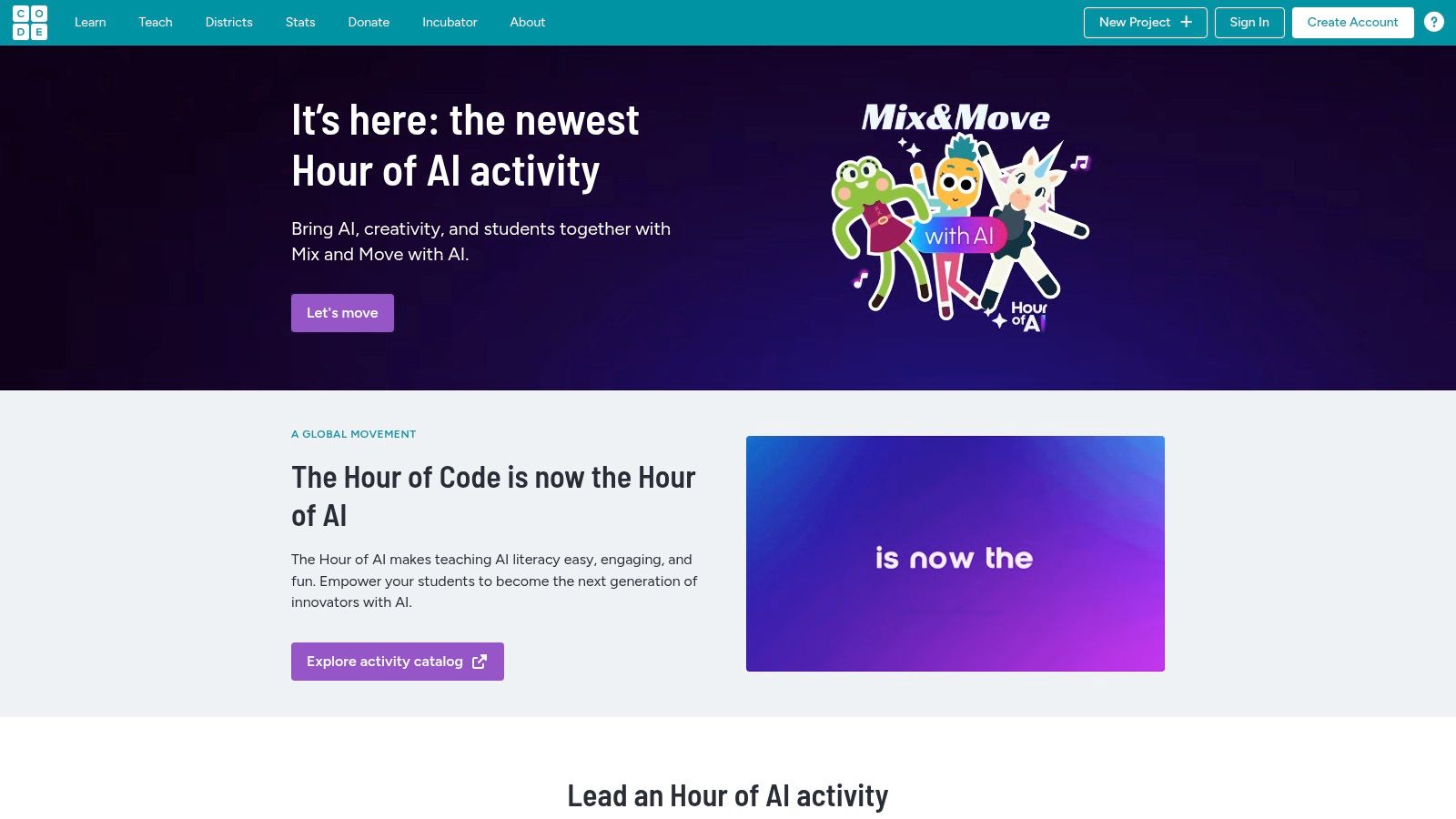
The platform’s strength is its structured, self-guided approach. Children drag and drop blocks of code to solve puzzles and achieve goals, learning logic, sequencing, and problem-solving without even realising it. Tools like Game Lab and Sprite Lab empower them to move from playing to creating, fostering true digital literacy and confidence.
Practical Details & How to Use It
- Learning Focus: Computer Science, Logic, Problem-Solving, Creativity.
- Best For: A structured, fun introduction to coding principles.
- Try This at Home: The one-hour activities are perfect for a focused weekend project. Parents can learn alongside their children with no prior experience needed.
- Try This in the Classroom: Excellent educator resources, including lesson plans and teacher dashboards, make it a classroom favourite. It’s designed to work perfectly on school Chromebooks.
Our Take: Code.org masterfully gamifies coding education, making it feel like a puzzle to be solved rather than a lesson to be endured. Its use of popular brands is a clever hook for reluctant learners.
Things to Keep in Mind
While the block-based interface is intuitive, the on-screen instructions require reading, so younger children may need some initial guidance. Some of the more creative activities, like Music Lab, work best with headphones. However, the platform is completely free and provides a robust, safe environment for children to start their coding journey, an essential skill for any future Space Ranger. Exploring how code works is a great way to understand the technology behind missions, much like becoming a code-breaker for kids.
Website: https://code.org/hourofcode
9. ABCya
A staple in American primary classrooms, ABCya has a massive library of educational free games for kids online, organised by year group and subject. Created and approved by teachers, its games cover everything from English and maths to logic and typing, with a bright, cartoonish style that appeals directly to younger children. The platform is designed for independent play, making it a popular choice for classroom computer time.
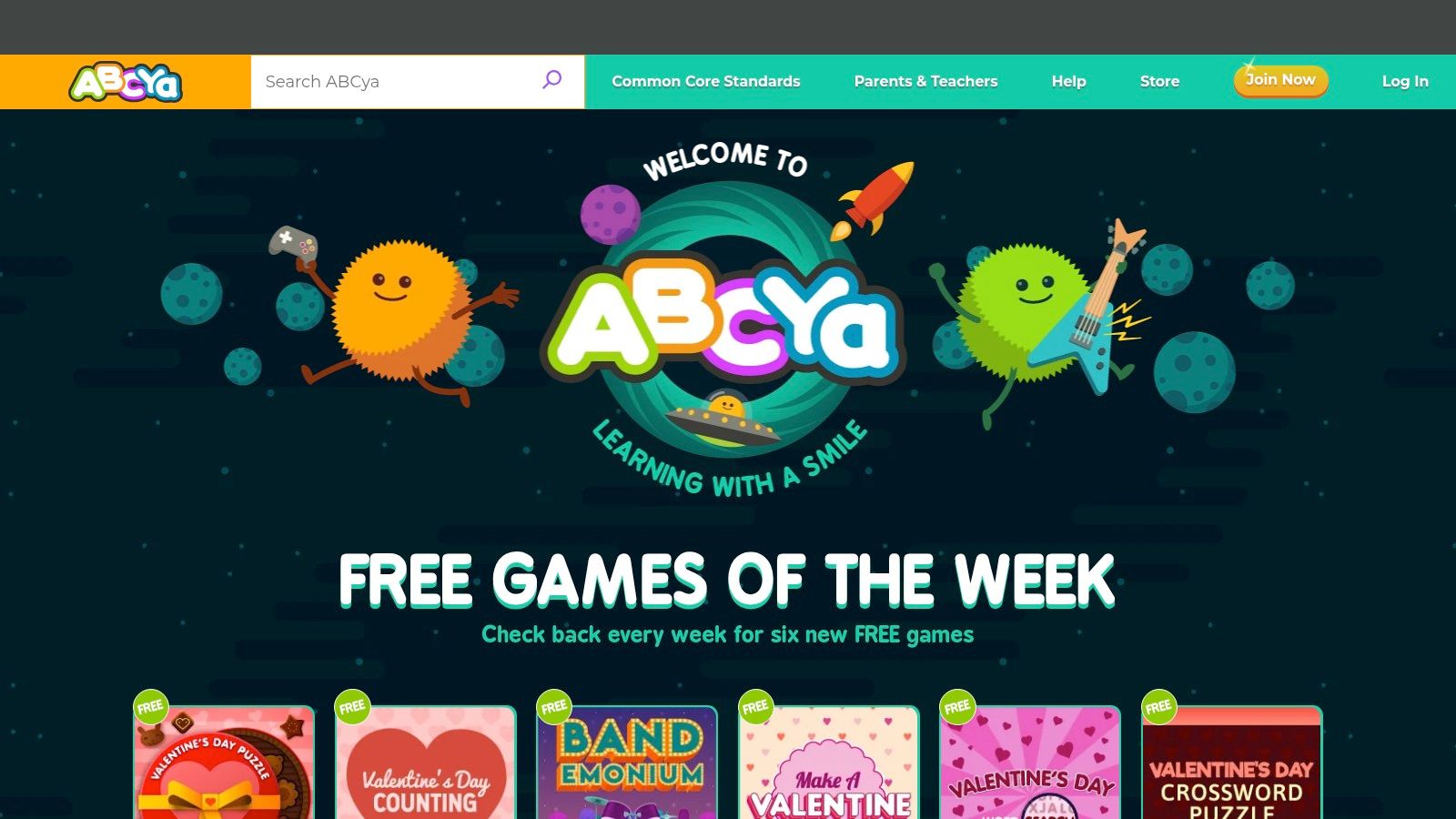
Its strength is the sheer breadth of content. You can find a game for almost any foundational skill, from building sentences to understanding place value. While the free version on the website is ad-supported and offers a limited selection, it provides more than enough to keep a child engaged for short learning sessions.
Practical Details & How to Use It
- Learning Focus: Core subjects including Maths, English Language Arts (ELA), plus Typing, Strategy, and Art.
- Best For: Independent practice and fun skill reinforcement for ages 6-12.
- Try This at Home: A brilliant option for a screen-time reward that’s secretly educational. The seasonal games for events like Christmas or Halloween are always a hit.
- Try This in the Classroom: The short, browser-based games are perfect for learning centres or as a quick activity for early finishers. The simple interface allows pupils to navigate on their own.
Our Take: ABCya excels at making drill-and-practice fun. Its huge variety and kid-friendly design make it a reliable resource for foundational skills, even with the limitations of the free version.
Things to Keep in Mind
The free access on the web is supported by ads, and the full catalogue is locked behind a subscription paywall. To unlock all games and enjoy an ad-free experience, you need a paid family plan or to purchase the iOS/Android apps. Despite this, the quality and variety of the free games make it a worthy bookmark for parents and teachers.
Website: https://www.abcya.com/
10. Math Playground
Math Playground offers a huge catalogue of educational free games for kids online, focused exclusively on nurturing mathematical skills. With hundreds of games, logic puzzles, and story-based maths problems, it provides a playful environment for children in Key Stage 1 and 2 to build their confidence and competence with numbers.
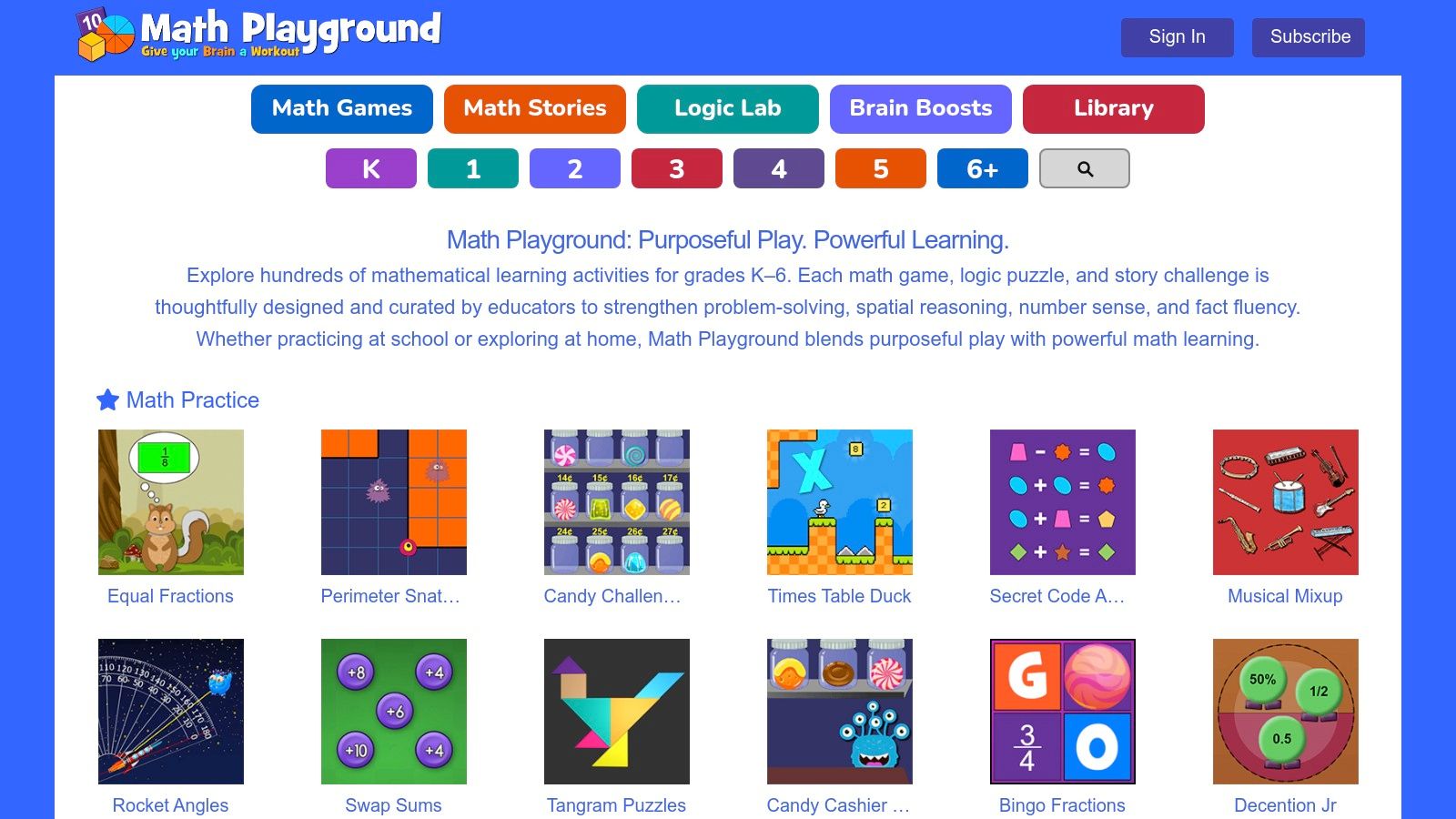
The platform stands out for its breadth, covering everything from basic addition and subtraction to more complex topics like fractions, decimals, and pre-algebra. A key feature is its "Thinking Blocks" tool, which helps children visualise and solve word problems step-by-step, turning abstract challenges into manageable, concrete tasks. No login is needed to access the vast majority of games.
Practical Details & How to Use It
- Learning Focus: Comprehensive Maths (K-6), Logic, and Problem-Solving.
- Best For: Visualising maths problems and practising a wide range of skills.
- Try This at Home: Excellent for reinforcing classroom learning or tackling tricky homework topics. The logic games are a fun way to develop strategic thinking skills without feeling like typical schoolwork.
- Try This in the Classroom: The interactive games and problem-solving tools are ideal for whole-class demonstrations on an interactive whiteboard, followed by independent practice on tablets.
Our Take: Math Playground is a brilliant, maths-focused resource that successfully blends skill practice with genuine problem-solving. The 'Thinking Blocks' section is a standout tool for demystifying word problems.
Things to Keep in Mind
The free version of the site is supported by adverts, which can be a distraction for some children. A premium subscription is available to remove ads and unlock additional features, but the core free offering is extensive. The mix of game styles, from fast-paced drills to slower logic puzzles, makes it a versatile addition to any learning toolkit.
Website: https://www.mathplayground.com/
11. Funbrain
A veteran in the digital playground, Funbrain has been offering educational free games for kids online since the early days of the internet. It provides a vast collection of games, comics, and videos designed for pupils from pre-school through to early secondary school, with a strong focus on Maths and Reading. The platform is designed for immediate play, requiring no login or sign-up.
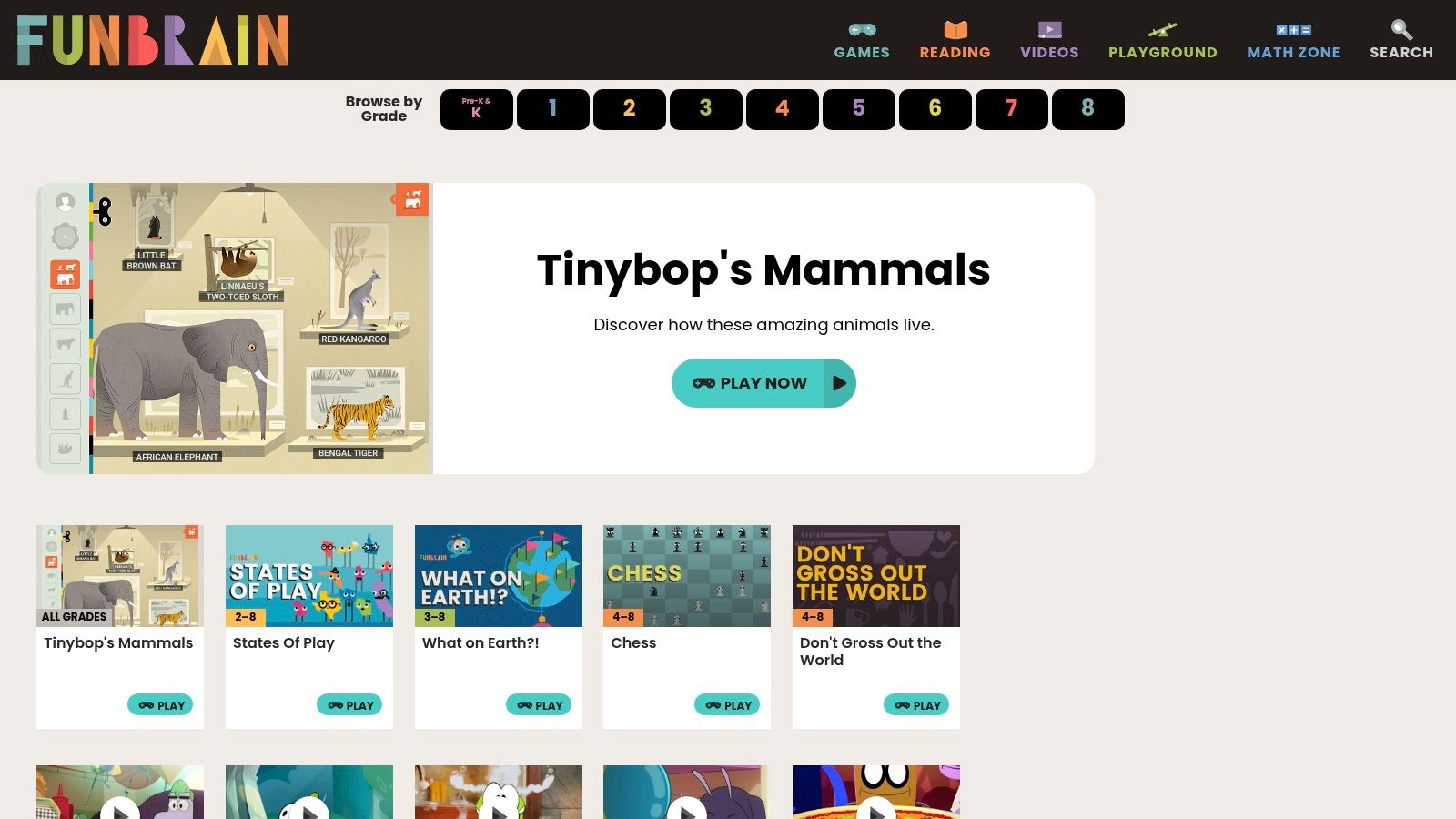
Its main appeal is the sheer variety and ease of access. Children can jump into a maths arcade game like Math Baseball or read a digital comic almost instantly. Games are conveniently indexed by grade level, making it simple for parents and teachers to find age-appropriate content, although it aligns more with the US grade system than specific UK curriculum stages.
Practical Details & How to Use It
- Learning Focus: Maths and Reading are the core subjects, with a mix of arcade-style games and digital books.
- Best For: Casual, fun-based skill reinforcement and reading for pleasure.
- Try This at Home: A great choice for a bit of screen time that still has educational value. It’s perfect for a quick game to practise number skills or to encourage a reluctant reader with a fun comic.
- Try This in the Classroom: The simple, no-login games can serve as fun rewards or "early finisher" activities that keep learning going.
Our Take: Funbrain is a reliable classic for free, accessible learning fun. Its long-standing reputation and massive catalogue make it a dependable resource for parents seeking safe, browser-based games.
Things to Keep in Mind
As a free platform, Funbrain is supported by adverts, which can be distracting for some children. While it organises content by grade, it lacks the direct UK curriculum mapping found on sites like Topmarks. However, its blend of arcade fun and reading materials offers a well-rounded experience that encourages learning through pure, simple play.
Website: https://www.funbrain.com/
12. Coolmath4Kids
A long-standing favourite for digital maths practice, Coolmath4Kids is the younger sibling of the popular Coolmath Games site. It offers a huge library of educational free games for kids online, focused squarely on maths concepts like multiplication, division, fractions, and logic. It's designed for independent practice, making it a handy resource for homework support or a fun way to reinforce classroom learning.
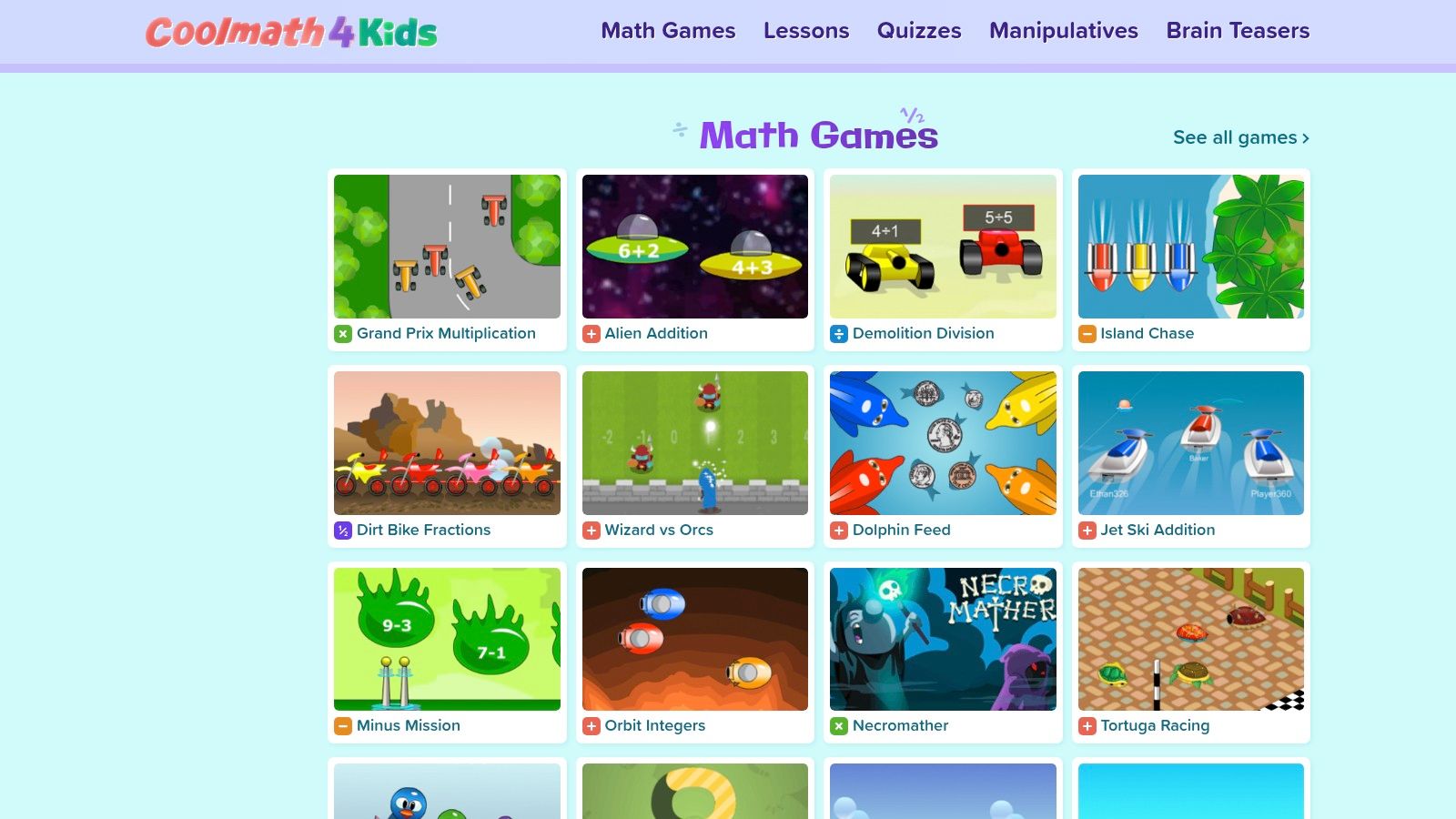
The platform stands out with its blend of fast-paced games, such as Grand Prix Multiplication, and useful digital manipulatives like Ten Frames and Base Ten Blocks. These tools are fantastic for helping children visualise abstract concepts, bridging the gap between physical classroom resources and online learning in a simple, accessible way.
Practical Details & How to Use It
- Learning Focus: Core Maths skills (arithmetic, fractions, logic) and problem-solving.
- Best For: Ages 6-12 needing quick, repetitive practice to build fluency.
- Try This at Home: A great five-minute brain break to practise times tables or work through a tricky fraction problem using the site’s manipulatives.
- Try This in the Classroom: The digital manipulatives can be projected onto an interactive whiteboard for whole-class demonstrations, while the games are ideal for individual practice on tablets.
Our Take: Coolmath4Kids is a solid, no-frills destination for maths drills. The addition of brain teasers and manipulatives makes it more versatile than a simple game arcade.
Things to Keep in Mind
The free version of the site is supported by ads, which can be distracting for some children. While many games are excellent for building speed and recall, some may favour quick answers over developing a deep, conceptual understanding of the maths behind the problems. It’s a useful tool for practice, but best paired with other learning methods.
Website: https://www.coolmath4kids.com/
Comparison of Top 12 Free Educational Games for Kids
| Platform | Core features ✨ | UX / Quality ★🏆 | Value & Price 💰 | Target audience 👥 |
|---|---|---|---|---|
| Topmarks | Teacher‑vetted interactive games; curriculum filters; whiteboard‑friendly ✨ | ★★★★☆ Classroom‑ready; fast discovery | 💰Mostly free; some linked sites show ads | 👥 KS1–KS2 teachers & parents |
| Mathsframe | 200+ KS2 maths games; 300 worksheets; HTML5 interactives ✨ | ★★★★☆ Tablet‑friendly; instant feedback | 💰Freemium — many free, premium subscription | 👥 Years 3–6 (KS2 focus) |
| NRICH (Cambridge) | Problem‑solving games; teacher notes; age bands ✨ | ★★★★★ Deep learning focus; extension tasks 🏆 | 💰Free; academically trusted | 👥 5–11 teachers & high-achievers |
| ICT Games | KS1–KS2 maths & English; clear learning intent; HTML5 ✨ | ★★★★☆ Ad‑light; whiteboard & home ready | 💰Free; smaller catalogue | 👥 KS1–KS2 teachers & home learners |
| National Geographic Kids | Nature/science games, quizzes & puzzles; topical content ✨ | ★★★★☆ Engaging visuals; bite‑sized play | 💰Free; magazine tie‑ins; occasional sponsored | 👥 6–12 curious about science/nature |
| British Council – LearnEnglish Kids | Language games, songs, printable supports; progression ✨ | ★★★★☆ Structured; education‑first design | 💰Free; some app IAPs | 👥 6–12 EFL learners, parents & teachers |
| Scratch (MIT) | Play and create games; block editor; remix culture ✨ | ★★★★☆ Creative, community‑driven | 💰Free & open; needs supervision for community | 👥 8+ young coders & STEM clubs |
| Code.org | Hour‑of‑Code lessons; Game/Sprite Lab; teacher dashboards ✨ | ★★★★★ Classroom‑ready; strong educator tools 🏆 | 💰Free; robust lesson supports | 👥 6–12 beginners & teachers |
| ABCya | Browse by grade/skill; apps & fresh monthly content ✨ | ★★★☆☆ Simple UI; kid‑navigable | 💰Free limited; subscription/apps unlock full library | 👥 K–6 families & classrooms |
| Math Playground | 300+ maths games; Thinking Blocks; device‑agnostic ✨ | ★★★★☆ Broad mix (fluency→problem solving); ads present | 💰Free w/ads; premium removes ads | 👥 K–6 learners seeking variety |
| Funbrain | Maths & reading mini‑games; grade/topic indexing ✨ | ★★★☆☆ Instant access; familiar in schools | 💰Free; ad‑supported | 👥 Primary → early secondary students |
| Coolmath4Kids | Facts practice; manipulatives; brain‑teasers ✨ | ★★★☆☆ Fast practice; some ad distraction | 💰Free; ad‑supported | 👥 6–12 independent practice & homework |
Your Next Adventure Awaits!
Our galactic tour of the best educational free games for kids online has come to an end, but your family's learning adventure is just getting started. We've explored a universe of resources, from the curriculum-aligned challenges on Topmarks and Mathsframe to the creative coding sandboxes of Scratch and Code.org. We’ve seen how platforms like National Geographic Kids and the British Council's LearnEnglish Kids use games to make science, geography, and literacy feel like a thrilling expedition rather than a lesson.
The key takeaway is that the digital world offers a powerful launchpad for curiosity. The right game doesn't just teach a fact; it fosters a problem-solving mindset, encourages resilience when a puzzle proves tricky, and builds confidence with every new level unlocked. These games are not just screen time—they are springboards for real-world discovery and conversation.
Choosing the Right Mission for Your Young Explorer
Selecting the perfect game from this extensive list might seem daunting, but it becomes much simpler when you start with your child's needs and interests.
Think about these key factors:
- Learning Goal: Are you looking to reinforce a specific classroom topic, like fractions on Mathsframe, or are you aiming to nurture a broader skill, such as logical thinking with NRICH's puzzles? Defining your objective helps narrow down the choices.
- Your Child's Interests: Does your child love telling stories? Scratch might be the perfect fit. Are they a budding scientist? The games on National Geographic Kids will surely capture their imagination. Tapping into their natural passions is the secret to making learning feel like play.
- Time and Supervision: Consider how much hands-on support you can offer. A platform like Scratch may require more initial guidance from you, whereas the straightforward games on ICT Games are perfect for independent practice.
- Which Device to Use: Always check if a game is optimised for your family's devices. While many are browser-based and work on laptops, some work better on tablets.
Launching Learning Beyond the Screen
The true power of these educational free games for kids online is realised when they connect back to the world away from the computer. Use them as a starting point for conversations and hands-on activities. If your child has been designing alien landscapes in a game, why not try building a model of a new planet out of household craft materials? This is a core principle of the Menturity™ approach: bridging digital play with tangible, real-world thinking.
After a session on a coding platform like Code.org, you could create a simple "unplugged" coding game at home. For example, write down a sequence of instructions (like "take two steps forward, turn left, clap your hands") for your child to follow, just like a computer following code. You can find more playful ideas in our collection of free activities.
Ultimately, the goal is to empower your child to see themselves as a capable, curious learner. The games we’ve shared are fantastic tools, but the encouragement, questions, and shared excitement you provide are what truly fuel their journey. Keep exploring, stay curious, and remember that every question is the start of a new discovery.
Ready to blend screen-free storytelling with stellar STEM concepts? The Space Ranger Fred book series takes the spirit of playful learning you’ve seen in these games and wraps it in an exciting cosmic adventure. Join Fred on his missions and discover a universe where curiosity, confidence, and problem-solving save the day! Explore the books and find your next family reading adventure at Space Ranger Fred.