
Saturday morning begins like a launch countdown gone slightly wrong. One child is lobbying for giant coasters. Another is requesting dinosaurs. The adults are checking travel times, lunch stops, and whether anyone can survive a two-hour drive without a full-scale back-seat rebellion. A good map turns that chaos into a plan.
That is the main job of a map of theme parks in the UK. It helps you answer three practical questions in the right order. Where are the parks? Which map is easiest for your crew to use? Which one will help the day run more smoothly once the mission begins?
Space Ranger Fred would call that pre-flight prep. Commander Zando would probably add biscuits, spare socks, and a toilet stop strategy.
For parents, teachers, and librarians, park maps do more than point from A to B. They help you match the right park to the right group. A thrill-seeking teenager, a reception class, and a mixed-age family reunion do not need the same mission briefing. If your trip planning also includes gathering a bigger crew, this guide to best destinations for family reunions may help.
You will see a few different kinds of maps in this guide. Some are interactive and best for live directions, travel times, and nearby facilities. Others are printable and better for classroom planning, group discussion, or old-fashioned highlighter-pen tactics at the kitchen table. If you want extra tools for the journey itself, this practical guide to travel apps is useful alongside your park map.
The mission ahead is simple. We will sort the best map tools into clear categories, help you choose the right park for your crew, and finish with example mission itineraries so your day out feels less like guesswork and more like a well-plotted adventure.
1. Google Maps, 'Theme parks in United Kingdom' category search
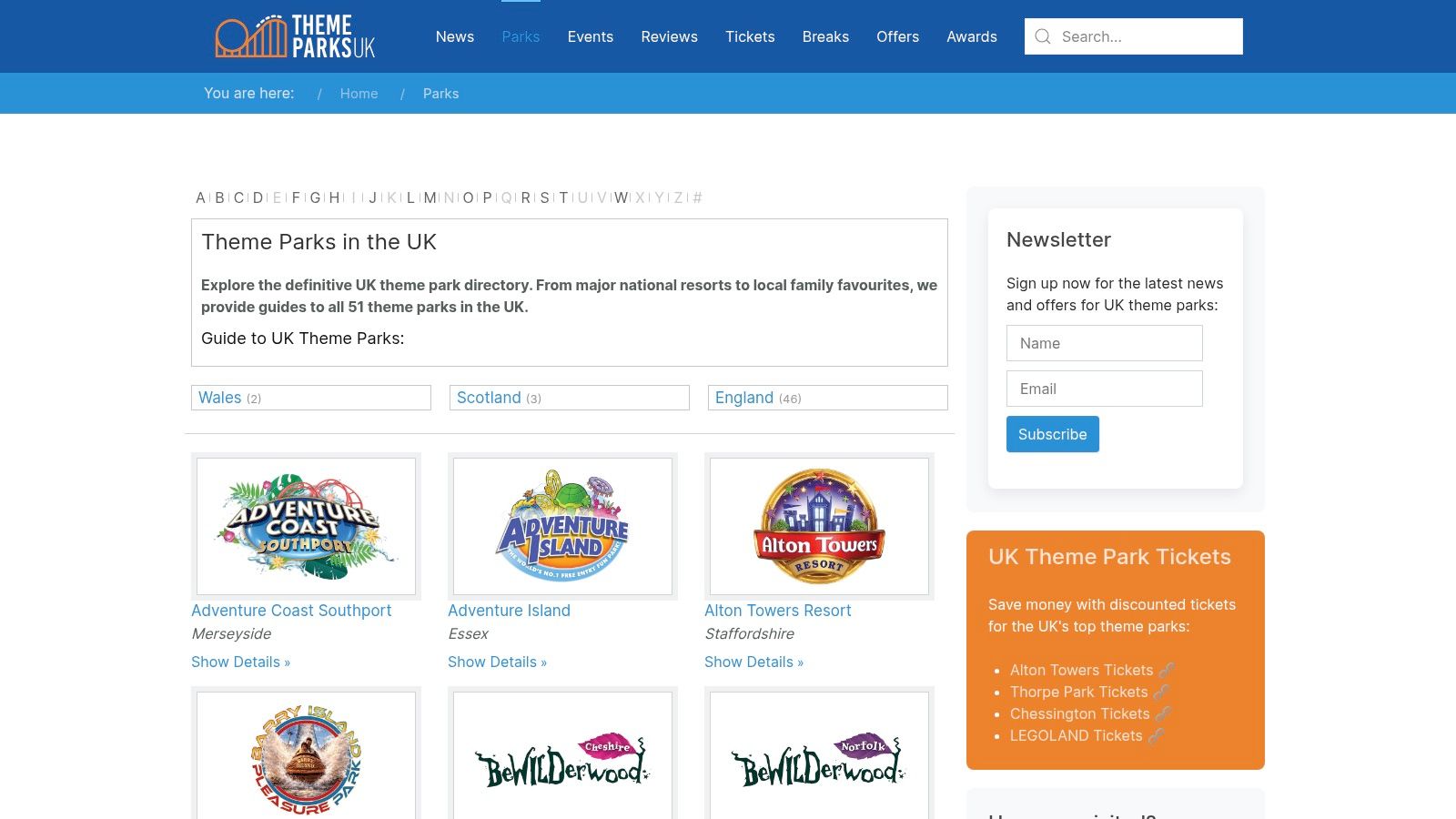
Mission Control usually starts here. Open Google Maps theme park results, type “theme parks in United Kingdom,” and the screen fills with pins like a star chart for family fun. In one glance, you can see where parks sit, how long the journey may take, and what is nearby once your crew lands.
That matters because the first planning question is often simple. Can we get there without turning the day into a four-hour biscuit-and-traffic expedition?
Best for live location planning
Google Maps works like your mission radar. It is less about ranking the “best” park and more about answering practical questions fast. Parents can compare drive times. Teachers can check whether a coach route looks sensible. Librarians or group leaders can spot rail stations, cafés, car parks, and supermarkets nearby.
That broad view is useful, but it can also confuse people on the first search. A major destination park may appear alongside a smaller seaside amusement venue. The map is showing what exists in the category, not building you a neatly filtered shortlist.
Use it for jobs like these:
- Travel-time checks. Compare whether one park is realistic for a day trip or better saved for a weekend.
- Arrival planning. Look for parking, station access, and the roads around the entrance.
- Group sharing. Send one pin to family members, school staff, or other adults in your party.
- Ground-truthing. Street View and satellite images help you judge the area before you commit.
Where Google Maps helps most
This tool shines when your crew already knows the rough mission zone. Maybe you are staying in Yorkshire, visiting grandparents near Birmingham, or planning a school outing from South London. Google Maps helps you handle the practical side of the adventure, which park is close enough, easy enough, and sensible enough for your particular group.
For younger children, that can be more important than chasing the tallest coaster in the kingdom.
One caution from Mission Control
Check the park’s own website before you launch. Opening times, seasonal events, height restrictions, and ticket rules can change, and Google listings do not always tell the full story. Google Maps gets you the route. The official site confirms the mission details.
If you want extra tools for the journey itself, this practical guide to travel apps pairs nicely with Google Maps and gives your command console a few more buttons.
2. RideRater
Mission Control gets this question all the time. “Commander, we have one free day, one car full of snacks, and three children with different ride courage levels. Where do we even start?” RideRater gives you a fast answer.
RideRater’s UK theme parks map works like a mission board for the whole country. Instead of asking you to search park by park, it shows the main options on one map so you can scan a region quickly and spot what is realistically within range. For a parent, that means fewer tabs. For a teacher, it means a quicker first filter before the permission-slip details begin.
Best for building a shortlist from location
RideRater helps most at the early planning stage. Your crew knows the launch zone, but not the destination yet. Perhaps you are staying near Birmingham, breaking up a holiday drive, or trying to find a park that suits a mixed-age group without spending half the morning on the motorway.
That makes it handy for jobs like these:
- Regional comparison. Check which parks sit close enough to compare as real options.
- Route planning. Add a park stop to a wider family trip without turning the whole day into transit time.
- School trip filtering. Give staff a quick visual sense of what falls within a sensible travel area.
- Family discussion. Show children a few candidate parks on one screen, then talk through what fits the day best.
A good mission map does not need to answer every question at once. It needs to narrow the field.
Why it feels different from a general map
Google Maps helps you handle roads, stations, and the practical business of getting there. RideRater is more useful one step earlier. It helps you choose where “there” might be in the first place.
That distinction matters. If your child loves Peppa Pig World, for example, you may already be leaning toward Paultons. In that case, our guide to new rides at Paultons Park is a better next briefing. If you are still comparing several parks across one region, RideRater is the quicker scouting tool.
What to expect before you click
Keep expectations sensible and you will get good value from it. RideRater is strongest as a locator and shortlist builder. Once you have two or three likely candidates, you will still want the official park site for opening dates, tickets, height rules, and on-the-day maps.
In Space Ranger Fred terms, RideRater is the star chart. It helps your crew pick the planet before you start planning the landing.
3. ThemeParks-UK
Mission control moment. You have already scanned the big UK map and picked a likely sector. Now you need the landing manual.
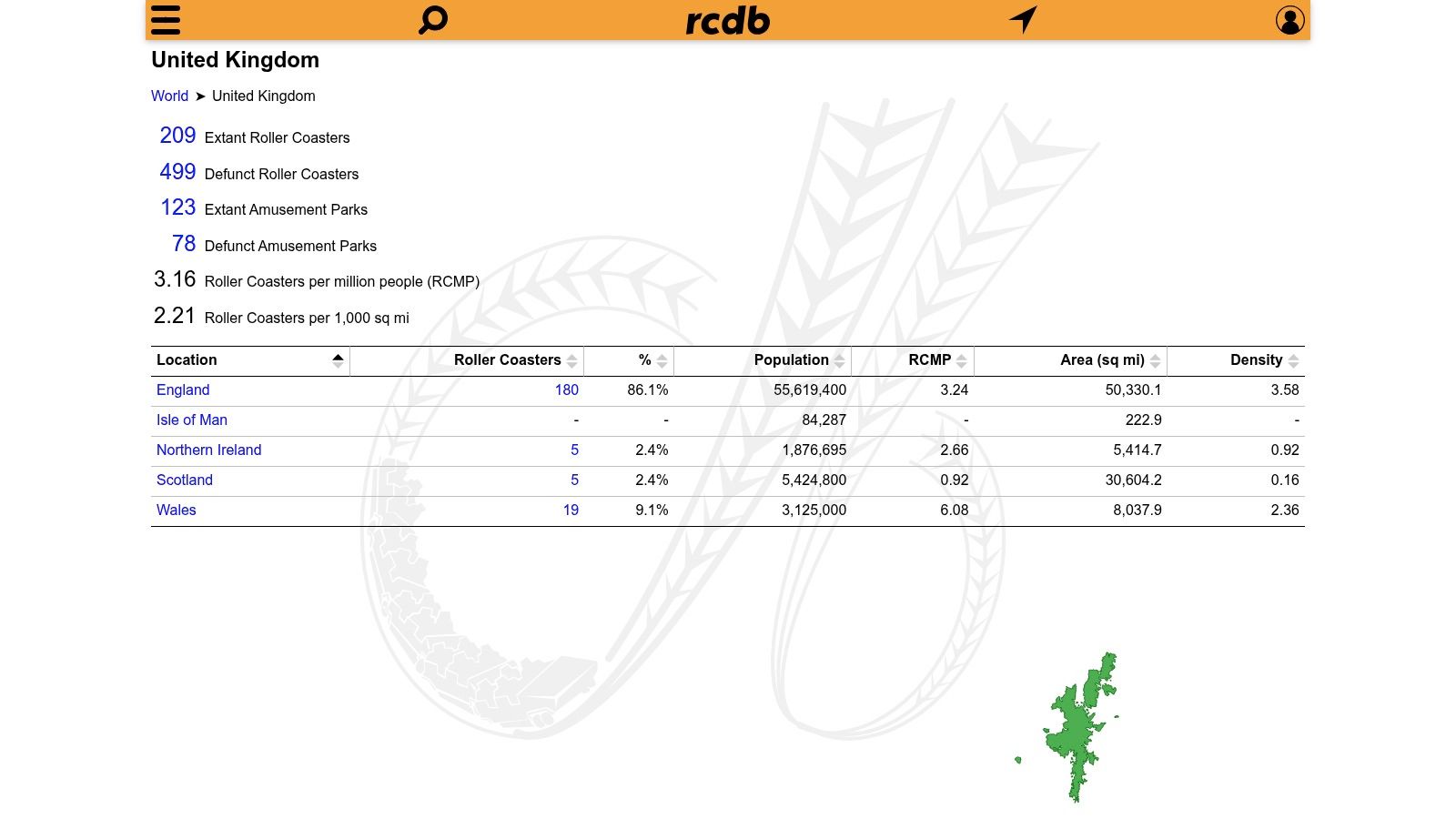
ThemeParks-UK works well at that stage. It feels like a UK field guide built for families and school organisers who want more than a pin on a screen. You can browse parks by area, then move into individual park pages that often point you toward official maps, printable PDFs, and practical planning details.
A general map helps you choose a destination. A directory like this helps you choose wisely.
Why it earns a place in your mission plan
Parents and teachers often hit the same problem. The park looks exciting, but the useful details are scattered across several pages. ThemeParks-UK helps gather the trail markers into one place, which saves time when you are comparing options with different age ranges, different travel distances, and different goals for the day.
That makes it especially handy for the "Interactive map first, Printable map next" part of your mission.
If your crew is leaning toward Paultons, our guide to new rides at Paultons Park is a good next briefing once you have used ThemeParks-UK to confirm the park fits your route and age group.
Best for park-by-park checking
ThemeParks-UK is strongest after your shortlist exists. Google Maps answers, "Where is it?" This tool is more useful for, "Which of these parks suits our crew?"
Here is where it can help:
- Regional browsing. Useful if you want parks within one county or one part of the UK.
- Park detail pages. Better for comparing real options than staring at a cluster of pins.
- Links to official resources. Helpful when you want the proper on-site map before mission day.
There is also a quiet educational bonus. A directory that includes major resorts, smaller family parks, and older attractions gives children a better sense of the UK's amusement history. The result is a richer conversation. You are not only picking rides. You are showing them how different parks serve different audiences, budgets, and ages.
Space Ranger Fred would call this the clipboard phase of the expedition. Less glamorous than launch. Much better for avoiding tears near the turnstiles.
4. RCDB
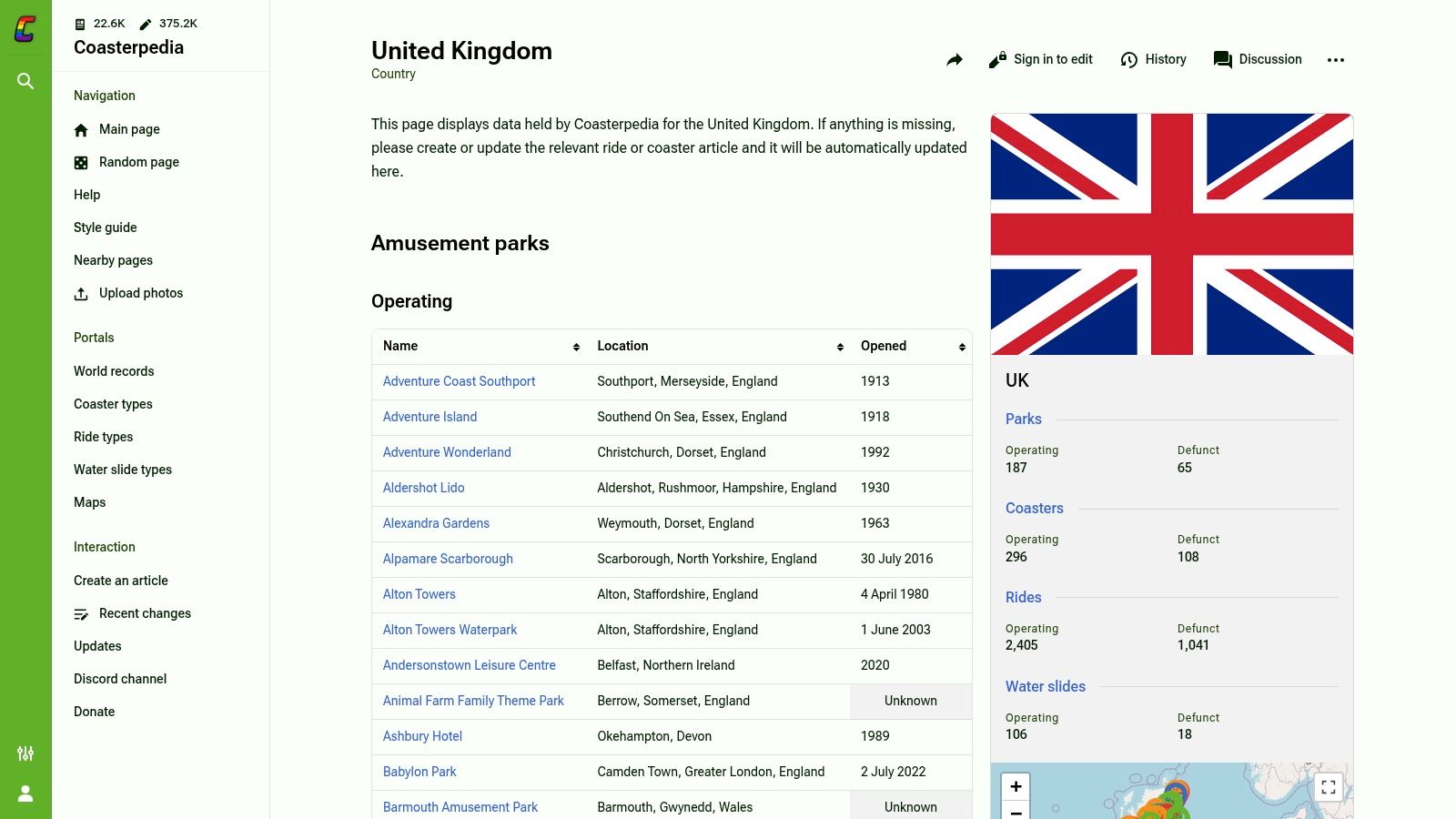
Mission Control calls for RCDB when your crew starts asking delightfully specific questions. Which UK parks have roller coasters? Which rides are steel, wooden, old, new, tall, or wildly named? RCDB’s United Kingdom location map answers those questions fast.
RCDB stands for Roller Coaster DataBase, and it behaves exactly like that title suggests. It is less of a family day-out brochure and more of a ride catalogue for children who inspect lap bars, read height boards, and want to know what makes the big machine go.
Best for STEM-minded mission planning
Space Ranger Fred would file this under "science officer approved." A coaster map works like a physics worksheet with lift hills attached.
Open RCDB before your trip and you can turn a park choice into a mini lesson. Children can compare ride types, spot patterns between parks, and ask better questions before they even reach the gate. Why do some coasters need a chain lift? Why does the train race through the bottom of a drop? Why do bigger coasters need more space?
Those are excellent family or classroom prompts because the answers connect directly to forces, speed, energy, and design. The map helps you choose parks where those conversations will happen naturally, especially if your crew prefers thrill rides over character areas or gentle trains.
What RCDB does well
RCDB is strongest when your mission needs ride-specific detail rather than broad holiday planning.
- Shows coaster locations clearly. Handy for spotting which parks are true coaster stops.
- Lists individual rides. Useful for children who want facts, names, and categories.
- Supports comparison. You can quickly see whether one park looks like a full thrill mission or a lighter family outing.
- Adds history. Older rides and park timelines can spark good chats about how attractions change over time.
That history angle matters more than it first appears. A park pin on a general map says, "there is a place." A ride database says, "here is how this place was built, updated, and made exciting for different generations."
The catch
RCDB has a narrow beam. That is part of its charm, and part of its limit.
If you are planning for preschoolers, mixed-age siblings, or a class that needs playgrounds, shows, animals, or indoor backup plans, RCDB will not answer every mission question. It focuses on coasters first. Family facilities and non-coaster attractions are not the star of the show.
For older children, keen readers, and fact-hunters, though, it can be glorious. Give one curious child this map and five minutes, and you may suddenly have a junior ride engineer on your hands.
5. Coasterpedia
Mission Control note. Coasterpedia is the resource for families and classes who enjoy the research phase almost as much as the park day itself.
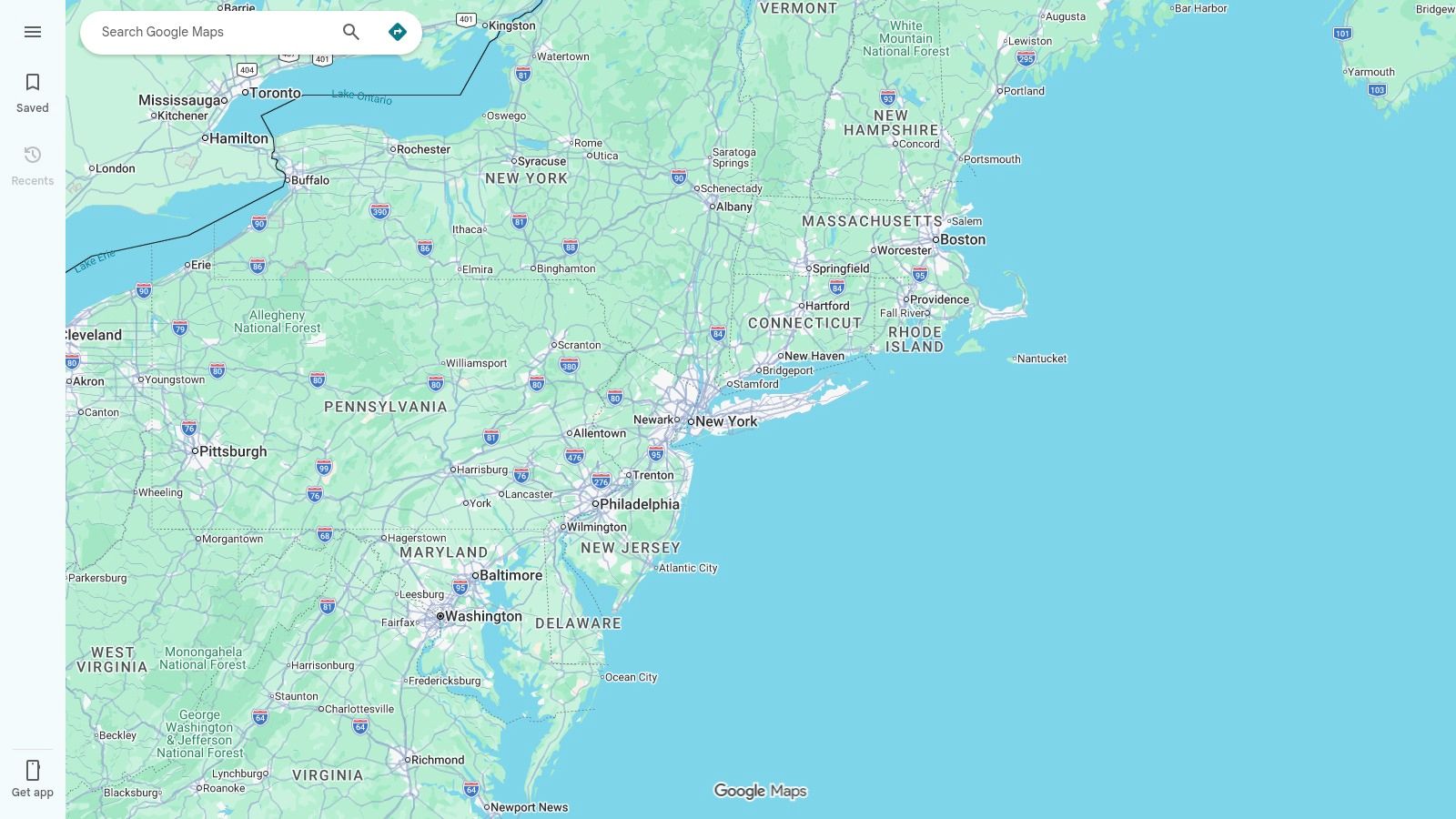
Coasterpedia’s United Kingdom page works like a big shared reference book with a map attached. You start by checking where a park sits on the UK map. A few clicks later, you are comparing opening years, ride names, and park histories with the focus of a junior space archivist.
Best for fact-finding missions
This tool is especially handy when your crew wants more than a pin on a map. Parents can use it to add context before booking. Teachers can use it to turn a simple “where shall we go?” question into geography, history, and design work.
It also reaches beyond the biggest headline parks. That matters because children often assume the UK theme park field begins and ends with a few famous names. Coasterpedia helps them see the wider spread of attractions, from major destinations to smaller parks that might be closer to home.
Why families and teachers may like it
Coasterpedia rewards curiosity. If Google Maps answers “where is it?”, Coasterpedia is better at answering “what is there, how old is it, and how has it changed?”
Try using it for small mission tasks such as:
- History hunts. Find the oldest park on your shortlist.
- Geography practice. Compare parks by region, coast, or inland location.
- Reading extension. Ask children to build a fact file on one park.
- Design chats. Compare thrill rides with attractions built around stories, themes, or gentler family fun.
A child who likes lists, dates, and categories can happily stay here for ages. That can be useful before a trip, especially if you want them invested in the plan rather than asking “Are we nearly there?” from orbit to car park.
The catch
Because Coasterpedia is community-updated, treat it as a brilliant briefing tool rather than your final booking desk. Check opening details, facilities, and current attraction status on the park’s own website before launch.
Used that way, it is excellent. It turns map-reading into a proper mission dossier, which is perfect for curious kids, project work, and grown-ups who secretly enjoy doing the homework.
6. Maps of World
Mission control sometimes needs paper.
You have a child at the table, three coloured pens, and a big question: where in the UK are these parks spread out? A printable map answers that faster than a screen full of tabs. Maps of World’s UK theme parks map works well for that early planning stage, especially if your Space Ranger Fred mission crew learns best by circling, drawing, and sticking notes on the page.
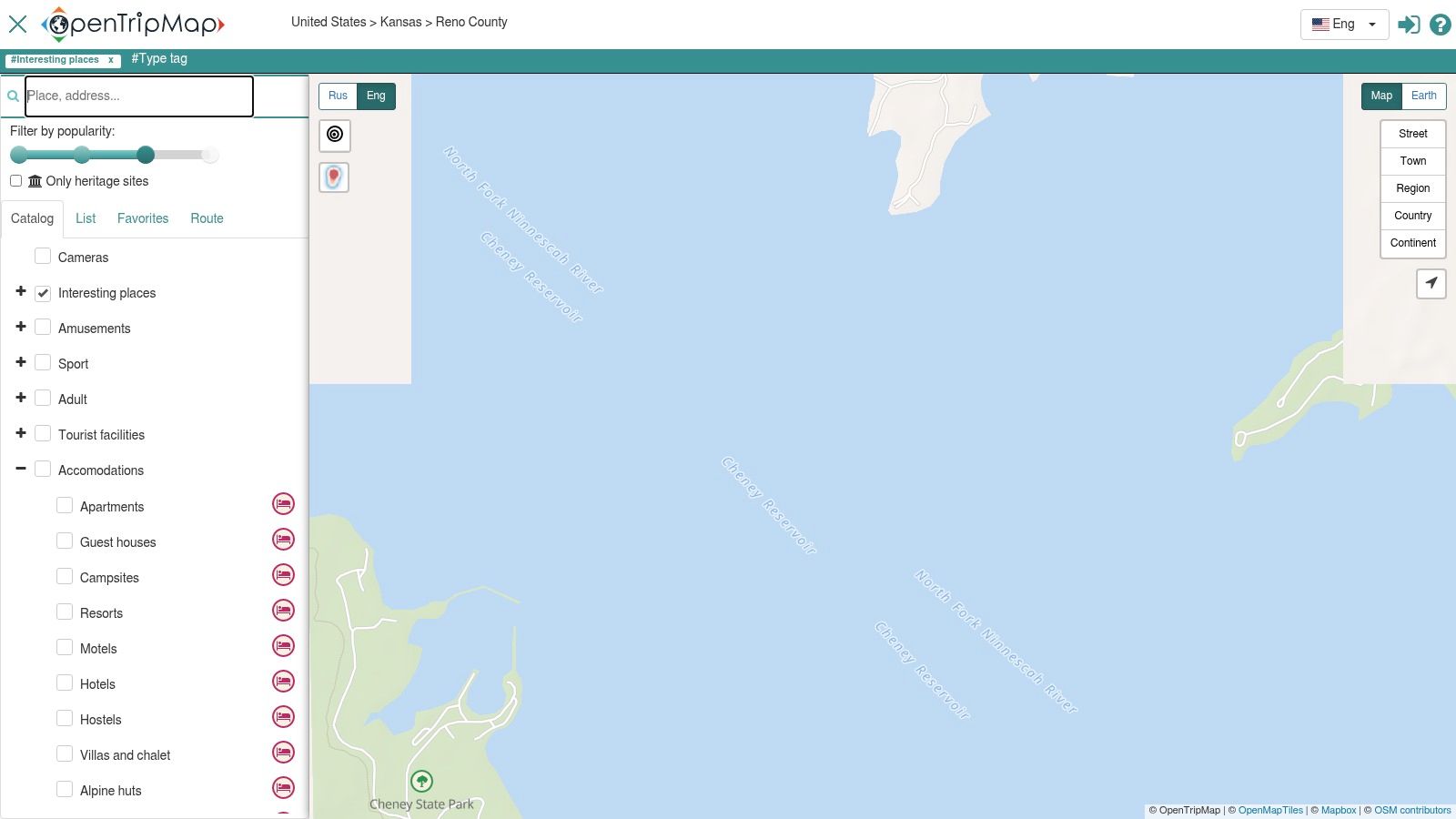
Best for classrooms and offline planning
This map suits the printable part of the mission plan. It gives families and teachers a clear country-level view without extra buttons, pop-ups, or route tools competing for attention.
That simplicity helps.
Younger children can spot patterns more easily when the page stays still. Parks in one region begin to feel grouped together. Long journeys stand out. Coastal locations look different from inland ones. For a classroom, that opens the door to geography chats without turning the lesson into a hunt through menus.
A printed copy also earns its place on travel day. If your signal disappears halfway up the motorway, the paper version keeps doing its job.
Here are a few strong uses:
- Route sketching. Draw the journey from home or school to the park.
- Region practice. Ask children which parks sit in the north, south, Midlands, or near the coast.
- Mission annotation. Add stars, stickers, lunch stops, and “training checkpoints.”
- Display work. Pin it to a wall and let children build a shared class mission board.
Why static maps still matter
Interactive tools help you choose. Printable maps help you understand.
That difference matters more than it first appears. A live map is good at details such as roads, travel times, and nearby facilities. A static map is better for seeing the whole board at once, like a mission commander looking at the full flight chart before launch. Children often grasp distance and spread more quickly when everything sits on one page.
That broad view is useful because theme parks are not all clustered in one tiny corner of the country. Families can compare whether they want a local day trip, a weekend expedition, or a full holiday mission with overnight stops.
Mission note: Print two copies. Let children mark up one with routes and guesses, then keep one clean copy as the final approved mission map.
7. Maps-UK.com
Mission Control sometimes needs a paper chart, fast. Maps-UK.com’s theme parks map suits that job well because it gives you a clean locator view without extra layers, filters, or detours.
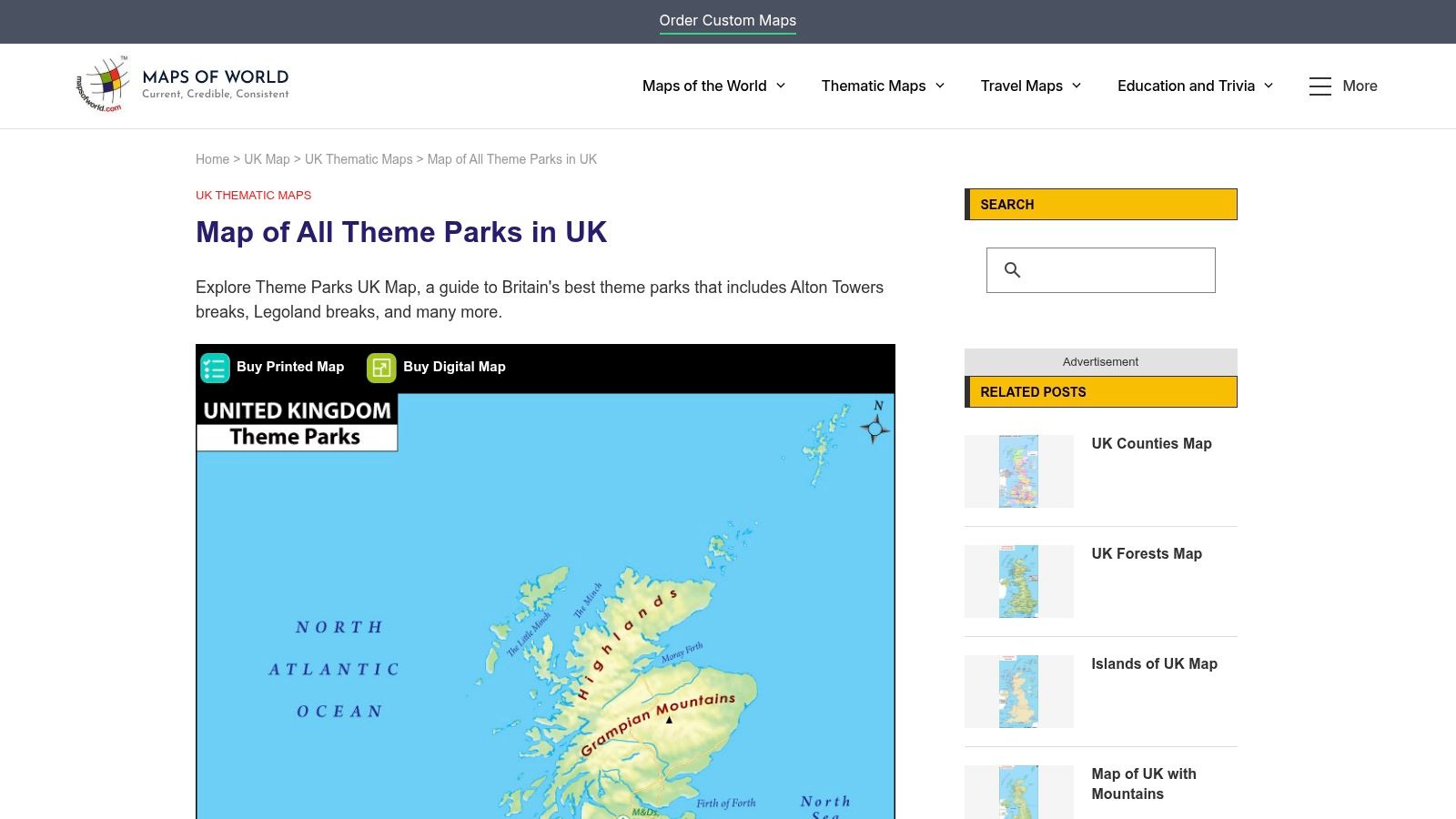
Best for handouts and trip booklets
This is the map I would slip into a school trip folder or a family mission binder. It is simple to print, simple to scan, and simple for children to understand at a glance. That matters when you are explaining the big picture before anyone starts asking where lunch happens and whether the roller coasters are visible from space.
Its real strength is clarity. Interactive maps are better for choosing routes and checking live details. A static locator like this works better for showing position. Parents and teachers can point to the country, mark the park, and explain the journey in one sweep, like tracing a flight path on a mission board.
A practical training map for younger crews
Children often grasp a plan more quickly when they can write on it. A printed sheet turns the trip from an abstract idea into a mission they can follow.
Try a few simple tasks:
- Launch site: mark home or school.
- Target zone: circle the chosen park.
- Travel maths: estimate which park looks closer or farther.
- Science mission: link the park to forces, motion, or energy.
- Story mission: give the route a Space Ranger Fred operation name.
If you are comparing parks with different styles, our guide to Paultons Park Halloween fun can help you discuss atmosphere as well as location.
Maps-UK.com will not answer every planning question. It does one useful job very neatly. For a mission commander building a clear, child-friendly overview, that is often exactly the right tool.
8. Merlin Annual Pass
Space Ranger Fred would file this one under fleet maps. The Merlin Annual Pass attractions map shows the parks and attractions run by one major operator, including Alton Towers, Thorpe Park, Chessington World of Adventures and Legoland Windsor.
That makes it useful in a very specific way.
If your family or school group already knows it wants a Merlin day out, this map saves time. You are not scanning the whole UK for every possible option. You are checking one operator’s base network, then asking the practical mission questions: which site is nearest, which suits the age of your crew, and which one fits the kind of day you want.
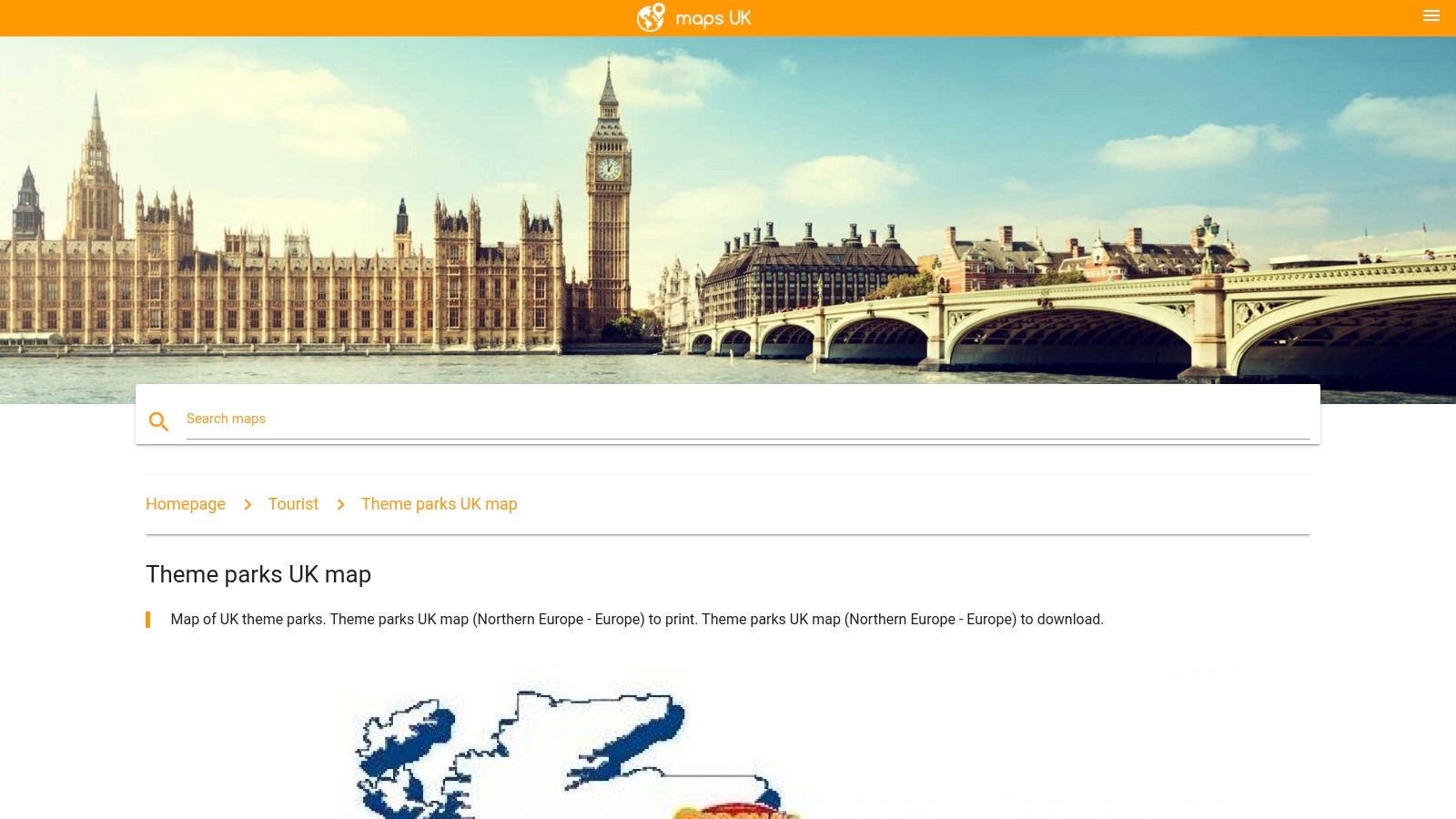
Best for planning inside one operator’s world
A national map helps you spot every launch target. A Merlin map helps you compare bases within one alliance. That distinction matters, because it changes the question you are asking.
Parents often mix up two different jobs a map can do. One job is discovery. The other is decision-making. Merlin’s map is much better at the second job. Once your shortlist already includes Merlin attractions, the official page keeps locations and booking paths together, which makes planning feel far less like hunting through asteroid debris.
It also helps when children know the brand names already. A crew member who is excited about Legoland Windsor may respond better to a focused map than to a giant UK overview with ten other possibilities competing for attention.
For a useful contrast, our guide to Paultons Park Halloween events and family planning shows how a well-loved independent park can offer a very different mission mood.
Where it falls short
This map only shows Merlin attractions, so it will not help much if your mission includes independent parks, smaller regional options, or a broad comparison across the UK.
Use it like a route map for one star fleet, not a full atlas of the galaxy. For families choosing among the biggest brand-name parks, that focus is handy. For everyone building a wider UK theme park mission plan, it is one tool in the control panel, not the whole dashboard.
9. OpenTripMap
A good mission map does more than point to the main launch pad. OpenTripMap helps families see the wider orbit around a day out, including smaller attractions, green spaces, and other nearby stops that might rescue the mission if energy levels dip.
That makes it different from a park-first tool. OpenTripMap is useful for the parent or teacher who is planning the whole day, not just the queue for the biggest ride. If your crew needs lunch, a quiet reset spot, or one extra activity on the way home, this map can help you spot those options early instead of scrambling later.
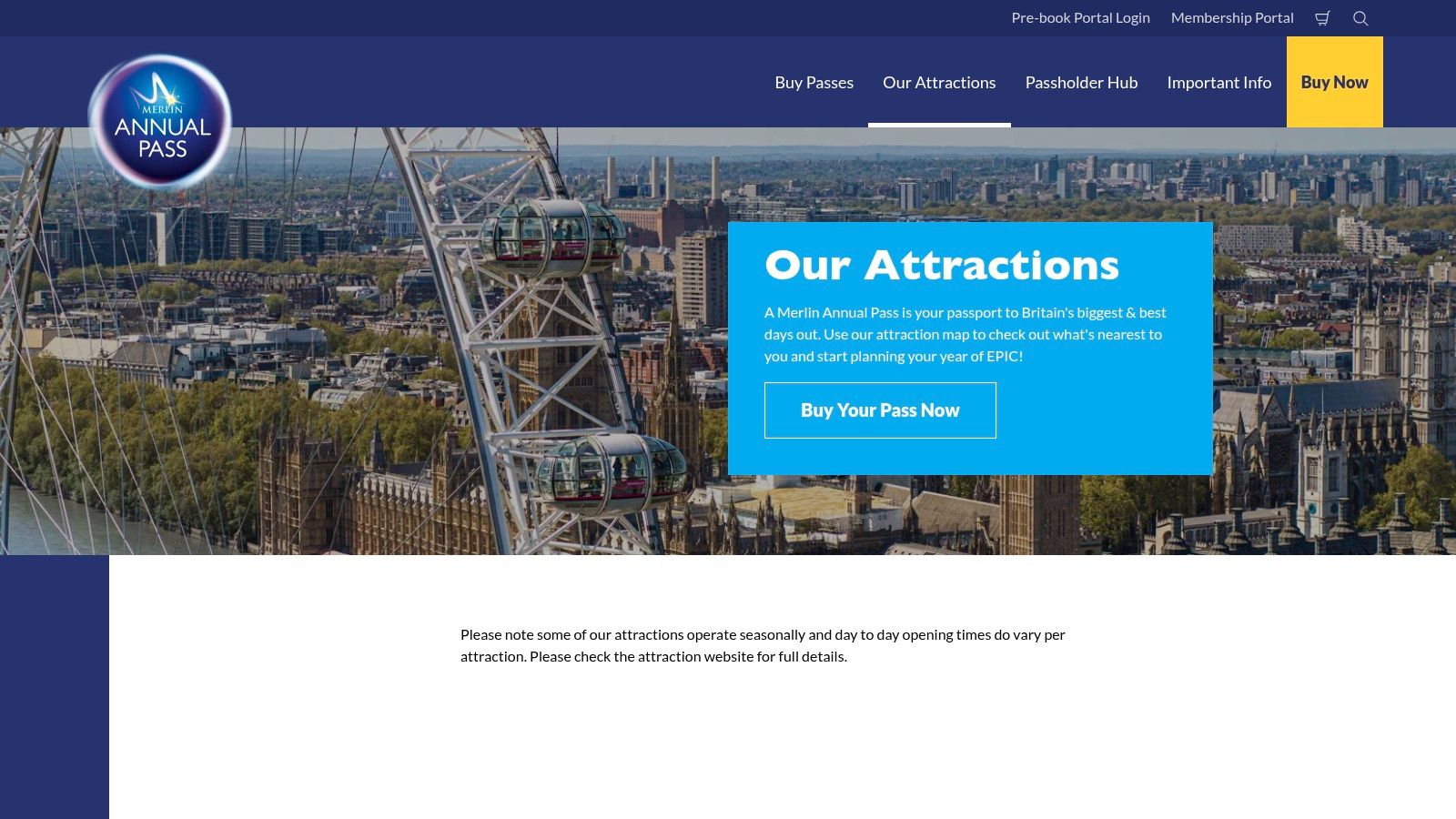
Good for broader family adventures
OpenTripMap works well for mixed-age crews. One child may want the headline attraction. Another may need a playground, open space, or calmer backup plan by mid-afternoon. This map helps you build a mission with layers.
It also has real teaching value. Older children can see how open-data maps are assembled from many contributions and categories. That opens the door to useful conversations about how places are tagged, why some entries have richer detail than others, and why map-making is part geography, part teamwork, and part detective work.
One caution
Open data is helpful, but it can be uneven. Some listings are well described. Others are thin, outdated, or missing practical details such as opening times.
So use OpenTripMap as a scout drone, not mission control. It is excellent for discovery and for spotting smaller names beyond the biggest park brands. Then check the final details on the attraction's own website before you set coordinates and head out.
10. Coast2Coaster
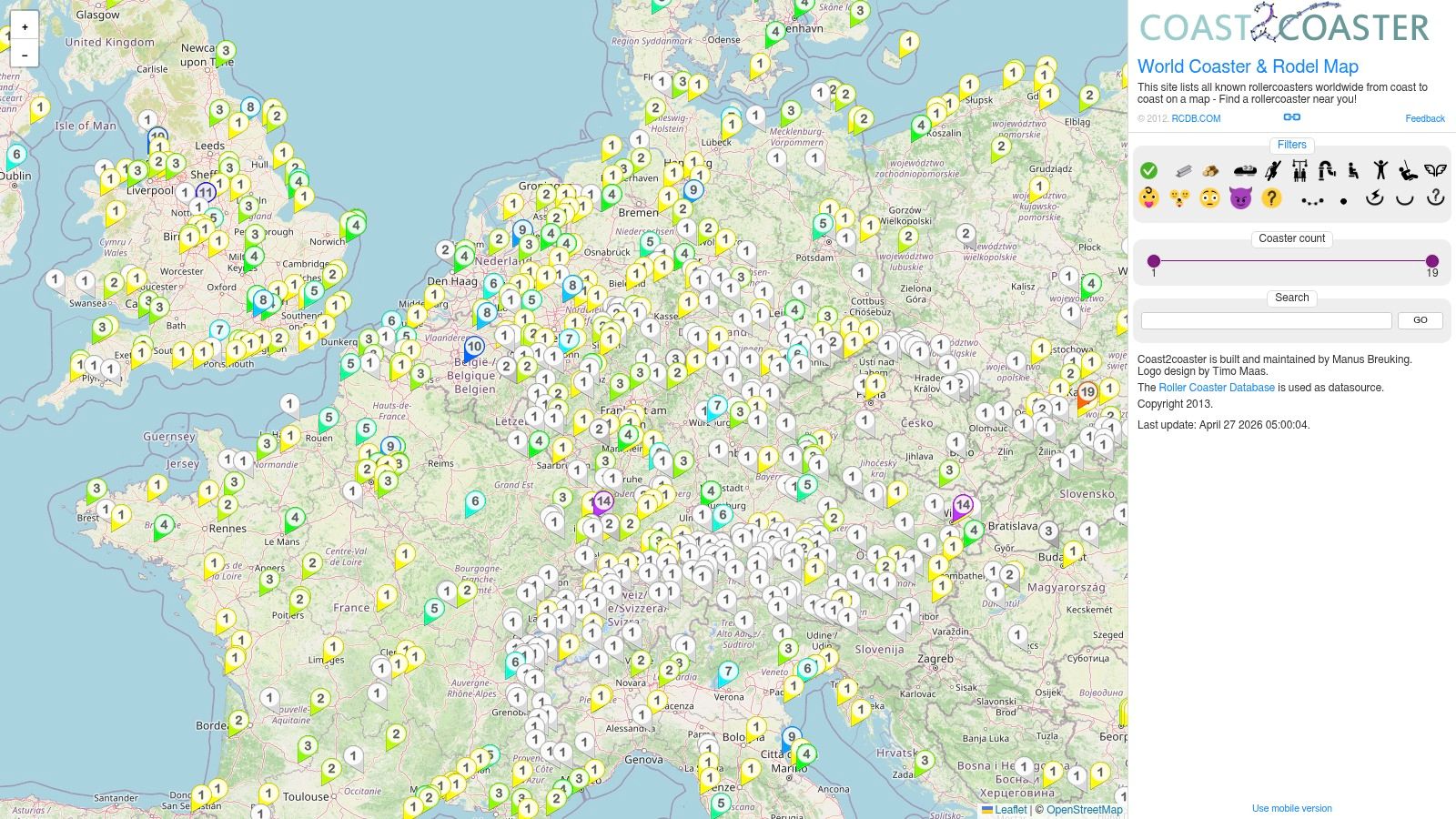
Space Ranger Fred would file Coast2Coaster under specialist mission equipment. Coast2Coaster is built for coaster fans first, so it helps when your crew is choosing a park based on ride style, intensity, and coaster count rather than a general family day out.
Best for older children and ride comparisons
Some children ask, “Where are we going?” Others ask, “Does it have launches, inversions, or a wooden coaster?” Coast2Coaster serves the second group well. It lets you zoom in on UK parks and compare the kinds of coasters on offer, which is far more helpful than a simple park pin if your mission depends on matching rides to confidence levels.
That makes this map especially handy for older children, teens, and adults who enjoy the engineering side of theme parks. Parents and teachers can use it to turn excitement into learning.
Useful discussion points include:
- how track layout changes the feel of a ride
- why height, speed, and smoothness are not the same thing
- how designers build suspense before a drop
- which coaster types usually suit families, and which are better left for bold riders
A practical mission example helps here. One park may offer a broad family mix with shows, animals, and gentler attractions. Another may be much more focused on high-thrill coasters. Coast2Coaster helps you spot that difference early, which can save you from booking a day that suits one rider brilliantly and leaves everyone else orbiting the snack stand.
Final verdict on this one
Coast2Coaster is a focused tool, and that is its strength. For families with coaster-obsessed cadets, it can sharpen your shortlist quickly. For mixed-age groups, use it as a specialist scout, then pair its ride detail with the park’s own visitor information before launch.
10 UK Theme Park Maps Comparison
| Map Source | Coverage & Accuracy | User Experience & Key Features | Best for / Value Proposition | Limitations / Notes |
|---|---|---|---|---|
| Google Maps, "Theme parks in United Kingdom" | Nationwide, continuously updated Places layer with ratings | One‑tap directions, travel times, Street View, peak‑time info | Practical, real‑time trip planning for families & teachers | Can include mis‑categorisations; not curated for theme vs amusement |
| RideRater (Google My Maps) | Major parks pinned across UK; not exhaustive | Fast visual layer that opens in Google Maps for routing | Quick regional shortlist and coach/trip clustering | Limited metadata per pin; omits smaller venues |
| ThemeParks‑UK | UK‑focused directory with county listings and park pages | Park pages, downloadable maps/PDFs, news and planning resources | Detailed planning for parents, teachers, school trips | No single nationwide interactive map; park‑specific maps mostly |
| RCDB (Roller Coaster DataBase) | Enthusiast‑maintained park & coaster dataset with high accuracy | Interactive map, filters for coasters, historical & ride data | STEM lessons on physics/engineering; coaster verification | Coaster‑skewed; smaller family attractions may be under‑represented |
| Coasterpedia | Community‑updated ride & park markers across UK | Click‑through pages with background, opening dates and context | Classroom history projects and project research | Wiki gaps or inconsistencies; ride‑centric, not a polished planner |
| Maps of World, printable | Static printable UK map with park dots and labels | Simple legend and child‑friendly graphic, download/print ready | Classroom walls, worksheet inserts, offline use | Static and can be out‑of‑date; no routing or live details |
| Maps‑UK.com, printable | Static locator map, print‑friendly cartography | Fast loading, minimal distractions for handouts | Trip booklets, classroom packs, quick visual snapshot | Static coverage, may lag behind live sources |
| Merlin Annual Pass, Merlin parks map | Official map covering Merlin‑run UK attractions only | Integrated pass info, links to park booking pages | Planning multi‑park visits inside Merlin ecosystem | Excludes non‑Merlin parks; primarily a sales tool |
| OpenTripMap | Aggregates OpenStreetMap + tourism data; surfaces regional venues | Filterable map, descriptions, nearby POI from open data | Discovering lesser‑known family parks; transparent sourcing | Detail varies by venue; occasional duplicates or historic entries |
| Coast2Coaster | Worldwide coaster map with UK filter and ride classification | Filters by coaster type/size/intensity, community updates | Thrill‑seeker itineraries and coaster comparisons; STEM tie‑ins | Enthusiast UI; non‑coaster family attractions may be missing |
How to choose your park
Commander Zando would begin with the mission brief, not the shiny poster. One child wants gentle rides and a good story. Another wants speed, noise, and the biggest loop in sight. A teacher may need toilets, lunch space, and a route that keeps the whole group together. The right park is the one that fits your crew.
A useful way to choose is to treat the park map like a star chart. It helps you spot the destination, but the mission succeeds because the crew, the route, and the goal all match.
Use this mission filter before you book:
- Journey length: Shorter travel often means more energy once you arrive. For younger children, an easier trip can matter as much as the park itself.
- Youngest crew member: Check the park against the youngest child first. If they have enough to do, the day usually runs more happily for everyone.
- Mission interests: Story worlds, animals, LEGO themes, splash rides, thrill coasters, and hands-on attractions create completely different days. Pick the park that matches what your crew talks about at breakfast, not what looks loudest in an advert.
- Map style: Interactive maps help with parking, routes, and live planning. Printable maps help children follow along, circle favourites, and feel involved.
- Learning opportunities: Ask what children can notice and talk about. They might sketch a ride layout, compare themed areas, spot examples of forces and motion, or describe how signs help visitors move around.
Here is a simple test. If a child comes home saying, “I noticed that,” “I tried this,” and “I can explain how it worked,” the trip did more than fill a day.
Parents often worry that choosing the “best” park means choosing the biggest one. It usually means choosing the clearest match. A smaller park with the right age fit can feel like a triumph. A huge park with long queues and only two suitable rides can feel like marching across the moon in school shoes.
For mixed-age groups, balance wins. Look for one or two headline attractions for the brave explorers, steady options for younger siblings, places to pause, and a map that makes the day easy to understand. That is a proper mission plan.
Example mission itineraries
A good mission plan turns a busy park day into something children can follow, remember, and talk about afterwards. Here are three ready-to-use routes from Commander Zando's planning desk, each built for a different crew.
Mission A for a family with mixed ages
Start the mission the night before. Use Google Maps to spot parks that are realistic for your travel time, then check ThemeParks-UK for official maps and practical planning details. Give children a printed map from Maps of World and let them circle three priorities each. That small job often prevents a giant debate at the gate.
At the park, assign roles. One child becomes Chief Navigator and keeps an eye on the route. Another becomes Chief Scientist and looks for examples of force, motion, balance, or clever ride design. Adults become Mission Control, which mostly means choosing break points before anyone turns into a hungry asteroid.
This works especially well for mixed ages because everyone has a job, not just a queue to stand in.
Mission B for a primary school class
For a class mission, begin in the classroom. Hand out a printable map and ask pupils to find the park, name its region, and trace the journey route. Then use RCDB or Coasterpedia to choose one ride for a short STEM chat. What pushes it forward. What slows it down. Why does the shape of the track matter?
At the park, keep the focus narrow. Children do better with one or two clear observation tasks than a giant worksheet full of boxes. They might sketch a ride layout, list the signs that help visitors move around, or note how themed areas tell a story.
Back at school, turn the trip into a mission log. Pupils can write what they noticed, what surprised them, and what they would change if they designed their own attraction. That gives the day a proper launch, orbit, and landing.
Mission C for a librarian or reading organiser
A reading mission works best when the park has a strong sense of story. Choose one with bold themed areas, memorable characters, or obvious visual contrasts between zones. Then build a display around maps, journeys, inventions, and adventure tales.
You can add a Space Ranger Fred title, invite children to design their own park map, and ask them to invent a ride name, queue story, and safety rule. It feels playful, but it also builds sequencing, description, and world-building skills.
Commander Zando would approve. It turns a day out into a story children can step inside, then retell back on Earth.
Mission debrief
Commander Zando’s final report is pleasingly simple. The best map of theme parks in the UK is the one that fits your mission brief.
If you need live directions, Google Maps is your flight computer. If you want a quick regional scan, RideRater does the job fast. ThemeParks-UK helps with practical planning. RCDB and Coast2Coaster suit coaster fans, curious pupils, and anyone building a STEM thread into the day. Coasterpedia adds history and background. Maps of World and Maps-UK.com work well for classroom handouts and child-friendly route planning. Merlin Annual Pass is handy for comparing parks in that group, and OpenTripMap can help you spot smaller stops around the main destination.
A good rule is to use three layers, like a space mission display. One map gets you there. One explains the park. One helps children follow the day without getting lost in too much detail.
That approach keeps the planning calm.
The bigger win is not only the trip itself. A well-planned park day can help children read symbols, ask better questions, notice patterns, tell stories, and remember what they saw. One child may talk about forces on a roller coaster. Another may describe how signs guide families from one zone to the next. Both are learning, just through different airlocks.
As noted earlier, Space Ranger Fred stories can keep that sense of adventure going at home or in school. The Space Ranger Fred blog also shares ideas for park missions, reading activities, and science-friendly fun.
For schools, libraries and event organisers, live sessions can carry that excitement into the room. Space Ranger Fred school visits bring storytelling, reading energy and STEM-flavoured fun together in a way that feels playful and purposeful.
Mission accomplished, cadets. Maps chosen. Snacks packed. Spirits steady. Ready for launch.