
Ready for your mission? Many grown-ups see screen time as a black hole. It swallows an afternoon and gives very little back. But that isn’t always the full story.
Used well, a browser game can feel more like a training simulator. A child tests an idea, makes a mistake, adjusts, and tries again. That’s a lovely little scientific method in slippers.
I’m Space Ranger Fred, and on my adventures with the mighty Zando Centauri, we don’t save the day by pressing random buttons and hoping for the best. We observe. We think. We experiment. We keep going. Children do exactly that when they play the right sort of game.
So if you’ve been searching for free online games poki and wondering whether they’re just fluffy distractions, I’ve got encouraging news. Some gaming platforms can help young explorers practise logic, pattern spotting, timing, planning, and resilience. That’s mission training in disguise.
This guide keeps things simple. We’ll start with Poki, because it’s the name most families bump into first, then compare it with other browser-based game platforms that offer different kinds of challenge. Some are better for younger children. Some suit puzzle fans. Some need more adult guidance.
If you’re curious about how play can support learning, this piece on gamification in education is a useful companion read.
The big idea is easy to remember.
I think.
I try.
I can.
I can explain.
That’s the Space Ranger mindset. And it turns a quick game into a learning moment.
1. Poki
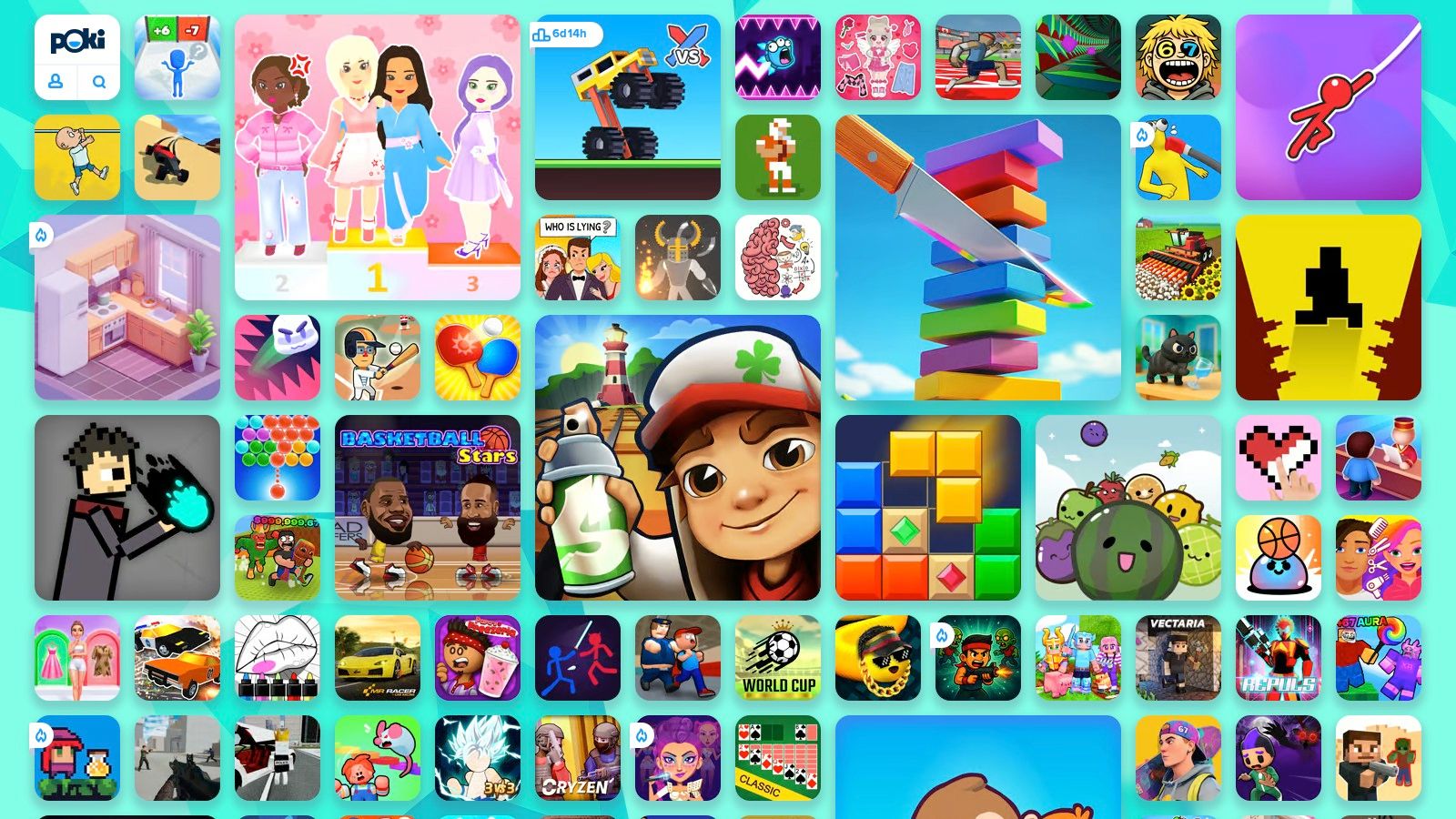
What makes one gaming site feel like a toy box, and another feel like a Space Ranger training ground? Poki often sits right in the middle. It is usually one of the first places families meet while searching for free online games poki, because it offers a huge mix of browser games that start quickly and cover everything from puzzles to racing to wonderfully daft mini challenges.
Alt text: free online games poki game collection on browser platform
For a parent or teacher, that variety is both the strength and the job. A large platform gives children room to explore, but it also works best when an adult helps choose the mission. Left completely open, Poki can feel a bit like sending a young explorer into a giant science museum with no map. Guided well, it becomes a flexible practice zone for different kinds of thinking.
Why it works as mission training
Poki’s biggest advantage is speed. A child can wonder, click, test, fail, and try again within moments. That immediacy is important, as children learn best when curiosity and action sit close together.
Used carefully, the platform can support several Space Ranger skills at once. Puzzle and brain games practise pattern spotting and logic. Maths-style games can strengthen number confidence. Skill games often train timing, control, and fast visual decisions. Those are not small things. They are the same building blocks children use in coding, engineering tasks, simple physics experiments, and everyday problem-solving.
A balancing game, for example, can teach a child to adjust force and timing. A route-planning puzzle asks them to predict what happens next. Even a quick reaction game can build the habit of noticing, responding, and improving after a mistake.
Practical rule: Ask one question after play. “What was your strategy?” That simple prompt turns a few minutes of gaming into speaking, reasoning, and reflection.
If you want more age-aware ideas beyond browser platforms, this guide to educational free games for kids online gives a helpful wider view.
What parents should watch
Poki is broad, so selection matters. Not every title fits every child, and younger players can struggle with too much choice. I’d treat the homepage as a directory, not a recommendation list.
Start with the skill you want to practise. If your child needs patience and planning, choose puzzles. If they enjoy fast hand-eye coordination, try skill-based games. If they are building confidence with numbers, pick calmer maths activities before the speedier ones. That small bit of adult framing changes the whole experience.
Ads can also pull attention away from the task, which is worth keeping in mind if your child is easily distracted.
For older primary-aged children, Poki can work well as a general Mission Training Ground. The key is to choose with purpose, then talk briefly afterwards about what the child noticed, changed, or learned.
2. Poki Kids
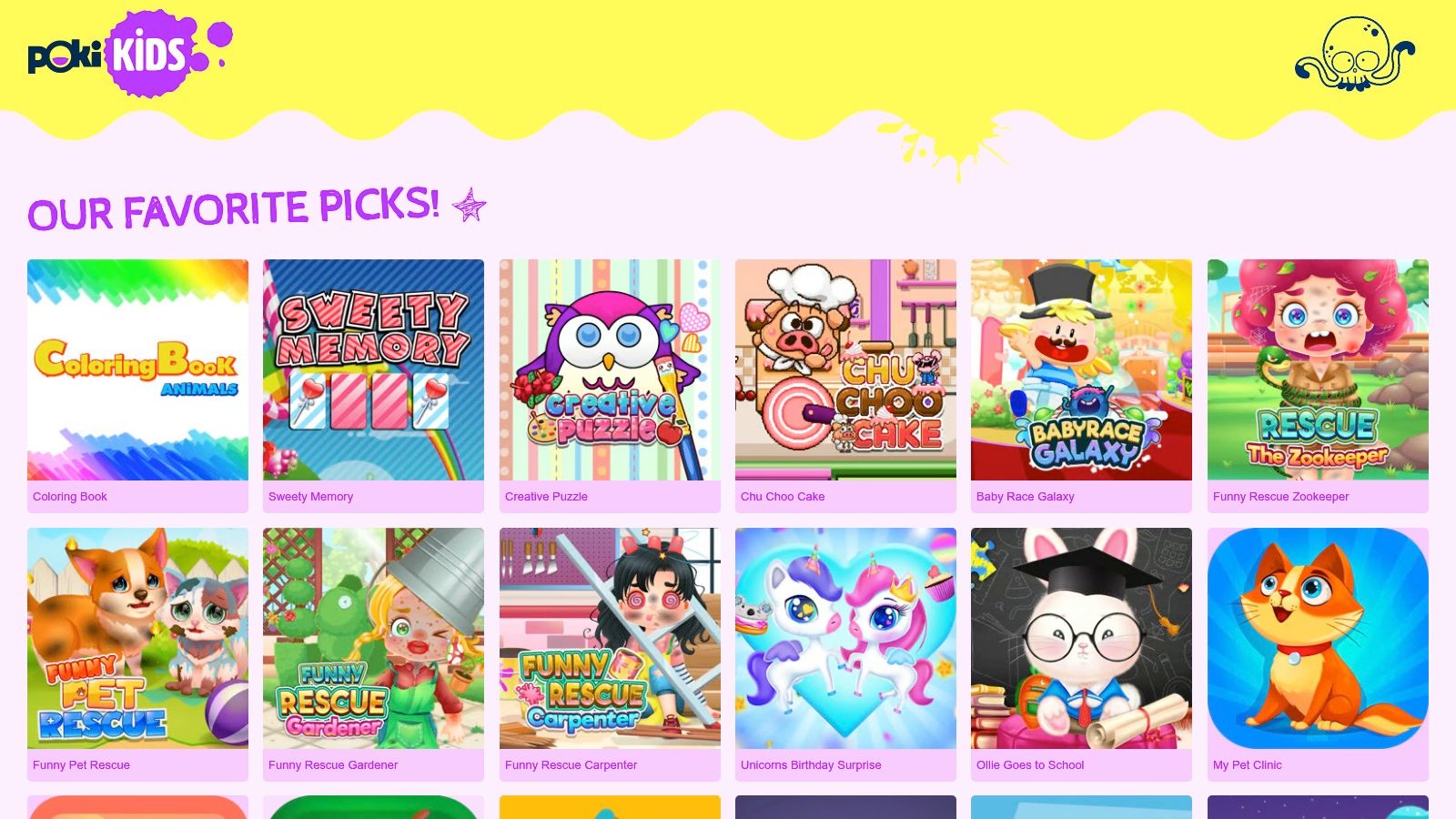
If the main Poki site feels like a huge science museum, Poki Kids feels like the calmer family wing with the easier maps and the friendlier signs. It’s built as a separate space for younger players, which makes discovery much less of a wild goose chase.
Alt text: free online games poki kids selection for younger children
The big win here is curation. Instead of asking a child to wander across a vast general games hub, Poki Kids presents a more age-aware environment. It also includes parent and guardian information on the site, which I always like to see. That tells me the platform expects adults to be part of the conversation.
Best for younger explorers
For children in the six to twelve range, especially the younger half of that group, Poki Kids is often a better starting point than the main platform. It keeps the instant-play convenience of browser gaming, but with simpler discovery.
That matters in classrooms and libraries too. Staff don’t want to spend ages filtering choices. They want children to get to the useful bit quickly. A smaller, more guided set of games usually supports that much better.
There’s also reassurance in the fact that Poki Kids states that it is certified by the kidSAFE Seal Program on the Poki Kids website. I’m not treating that as a magic shield, because no platform removes the need for supervision, but it does show a clear effort to create a child-focused space.
Safer discovery usually beats a bigger catalogue when younger children are involved.
How to use it well at home or school
Try giving each child a mini mission before they play. Keep it short.
- Pattern mission Pick a puzzle or matching game and look for repeated rules.
- Reaction mission Choose a timing game and notice how your body and brain work together.
- Explanation mission After the game, tell someone how you got better.
That final step matters. “I can explain” is often the bit adults forget. Yet it’s where children turn experience into understanding.
If you’re gathering more child-friendly screen ideas, this post on educational free games for kids online fits nicely alongside Poki Kids.
The trade-off is simple. You get a smaller range than the main Poki platform, but you gain a more comfortable runway for younger players. For many families, that’s a very fair swap.
3. CrazyGames
Some children want puzzles. Some want speed. Some want to zoom around with other players and make a glorious racket while doing it. That’s where CrazyGames often enters the picture.
Alt text: free online games poki alternative CrazyGames interface
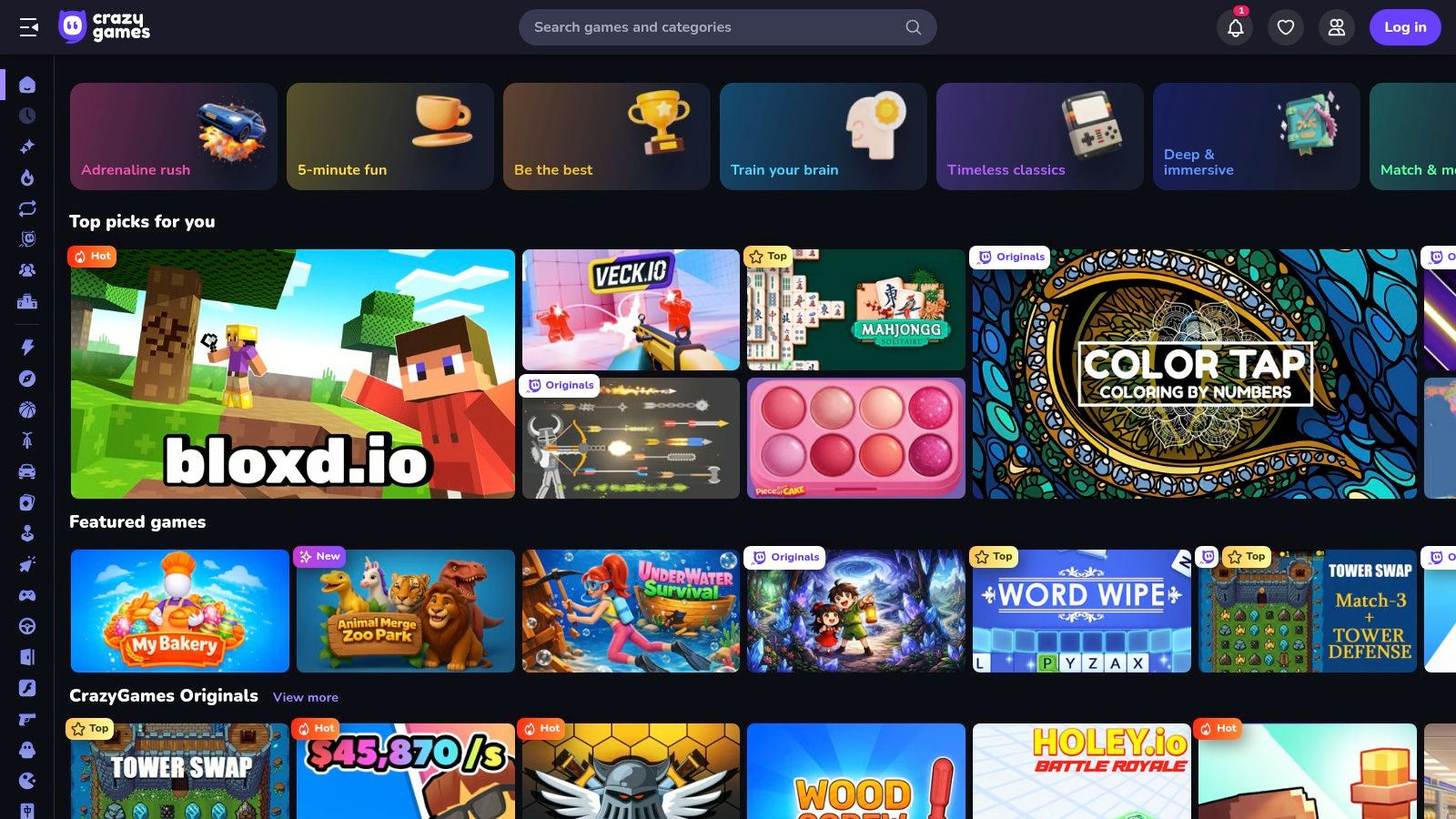
CrazyGames has a very wide feel. It offers browser play across many genres, and it’s especially visible in categories like action, driving, .io games, and multiplayer experiences. That can make it exciting, but also a little busier than a parent may want at first glance.
The training skill it builds best
If Poki is a broad training base, CrazyGames often shines as a reflex and decision-making ground.
Multiplayer and quick-response games can help children practise:
- Rapid observation Spotting movement, hazards, and opportunities
- Fast decisions Choosing quickly with limited information
- Adaptability Changing tactics when a plan stops working
Those are real thinking skills. They just arrive wearing trainers instead of lab coats.
For some children, especially those who don’t warm to traditional worksheets, this kind of quick interactive challenge can build persistence. They fail, restart, and refine. That’s useful. It’s also worth helping them notice the difference between random clicking and genuine strategy.
Where adult guidance matters more
CrazyGames can feel more like a bustling arcade. That means stronger adult pre-selection helps.
Some games are ideal for harmless fun and coordination practice. Others may be too noisy, too frantic, or not quite right for a younger child. If you use this platform with children, I’d recommend adults choose the game first rather than handing over the homepage and hoping for the best.
Choose the mission before launch. Don’t let the homepage choose it for you.
A good approach is to search by skill rather than by hype. Think “puzzle”, “racing”, “building”, or “two-player” instead of “most popular”. That keeps the focus on what your child is practising.
CrazyGames suits confident readers and older primary pupils better than very young children left on their own. In a classroom club or family setting, though, it can work well for collaborative challenge. Two children can compare tactics, explain methods, and decide what made one approach better than another. That’s excellent scientific conversation in disguise.
4. Coolmath Games
What if screen time could feel a bit like mission training at Ranger HQ?
Alt text: free online games poki alternative Coolmath Games website
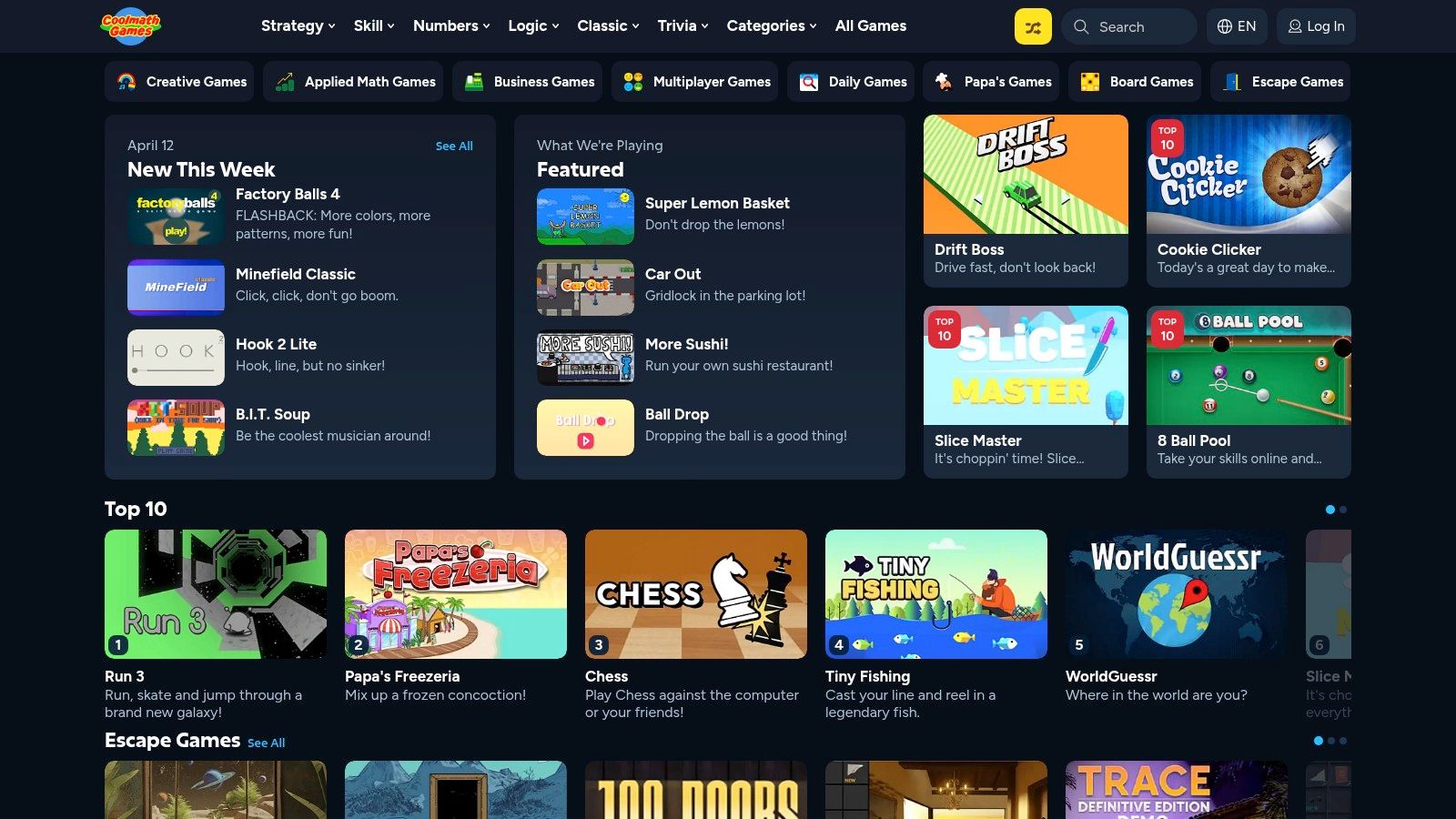
Coolmath Games earns its place as a strong Mission Training Ground for Space Rangers who enjoy solving before sprinting. The overall mood is calmer, more deliberate, and more focused on patterns, logic, and number sense than on noise.
That difference matters.
Some children light up when a game asks them to slow down, test an idea, and try again. For those young explorers, Coolmath Games can feel less like an arcade and more like a workshop full of puzzles.
Best for logic-loving cadets
Many games on Coolmath Games build useful habits through play. A child may start with, “I’ll just try this level,” then begin practising the same thinking used in coding, maths, and simple engineering tasks.
Here are some of the skills this training ground often strengthens:
- Testing variables by changing one move and watching what happens next
- Sequencing by working out the right order for actions
- Prediction by spotting what is likely to happen before it does
- Number sense by comparing options and choosing the better result
- Pattern-finding by noticing rules hidden inside a level
That is excellent Space Ranger practice. A good puzzle works like a science experiment. You make a choice, observe the result, adjust the plan, and try again with better evidence.
The site also presents itself as school-friendly and includes information about accessibility and privacy on Coolmath Games. For parents, teachers, and librarians, that clarity helps.
A strong bridge from play to STEM learning
Coolmath Games is especially handy when you want to carry the learning away from the screen and into ordinary conversation. That is where effective training takes root.
After a short session, you can ask simple questions such as: What rule did you notice? Which move caused the problem? What would you change next time? Those questions help children explain their thinking, which is a big part of science and maths learning.
You can also turn one game into a mini home mission. Ask your child to draw the pattern, build a similar puzzle on paper, or teach the level to someone else. Teaching is powerful. If they can explain the method clearly, they usually understand it far better than they did at the start.
If your child already enjoys this kind of number-and-logic challenge, these maths games online for kids fit the same mission style.
Mission note: A puzzle becomes training when a child can explain the rule, the mistake, and the better next move.
Coolmath Games will not suit every player. Some children want sillier stories, louder action, or faster rewards. The free version also includes ads. Still, for families or classrooms looking for browser games that support careful thinking, this platform is a very solid training base.
5. Armor Games
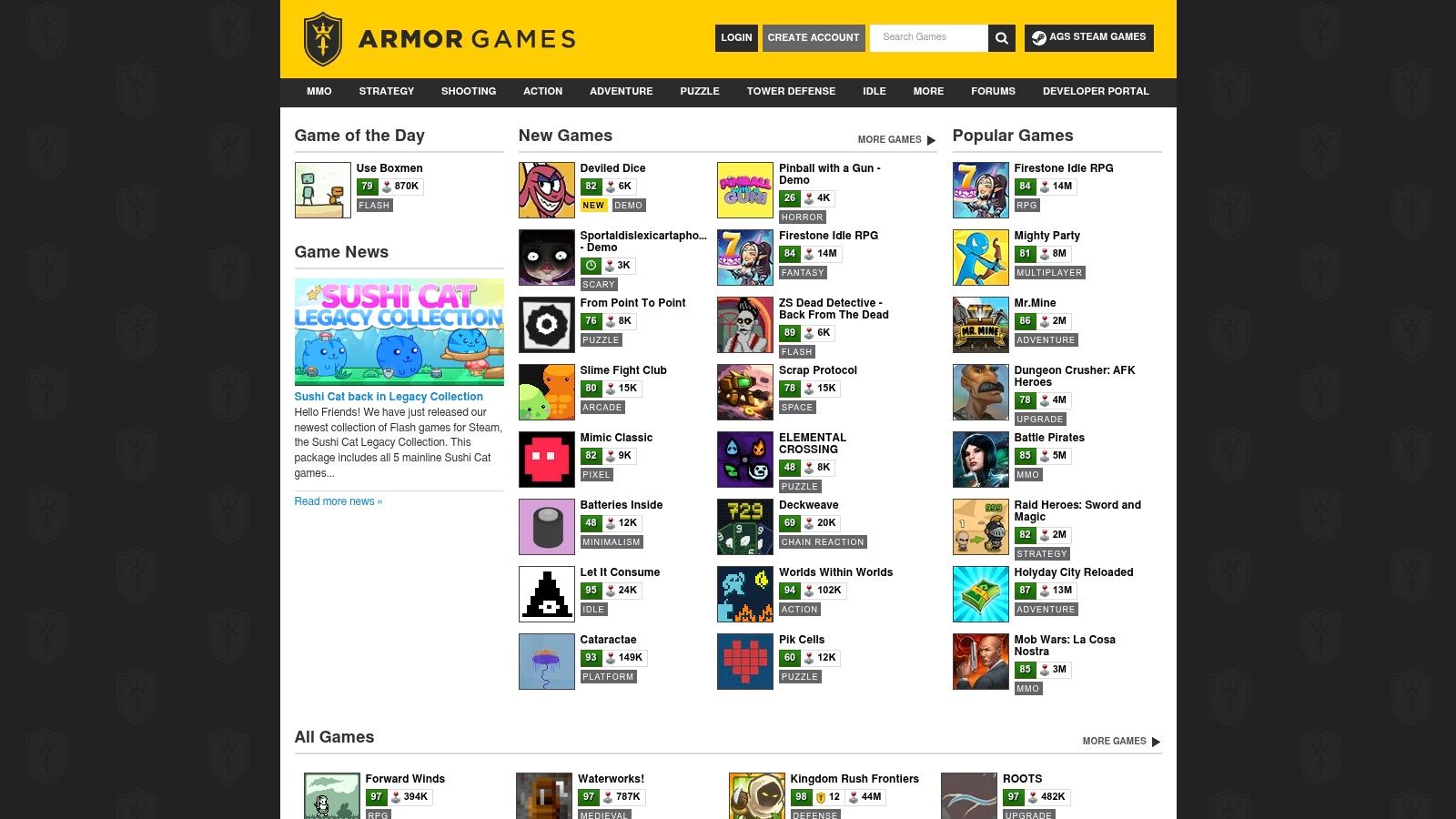
Armor Games feels a bit like an old observatory full of strange machines. Some are polished. Some are quirky. Some are classics from another era. That gives it charm, but also means adults should browse with care.
Alt text: free online games poki alternative Armor Games browser portal
This platform has a long history in web gaming and is known for hosting both newer titles and older Flash-era favourites through modern emulation. For grown-ups, there can be a certain “I remember this” feeling. For children, it can offer an interesting window into different styles of game design.
Why it stands out
Armor Games often rewards deeper engagement. It isn’t just quick snack-sized play. Many of its better-known strategy, defence, and puzzle titles ask children to think over a longer stretch.
That’s useful for older primary children who are ready for richer systems.
A game with upgrades, routes, timing, and resource choices can help practise:
- Planning ahead deciding what to do now for a better result later
- Cause and effect noticing how one choice changes the whole system
- Sticking power staying with a problem long enough to improve
That last one matters a lot. Some children only meet “hard but doable” in a game before they meet it in maths or writing.
Why it needs stronger filtering
Armor Games isn’t my first recommendation for very young children. Its catalogue is broad, and some older titles lean more teen than primary. That doesn’t make it a bad platform. It just means adults should treat it as a curated shelf, not a free-for-all.
The community features, rankings, and forums may appeal to older players, but for six to twelve year olds I’d stay focused on hand-picked titles and shared play. Sit nearby. Choose first. Use it more like a special mission than an open playground.
One nice teaching angle here is game design history. Children can compare an older browser game with a newer one and ask simple design questions. Which was easier to learn? Which gave clearer feedback? Which made you think more? That kind of comparison builds digital literacy, not just game skill.
Armor Games can be excellent for thoughtful older children who enjoy strategy and don’t mind a little old-school roughness. For younger explorers, I’d keep it firmly in adult-guided mode.
6. Kongregate
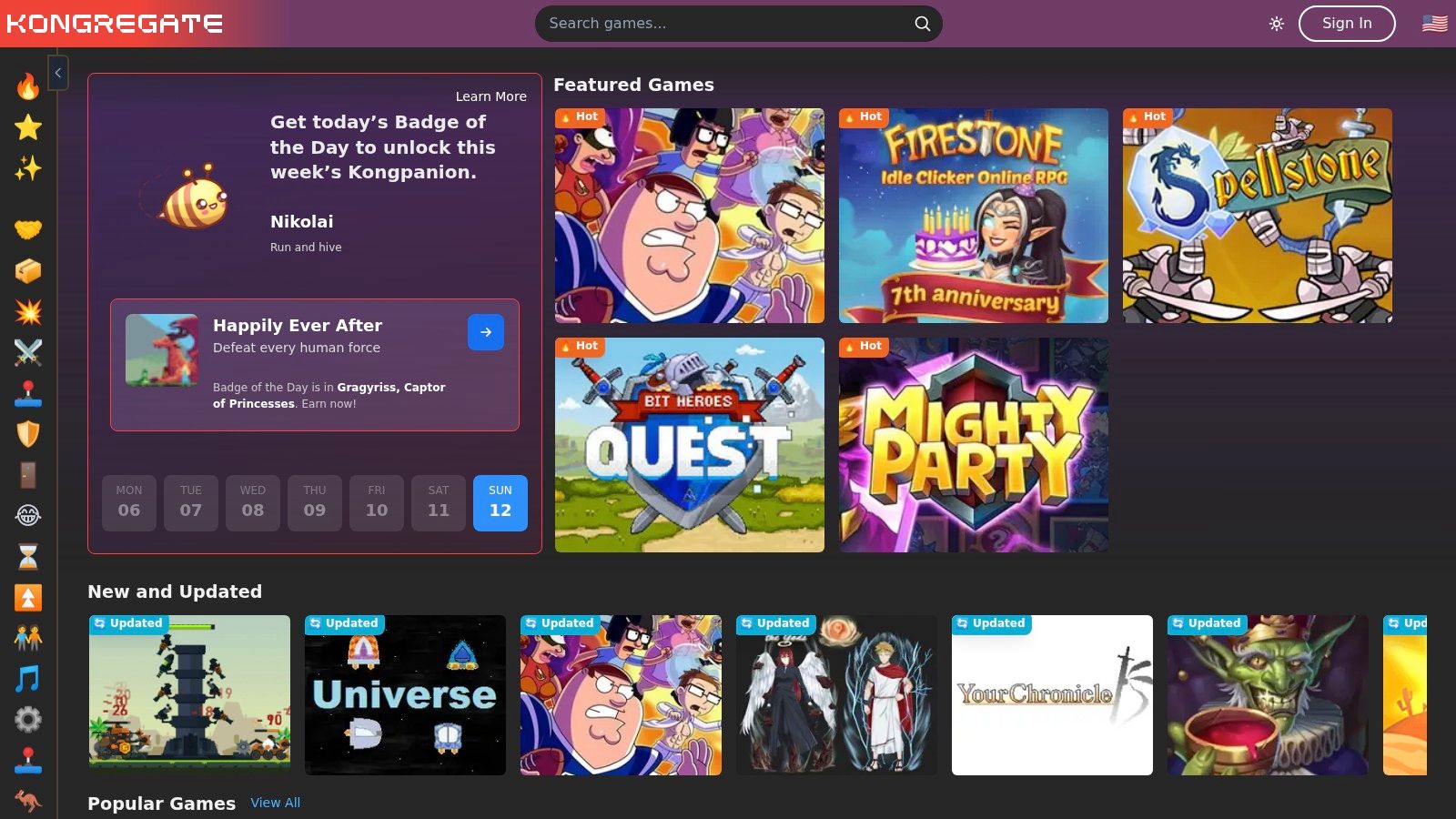
Kongregate is the badge collector’s dream. If your child loves earning things, chasing milestones, and showing progress, this platform may feel like a treasure map with snacks.
Alt text: free online games poki alternative Kongregate gaming platform
What makes Kongregate different is its long-standing use of achievements, badges, ratings, and account-based progression. That changes how children experience play. The platform itself becomes part of the motivation.
Good for children who love goals
Some children don’t just want to play. They want to complete. Kongregate speaks to that instinct.
A badge system can encourage persistence. It can also help children break a big challenge into smaller wins. “Can I solve this level?” becomes “Can I earn this target by improving one step at a time?” That can be very motivating for clubs, older pupils, or children who enjoy collecting evidence of progress.
“Small goals can turn frustration into momentum.”
There’s educational value in that. Adults can use achievements as a springboard for reflection. Ask, “What did you do differently when you earned that?” If the child can answer clearly, they’re building metacognition. Fancy word. Simple idea. They’re thinking about their own thinking.
Why it isn’t the easiest first stop
Kongregate’s giant catalogue is both a strength and a weakness. A lot of choice means better discovery for experienced users, but more clutter for younger children. Quality and age fit can vary a lot.
Some features also work best with an account, which may not suit every family or school setting. And because the platform has plenty of older games, loading and presentation can feel less smooth than on newer browser-first sites.
This makes Kongregate a stronger option for older primary pupils, coding clubs, game clubs, or curious children who enjoy exploring systems and collecting progress markers. I’d be less likely to use it as a first independent platform for a six-year-old.
Still, there’s something powerful in the way Kongregate makes effort visible. For the right child, that can support perseverance beautifully. And perseverance, as every space ranger knows, is often the difference between “I can’t” and “I can’t yet”.
7. Lagged
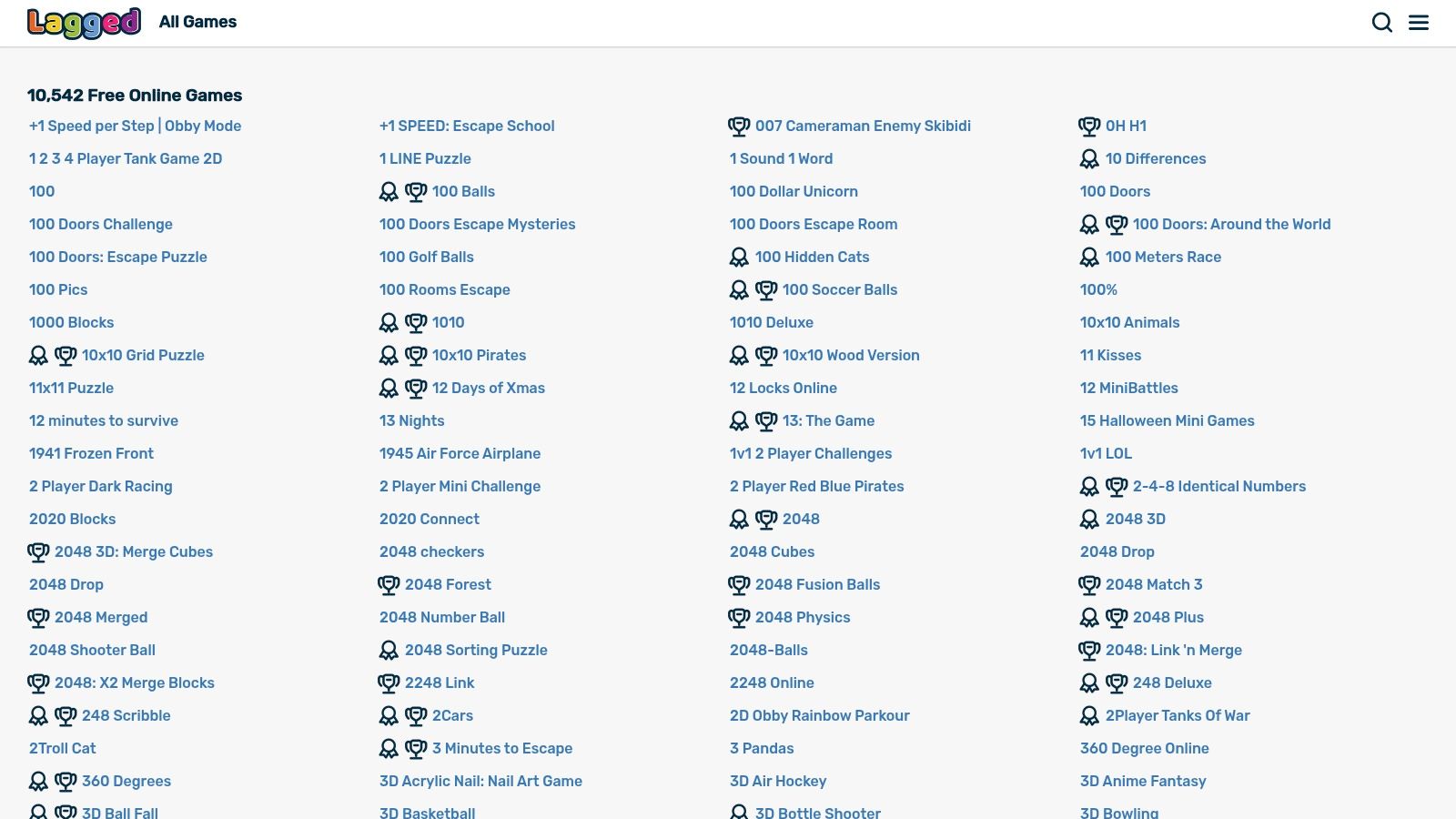
Lagged is for children who want to get into a game quickly and start doing something within moments. No grand speech. No dramatic launch sequence. Just straight into the mission.
Alt text: free online games poki alternative Lagged game list
That speed can be very useful. Some children lose interest if a game takes too long to explain itself. Lagged tends to suit shorter bursts of play, especially on Chromebooks and mobile-friendly setups.
Where Lagged helps most
This platform is handy for quick skill drills.
A short browser game can help a child practise:
- Timing acting at the right moment
- Attention control focusing on one clear objective
- Retry confidence starting again without a huge emotional wobble
Those little retries are more important than they look. Children learn that failure is temporary and specific. “I missed the jump” is much healthier than “I’m bad at this.”
Lagged also has plenty of two-player and fast-response style games, which can work nicely for siblings, paired classroom play, or family challenge time. Shared play invites discussion. Discussion invites explanation. Explanation deepens learning.
Best use in real life
I’d use Lagged as a short mission board rather than an all-afternoon destination. Pick one or two games with a clear purpose.
For example:
- Reflex mission Play for ten minutes and notice improvement
- Strategy mission Compare two approaches and decide which works better
- Partner mission Play with a sibling and explain your method aloud
That turns quick entertainment into purposeful practice.
Lagged won to give you the same “carefully curated for learning” feeling as a school-oriented platform, and adults still need to pre-select wisely. But for light, fast, easy browser gaming, it’s useful. Sometimes a child wants a short challenge that starts quickly and runs smoothly. In that role, Lagged does the job rather well.
Top 7 Free Online Game Sites Comparison
| Platform | Implementation complexity | Resource requirements | Expected outcomes | Ideal use cases | Key advantages |
|---|---|---|---|---|---|
| Poki | Low, instant play, no account required (adult curation recommended for kids) | Web-capable devices, moderate bandwidth; ad-supported | Broad engagement, varied skill practice across genres | Home short sessions; teacher pre-selects puzzles for class | Large curated catalog, strong discoverability, stable performance, GDPR-aware |
| Poki Kids | Very low, designed for immediate safe use | Web devices, minimal setup; kidSAFE-certified, ad-supported | Age-appropriate play, foundational logic and creativity | Young children, classroom free-choice stations, libraries | KidSAFE certification, curated safe content, clear parent guidance |
| CrazyGames | Low–Moderate, browser plus optional mobile apps; use kids subsite for safety | Devices or mobile apps; supervision for multiplayer games | Real-time strategy, teamwork, resource-management skills | Family game nights, team-building exercises, multiplayer sessions | Large library incl. Originals, strong multiplayer/.io selection, mobile apps |
| Coolmath Games | Low, heavily curated and educator-friendly | Web devices; optional paid Premium for ad-free experience | Focused math/logic skill development, curriculum alignment | Classroom math practice, homework-aligned activities | Educator reputation, accessibility (WCAG), privacy-minimising approach |
| Armor Games | Moderate, extensive catalog requires vetting; some emulated legacy titles | Web devices; potential emulation overhead and supervision for older content | Deep strategy learning, long-term planning, exposure to classic design | Older children with parental co-play, exploring classic/indie titles | Deep back-catalog, community features, developer/publisher support |
| Kongregate | Moderate, account recommended for badges/progression; social features need oversight | Web devices; accounts for saves/badges, supervise chat/comments | Motivated, goal-oriented play via badges and achievements | After-school clubs, motivated players tracking progress | Gamified progression, rich discovery (tags/ratings), large multi-genre library |
| Lagged | Very low, instant play, no login, very lightweight | Chromebooks/low-spec devices, low bandwidth; ad-supported | Quick reaction and hand-eye drills, short "brain breaks" | Ten-minute gaps, Chromebook classrooms, quick two-player matches | Massive game volume, snackable quick-loading titles, strong two-player/.io coverage |
Mission Debrief From Player to Problem-Solver
What if a search for free online games poki is really the first step into Space Ranger mission training?
That idea matters because children are rarely "just playing". They are testing patterns, timing actions, spotting mistakes, and trying again. In plain terms, each game site can act as a different Mission Training Ground. One platform may sharpen quick reactions. Another may build logic and planning. A third may reward patience and steady practice.
The best choice depends on the young explorer in front of you.
Some children light up when numbers click into place. Some love speed, rhythm, and hand-eye control. Others enjoy building a plan, watching it fail safely, then improving it on the next try. You may even hear profound learning later, perhaps over dinner, when a child explains a clever shortcut with great excitement and a few biscuit crumbs nearby.
That is where the mission becomes clearer for grown-ups. The screen switches off, but the thinking keeps going.
A short debrief helps. If a child says, "I tried one route, it did not work, so I changed my plan," they are describing the bones of scientific thinking. Notice a problem. Test an idea. Observe what happened. Adjust the next attempt. That is a very good habit for a future engineer, coder, builder, or curious problem-solver.
You can help without turning play into homework. Keep the questions light. Ask, "What was the tricky part?" "What mistake taught you something?" "What would you try next time?" "Could you teach that game to Zando?" Questions like these help children turn a fast burst of play into clear understanding they can remember and use again.
The mission can continue away from the keyboard as well.
A maze game can lead to drawing better mazes on paper. A target game can inspire a points system for a family board game. A puzzle can spark a new house rule, followed by a cheerful test to see whether it still works. That is early design thinking, dressed up as fun.
Stories help too. The Space Ranger Fred book series mixes humour, curiosity, and small brave steps in problem-solving, so STEM ideas feel friendly rather than frightening. Families, classrooms, and libraries can also keep that spirit going with printable activities, story-led learning, and interactive visits that invite children to think aloud, share ideas, and grow in confidence.
Learning sticks when children do something with what they discovered. They test, talk, draw, build, question, and try again.
If your child, class, or library group is ready for the next mission, Space Ranger Fred offers books, activities, and interactive school visits that connect storytelling, humour, and STEM with the same spirit of curious training found in the best free online game sites.