
A child asks, “How far away is Jupiter?” and suddenly your quiet afternoon turns into mission control.
That's usually how space learning begins. Not with a worksheet. With a big question, a bit of wonder, and somebody nearby saying, “Let's find out.”
Your Next Great Adventure Awaits
A good solar system simulator can turn that moment into a real learning adventure. One tap, one swipe, and your kitchen table becomes a cockpit window.
For children, that feels like play. For adults, it's a brilliant teaching tool.
The trick is knowing what a simulator is good at. It won't replace looking at the night sky. It won't make every scale and motion perfectly true to life either. Some tools are built for exploration first, not for teaching every detail exactly as it happens in space. That's why it helps to go in with a mission plan.
A simulator works best when children use it to ask and test ideas, not just spin planets around for five minutes.
If your young explorer is still learning the basics, start with a simple grounding point like this easy guide to the Solar System. Then use the simulator to bring those ideas to life.
Think like a mission commander:
- First question: What does my child already think?
- Next move: What can we test together?
- Final challenge: Can they explain what they found?
That's where the magic happens. Not “I watched”. But I think, I try, I can, I can explain.
Choosing Your Digital Starship
Not every shiny control panel belongs in a classroom.
Some simulators look stunning, but they're built more like deep-space engineering decks than child-friendly learning tools. For children aged 6 to 12, the strongest option usually isn't the most complicated one. It's the one they can use without getting stuck, waiting for a login, or needing three grown-ups and a graphics card the size of Neptune.

What matters more than flashy realism
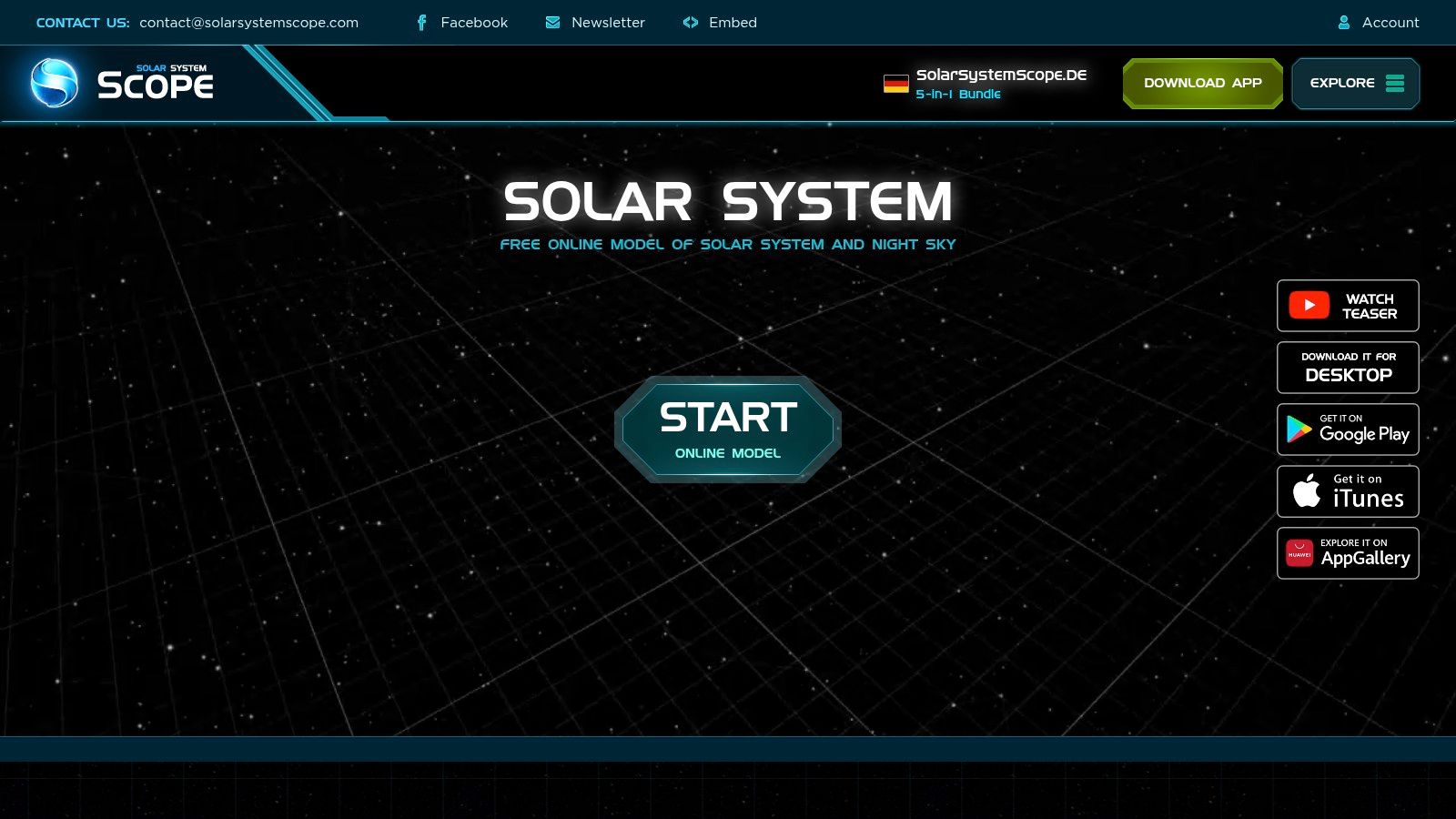
A useful rule comes from the way school and family devices work in real life. The best simulator for children aged 6–12 is not necessarily the most realistic one. It is often the one that minimises cognitive load and supports guided discovery, especially on mixed devices such as tablets and Chromebooks, as noted by Solar System Scope.
That means you're looking for things like:
- Easy controls so children can zoom, rotate, and switch planets without frustration
- Short session use for a quick lesson, library activity, or bedtime question
- Browser or tablet access because that's often what schools and families have
- Clear visuals that help children compare planets, orbits, and movement
- Room for conversation rather than a screen full of labels and menus
Practical rule: If a child needs constant adult rescue just to move around, the tool is too complicated for the mission.
Choose for the lesson, not the spectacle
Ask one simple question first. What are you trying to teach?
Here's a quick mission table:
| Use case | What to look for |
|---|---|
| Planet order | Clean layout, easy navigation |
| Day and night | View changes and planet rotation |
| Seasons | Adjustable viewpoints and Earth-Sun positioning |
| Independent discovery | Low reading load and simple controls |
If you're comparing different interactive tools more broadly, PSW Events' guide to simulators is a handy example of how to think about simulator choice by purpose, audience, and setup rather than just appearance.
For families and teachers who want more playful digital ideas around the same age range, these educational space games for kids can sit nicely alongside a simulator.
A simple shortlist mindset
Don't hunt for the “perfect” simulator. Hunt for the one that lets a child say:
- “I found Mars.”
- “I can show you Saturn.”
- “I know why Earth looks different from space.”
That's a successful launch.
Preparing for Launch and Safety Checks
Before your cadet starts zooming towards Saturn at full thumb speed, set the scene.

A solar system activity works better when it feels like an event. Dim the lights a little. Give the child a role. “Cadet, report to mission control.” Suddenly, you're not starting screen time. You're starting a mission.
Your pre-flight checklist
Run through these before take-off:
- Set a mission length. Try a short window and say it out loud. “We've got one mission to the Moon and back.”
- Test the controls yourself. Learn how to zoom, rotate, and jump between planets before your child asks at top excitement volume.
- Pick one destination. Too many choices can scatter attention.
- Agree the job roles. One person pilots. One person spots interesting things. Then swap.
That little bit of structure keeps the adventure fun.
When children know the mission boundaries, they relax into the learning.
If your child already loves digital adventures, you can connect the simulator to wider conversations about games and learning with this piece on children's video games.
One helpful habit
Sit beside them for the first mission.
Not to lecture. Just to wonder with them.
If they ask, “Why is that planet tiny now?” you don't need a perfect speech ready. You can say, “Let's investigate.” That keeps curiosity in the captain's chair.
Your First Mission A Guided Tour
Your cadet has cleared pre-flight. Now the actual exploring begins.
Start with a world they already know. Earth works like the mission map in a game. It gives children a base camp, so each new place has somewhere to connect back to.
The I think stage
Before anyone taps, drags, or zooms, ask for a prediction. That small pause turns the simulator from a screen to a science mission.
Try questions like these:
- “Which planet do you think is closest to the Sun?”
- “Which world do you think would be the coldest?”
- “What do you think the Moon looks like up close?”
Predictions matter because children ages 6 to 12 learn well when they can test an idea, spot a surprise, and adjust their thinking. You are not asking for perfect answers. You are training young explorers to notice, compare, and report back to mission control.
Then begin close to home. Rotate Earth. Fly to the Moon. Let them point out craters, shadows, and how the view changes the moment they take the controls.
The I try stage
Next, zoom out far enough for the Solar System to feel big.
That shift is often the first real “whoa” moment. A classroom poster can make the planets look like neat little neighbours. A simulator shows the harder truth. Space is mostly distance.
NASA's Solar System overview explains that our system includes one star, eight planets, five dwarf planets, at least 290 moons, more than 1.3 million asteroids, and about 3,900 comets in its broader model of the system, which gives children a richer picture than “just the planets” on a wall chart, according to NASA's Solar System overview.
Try this simple route for a first guided mission:
- Earth to Moon for a familiar starting point
- Mars for the red planet question
- Jupiter for giant size
- Saturn for ring spotting
Keep your pace slow. After each stop, ask, “What do you notice?” before giving the answer. That keeps the child in the pilot seat, even when you are steering the lesson.
The I can stage
Now hand over the controls.
Give short mission prompts:
- “Can you find Mars?”
- “Can you show me the biggest planet?”
- “Can you zoom out until Earth looks tiny?”
That tiny-dot moment often sticks. Children begin to grasp that they are looking at something ancient, enormous, and always moving. Scientists estimate the Solar System is about 4.6 billion years old, based on radiometric dating of early meteorites, as noted by the Natural History Museum.
If a child wants the adventure to keep going after screen time, this point also works well for a story follow-up with Space Ranger Fred as a book-based option.
Beyond the Basics with Creative Missions
Once your cadet can steer around the main planets, stop giving them tours and start giving them assignments.

Mission ideas that spark better questions
These work well at home, in class, or in a library session:
Dwarf planet detective
Send children on a hunt for worlds beyond the main eight. Their task is to record what makes these objects feel similar to planets and what seems different.Ring race
Visit the ringed planets and compare what children notice. Which rings stand out most? Which are harder to spot?Moon watch
Pick one planet and ask, “Does it have moons?” Then let children search and report back.Comet trail challenge
Follow a comet's path and ask why its orbit looks so stretched compared with a planet's.
Give the child the question before you give the explanation. That flips them from passenger to explorer.
Keep the mission hands-on
A simulator is stronger when it leads to something away from the screen.
Try pairing it with drawing, model-making, or a speaking challenge. If you want more off-screen inspiration, these creative astronomy activities from Playz can help you turn digital exploration into crafts and discussion.
You can also keep the momentum going with printable ideas and follow-up tasks from the Space Ranger Fred freebies and activities page.
What children often get muddled about
Three common confusions come up fast:
| Confusion | Helpful response |
|---|---|
| “Why aren't the planets all close together?” | Space is much emptier than children expect |
| “Why do some planets look bigger on screen?” | The view changes with distance and zoom |
| “Is this exactly how space looks?” | Simulators often simplify things so we can learn from them |
That last point matters. A useful simulator isn't pretending to be perfect reality. It's giving children a model they can think with.
Mission Complete From Explorer to Expert
A good mission ends with the crew telling the story back.

Children move from clicking to understanding when they put the journey into their own words. That is the moment a solar system simulator stops being screen time and starts becoming learning time.
For parents and teachers of 6 to 12 year olds, this final step matters because it shows what the child noticed, what they misunderstood, and what excited them enough to remember. A simulator can show a thousand stars. A captain's report shows whether the young explorer can explain one clear idea.
Try a captain's report
Give your astronaut one simple mission to complete after the session:
- Draw a favourite planet and explain why they chose it
- Record a captain's log describing their route
- Teach another person how to find a world in the simulator
- Build a model from LEGO, paper, or classroom materials
If a child freezes at “Tell me what you learned,” narrow the target. Ask, “What surprised you?” or “Which planet would you visit first, and why?” Small questions work like landing beacons. They help children come in safely with one idea at a time.
You can also zoom out to the bigger story. As noted earlier, our Solar System has a remarkably long history, and that timescale helps children see the planets as part of an ongoing story of change, not just a row of balls on a screen. That story-led approach fits the Space Ranger Fred spirit well. The child is no longer a passenger watching a model. They are the mission scientist, reporting back to base.
If you'd like to keep the adventure going, explore the Space Ranger Fred world for story-led space books, printable activities, and ideas that help children build confidence in reading, speaking, and STEM. Schools can also enquire about interactive visits that blend storytelling, science, and pupil participation in a way that feels more like a mission than a lesson. Learning should be experienced, not just delivered.